

Most people assume the problem is their router. They restart it, wait thirty seconds, and then plug it back in, fully expecting a miracle. The speeds improve for a moment, and then at roughly the same hour, the buffering returns. It’s not random, and it’s almost never your router’s fault alone. The reason is more systemic than that, and understanding it changes how you approach the fix.
The “Internet Rush Hour” Is a Real Thing
Internet peak hours, commonly known as “internet rush hour,” typically occur between 7 PM and 11 PM on weekdays. This is when network congestion reaches its highest levels as people return home and begin their evening online activities.
The determination of these hours depends largely on consumer behavior and regional routines. During these times, you might notice that your connection slows down, videos buffer more, or websites take longer to load, because the demand for bandwidth is at its highest when everyone is home, streaming videos, gaming, or browsing the internet.
Federal Communications Commission (FCC) broadband reports document these patterns, noting that peak-hour traffic rates can double or triple off-peak levels, heightening congestion risks across access networks.
Your Neighborhood Shares More Than You Think
Your internet slows down at night because more people in your neighborhood are online at the same time, creating network congestion. This is most common with cable internet, which uses a shared network infrastructure.
In hybrid fiber-coaxial systems using DOCSIS protocols, neighborhood nodes share bandwidth among hundreds of users, with downstream capacities often provisioned at ratios that assume asynchronous usage but falter under synchronized evening peaks. In plain terms, your cable internet node was never designed to handle every subscriber in your area streaming HD video at the exact same hour.
This slowdown isn’t isolated to just a few households. It’s a widespread issue, affecting entire neighborhoods and regions depending on the infrastructure of your internet provider.
How Much Speed Are You Actually Losing?
During peak hours from 7 to 11 PM, neighborhood congestion can cut your speeds by 20 to 40 percent. For some users in areas with older cable infrastructure, the drop can be even steeper.
Independent analyses of end-to-end paths reveal consistent evening slowdowns, with throughput dropping by 20 to 50 percent in congested segments depending on local provisioning.
Your afternoon speeds might be 300 to 400 Mbps, but they could drop to 100 Mbps or less during evening hours. That gap is enough to turn a smooth 4K stream into a pixelated mess, or make a video call feel like a slideshow.
Your ISP May Be Deliberately Slowing You Down
Some ISPs deliberately slow certain types of traffic, like video streaming or torrents, during peak hours to manage congestion. This is real but less common than neighborhood congestion.
Evening and mid-afternoon slowdowns are often the result of network congestion management. When many users in your area are online at once, some ISPs reduce speeds to spread available bandwidth across everyone. This is one of the most common forms of throttling, and it usually targets heavy activities like streaming and large downloads.
As of 2026, there are no federal net neutrality rules in force. The 2015 framework that barred ISPs from blocking, throttling, or prioritizing traffic was repealed in 2017, briefly reinstated in 2024, then struck down by a federal appeals court in 2025. That leaves broadband lightly regulated at the federal level, so an ISP can slow specific traffic as long as the practice is spelled out in the terms of service.
Your Neighbors’ Routers Are Fighting with Yours
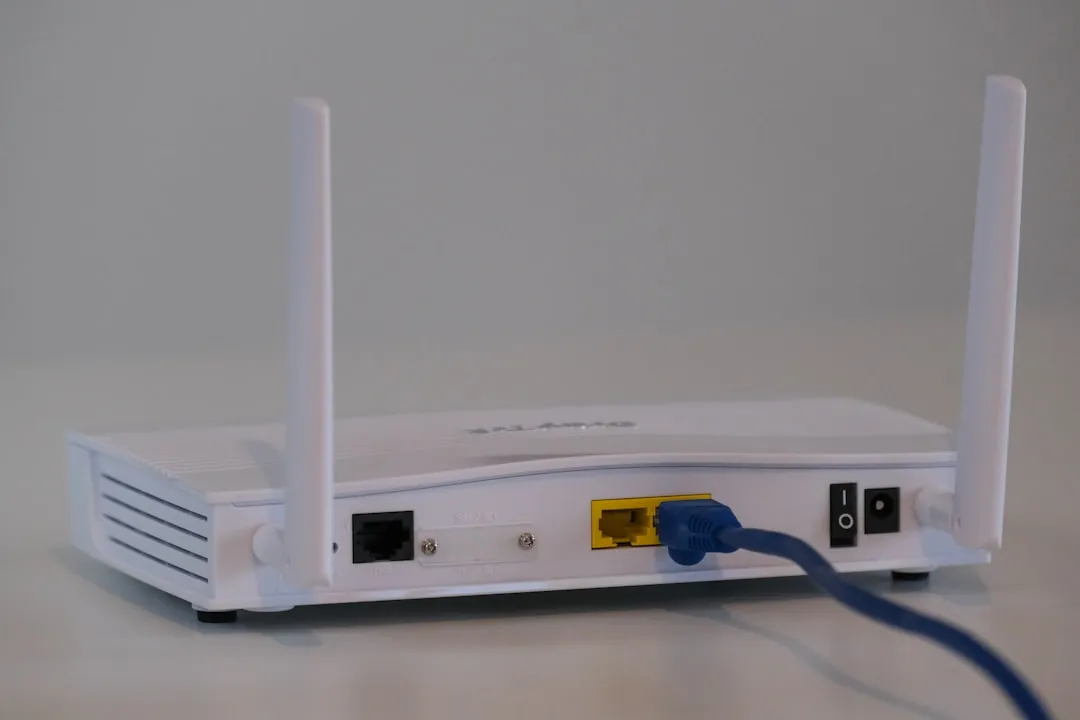
There’s a separate but related problem that happens even before traffic leaves your neighborhood: your Wi-Fi signal itself might be competing with your neighbors’ routers. Wi-Fi operates on radio frequencies, and most older routers use the 2.4 GHz band, which has only three non-overlapping channels in the United States. If you, your next-door neighbor, and the apartment upstairs are all broadcasting on channel 6, your signals are literally interfering with each other.
When multiple networks broadcast on the same channel, they have to take turns transmitting data, which slows everyone down. Urban areas and business districts face even more challenges due to the sheer number of networks competing for limited space. A single apartment building might have dozens of networks all trying to use the same channels.
Running a channel scan in the evening rather than mid-morning matters here. Network congestion follows human patterns. If you scan at 10 AM on a Tuesday, you’ll see a quieter picture than you will at 8 PM when everyone’s home and streaming something.
Data Caps Add Another Layer of Slowdown

Some internet plans include usage limits. After reaching a specified threshold, your provider may reduce speeds until the next billing cycle begins. If your household streams a lot of video throughout the month, you might be hitting that ceiling right around the evenings without realizing it.
Data caps are monthly usage thresholds. Plans vary: some charge overage fees, some slow speeds after a threshold, and some are unlimited. The key word is “some.” Checking your current plan’s broadband label is the fastest way to find out which category you’re in.
Regardless of where you live, your ISP is still required to be transparent about data caps, speed thresholds, and network management practices under the FCC’s Broadband Label rules. That label is worth reading before blaming your hardware.
Your Router and Its Age Matter More Than You’d Expect
Routers have a maximum capacity for the number of devices they can connect to at once and the amount of data they can move through those connections. Older models were designed for smaller, simpler households with far fewer connected devices than most homes have today. A router that worked fine five years ago may be undersized for your household now.
Factors like outdated equipment, interference from other electronic devices, and even environmental issues can also contribute to slower speeds in the evening. Evening is when all of those stressors hit simultaneously, which is why problems that barely show up during the day become glaring after dinner.
Congestion can be worse in large cities and places that have a high demand related to school and work. Dense populations and shared infrastructure are a compounding combination, especially in areas that haven’t yet received fiber upgrades.
Streaming Services and CDN Congestion

Peak evening hours in the US, when a large portion of the population is simultaneously streaming video, can strain even large CDNs. You might notice that Netflix loads fine but YouTube is slow, or vice versa. That inconsistency often points to congestion somewhere in the delivery chain specific to one service, not a problem with your connection overall.
Congestion, typically most pronounced in the evenings, affects all devices whether connected via Ethernet or Wi-Fi. If your streaming service is buffering and sluggish but all other activities are performing normally, then your provider may be throttling high data use services like streaming.
This is an important distinction. If only one streaming app is slow while others work fine, the issue lives upstream at the content delivery level, not in your living room.
How to Confirm the Problem Is Real
Plug directly into your router with an Ethernet cable. This eliminates Wi-Fi as a variable and isolates whether the problem is your ISP or your home network. If speeds are still dramatically lower in the evening via a wired connection, the culprit is almost certainly your ISP’s infrastructure.
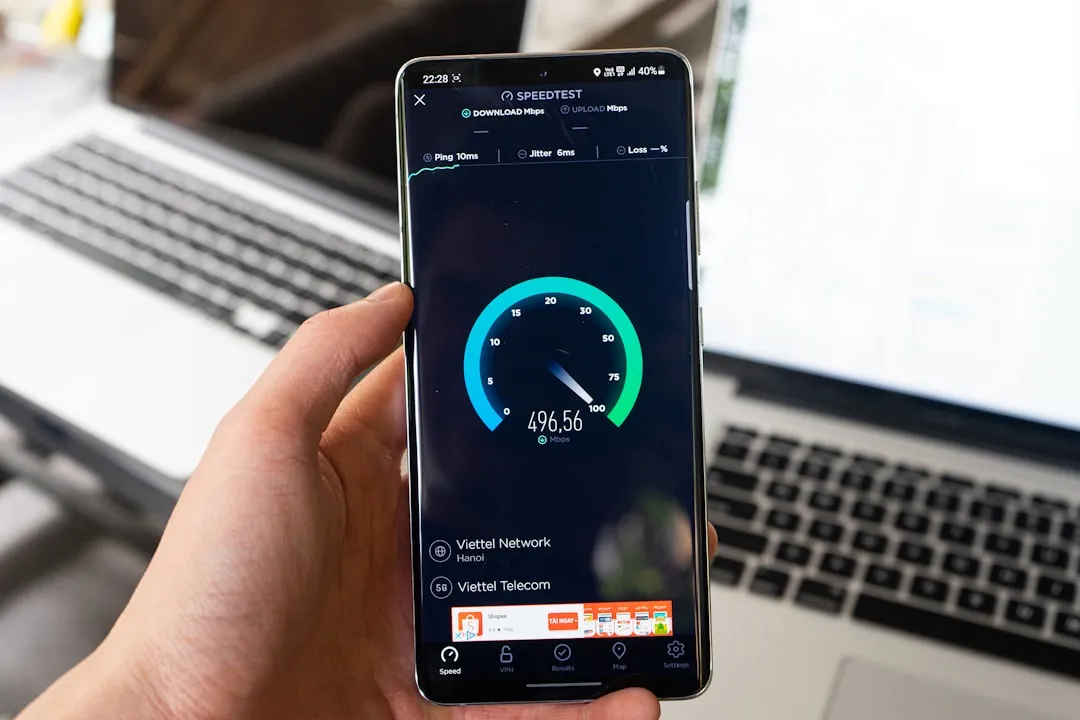
Run speed tests at different times to build an evidence trail. Test at 10 AM, 3 PM, 7 PM, 9 PM, and 11 PM on the same day. A consistent drop in the evening window confirms peak-hour congestion rather than a hardware fault.
The quickest way to check for throttling specifically is to run a speed test at Speedtest.net, then connect to a VPN and run the test again. If your speeds improve noticeably with the VPN active, your ISP is likely applying activity-based throttling to your connection.
What You Can Actually Do About It
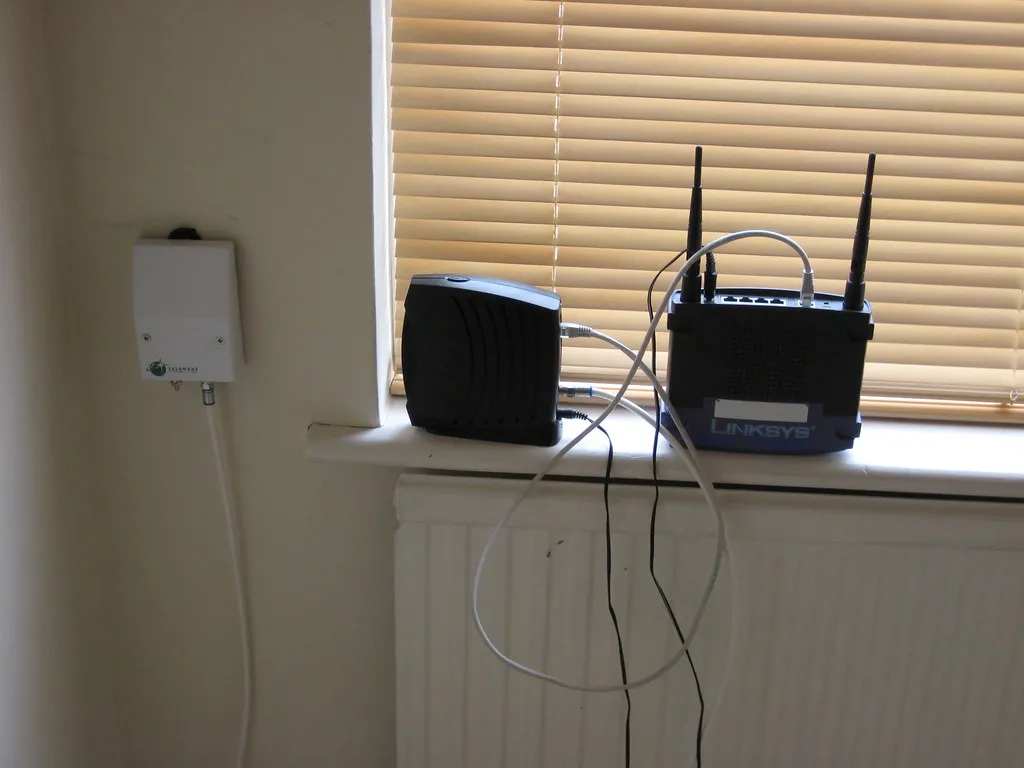
Channel optimization provides the most immediate improvement by moving your network to less congested frequencies. Access your router’s administration panel and switch to channels with minimal neighboring network activity. For 2.4 GHz networks, use channels 1, 6, or 11 exclusively, while 5 GHz networks offer many more non-overlapping channel options for better performance.
Schedule backups, OS and game updates, and large downloads outside your peak window. Large downloads, updates, or high-definition streaming can be scheduled during off-peak hours, like early in the morning or late at night, when fewer people are online.
If available in your area, consider switching to fiber-optic internet, which typically maintains more consistent speeds throughout the day. Fiber-optic deployments mitigate but do not eliminate congestion entirely in oversubscribed scenarios, so it’s not a guaranteed fix, but it’s generally the most reliable upgrade available to residential users.
The Takeaway
The evening slowdown is not a glitch. It’s a predictable consequence of how residential internet infrastructure was built, maintained, and sold. Millions of households sharing the same local node, the same radio channels, and the same bandwidth pipeline will always produce this effect at the same hour. Some of the causes sit with your ISP; others sit with your hardware or home setup. The good news is that once you know which layer the problem lives in, the path to a solution becomes much more direct. Restarting the router will never fix a shared neighborhood node. Knowing that is genuinely half the battle.
AI Disclaimer: This article was created with the assistance of AI tools and reviewed by a human editor.