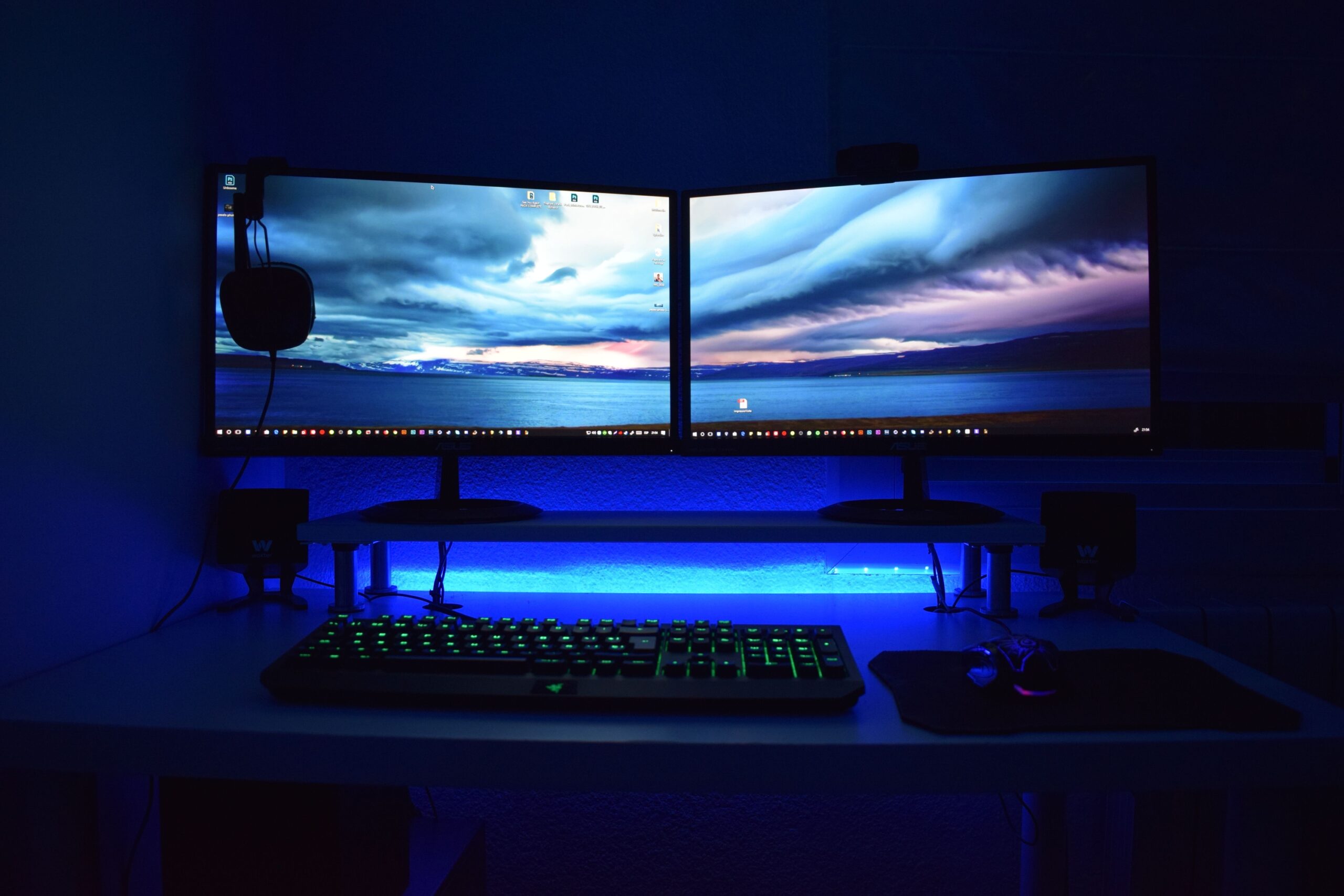

The Dual Monitor Setup Was Never as Efficient as It Seemed
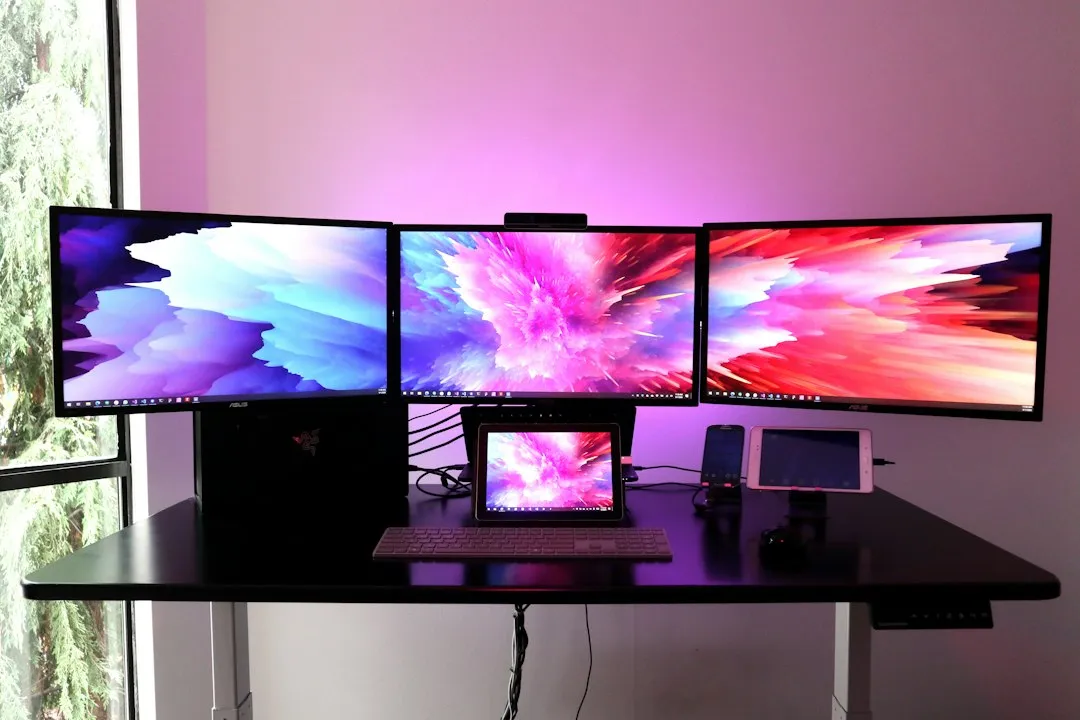
Dual monitors became the default “productivity upgrade” for office workers everywhere, but the research on them is more complicated than the hype suggested. A study by software developer Mavenlink found that roughly three quarters of surveyed businesses reported spending over an hour each day, on average, merely switching between different applications. Having two screens doesn’t automatically solve that problem if the workflow itself is disorganized.
Psychology professor David Meyer of the University of Michigan argued that working with multiple monitors, in contrast to concentrating on one, can negatively affect productivity, because people are distracted and their workflow gets constantly interrupted. The second screen, rather than helping, can become a permanent distraction magnet, filled with chat apps, email, and browser tabs that pull attention away from the primary task.
What the Ultrawide Actually Is
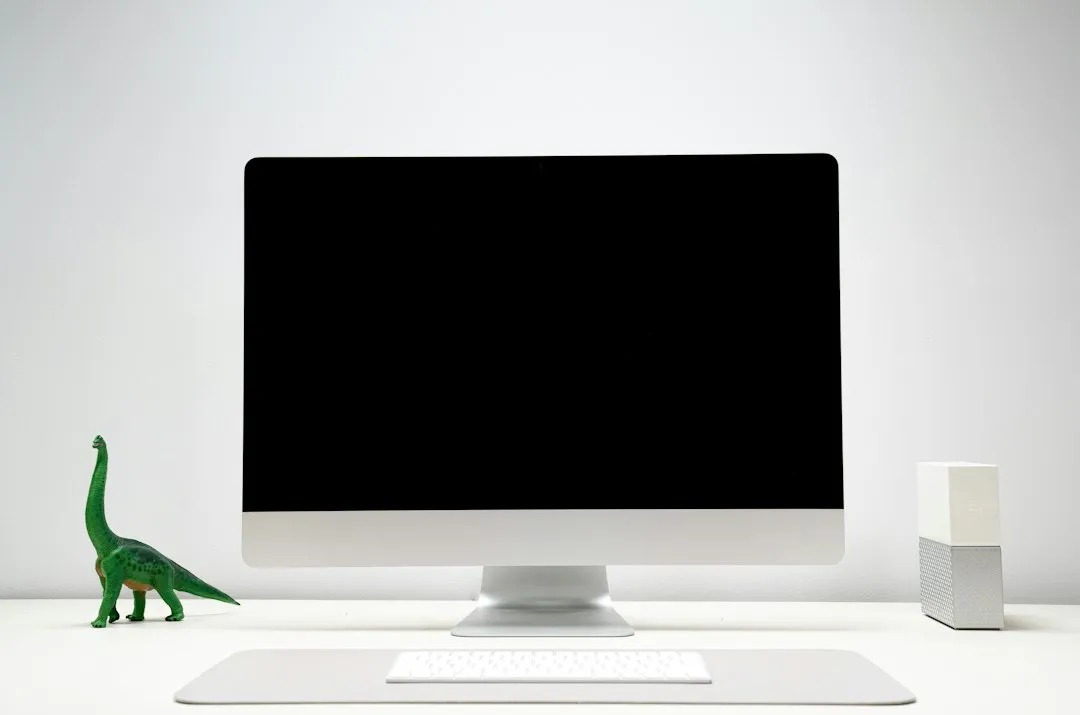
An ultrawide monitor is a single display unit featuring an extended horizontal aspect ratio, typically 21:9 or 32:9, compared to the traditional 16:9 format. These monitors are designed to replace dual-monitor setups by providing a massive, unbroken panoramic canvas. Think of it as merging two screens into one, without the physical gap between them.
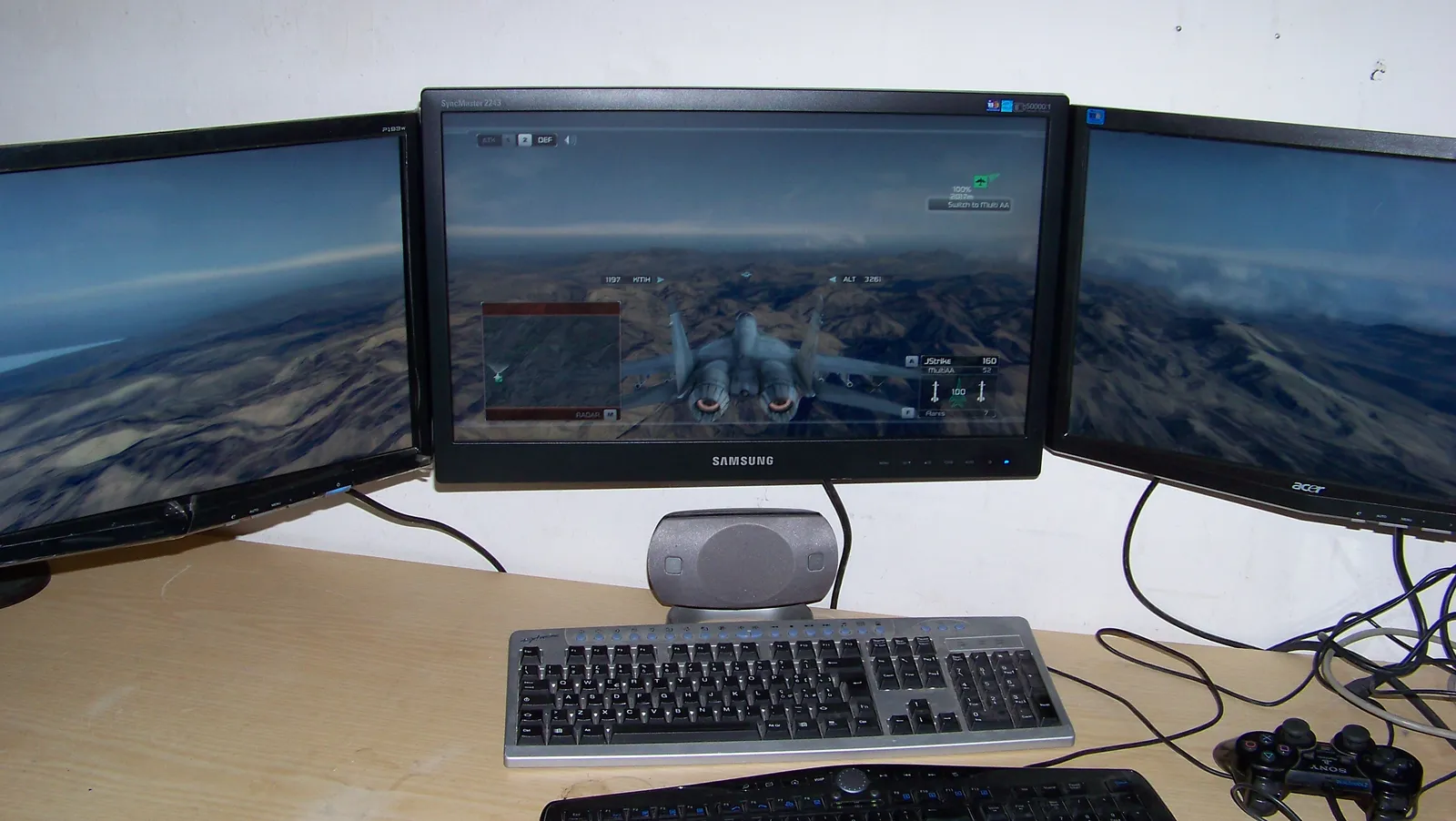
A standard 34-inch ultrawide at 3440×1440 resolution offers roughly the same screen real estate as two 24-inch monitors placed side by side, but completely eliminates the disruptive plastic bezel gap in the center of the user’s field of view. That center gap, cutting right through the middle of most documents, spreadsheets, and video calls, is something dual monitor users learn to work around rather than truly solve.
The Productivity Numbers Are Compelling
According to a study by the University of Utah, using a widescreen monitor increased productivity by more than half compared to a single monitor, and by roughly a fifth compared to two smaller monitors. Those are not marginal gains. For knowledge workers juggling multiple applications all day, that difference translates directly into saved hours.
A 2022 study by the University of Utah also found that professionals using ultrawide monitors completed multitasking tasks up to fifteen percent faster than those using standard 16:9 screens, with the gains most pronounced in roles requiring continuous cross-referencing between applications. Roles like data analysis, writing, project management, and coding all fall squarely into that category. A Forrester study commissioned by Dell also concluded there was a twelve percent productivity gain when traders switched from four smaller monitors to two larger 34-inch WQHD monitors, resulting in nearly a hundred hours of annual incremental productivity per trader.
The Bezel Problem Nobody Talks About Enough
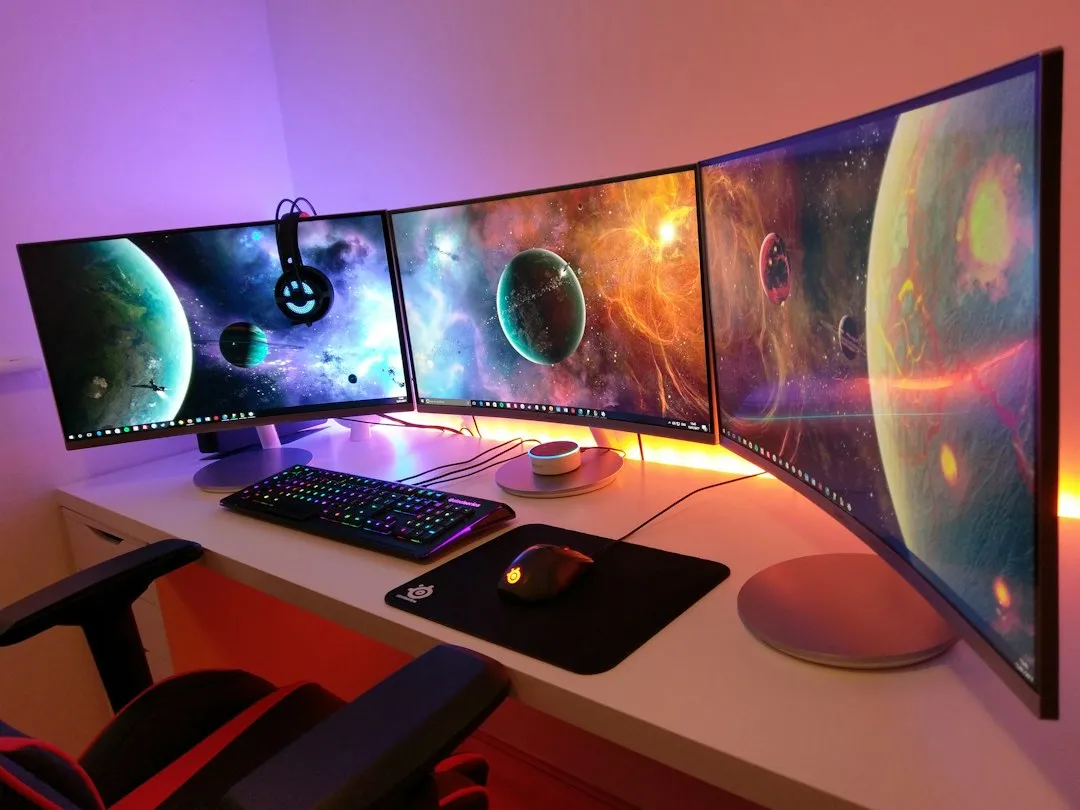
Ultrawide monitor productivity tends to win for focus because everything lives on one continuous screen, with no bezels splitting your attention and no physical gap breaking your flow. This might sound like a minor aesthetic complaint, but if your primary work involves reading documents, analyzing data side by side, or keeping a reference window open while writing, that center break constantly interrupts the visual continuity your brain needs.
With a standard 16:9 display, a workday becomes an endless cycle of Alt-Tab. The ultrawide removes that friction by keeping all relevant windows visible at once, without forcing you to snap your gaze across a physical divide. With an ultra-wide monitor, everything is in front of you simultaneously, so you can have one window with reference material, one with the document you’re drafting, and a third for comparison, all open at once, which means you don’t have to switch back and forth and risk getting distracted searching for a tab or window.
Ergonomics: Where Ultrawide Has a Real Edge
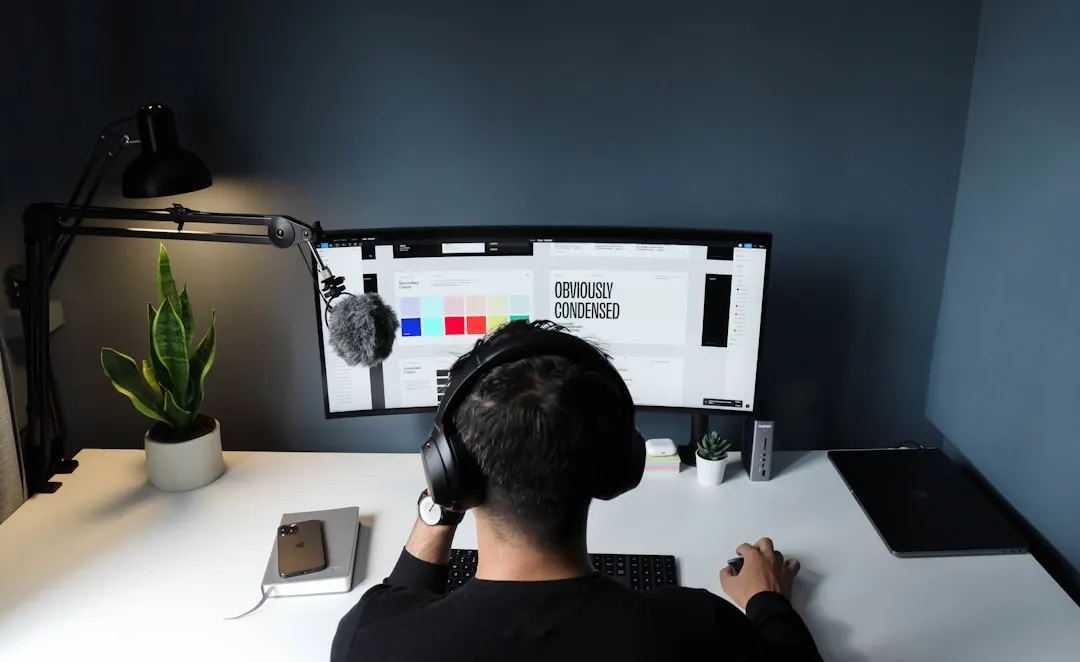
According to a 2024 study conducted by the University of Arkansas, dual-monitor setups objectively impose higher biomechanical strain than single-monitor alternatives. The reason is straightforward: most dual monitor users angle their screens outward to fit them on the desk, which forces the neck to rotate constantly throughout the day toward whichever screen is in use.
When the neck is rotated more than thirty degrees for extended periods, the muscles on one side are under constant tension while the opposing muscles are shortened, which can lead to tension-type headaches and trapezius strain. A centered ultrawide reduces how far the eyes and neck need to travel. Ultrawide monitors may reduce the need for excessive neck rotation compared to traditional dual-monitor setups, potentially increasing comfort during prolonged use.
Desk Space and Cable Chaos
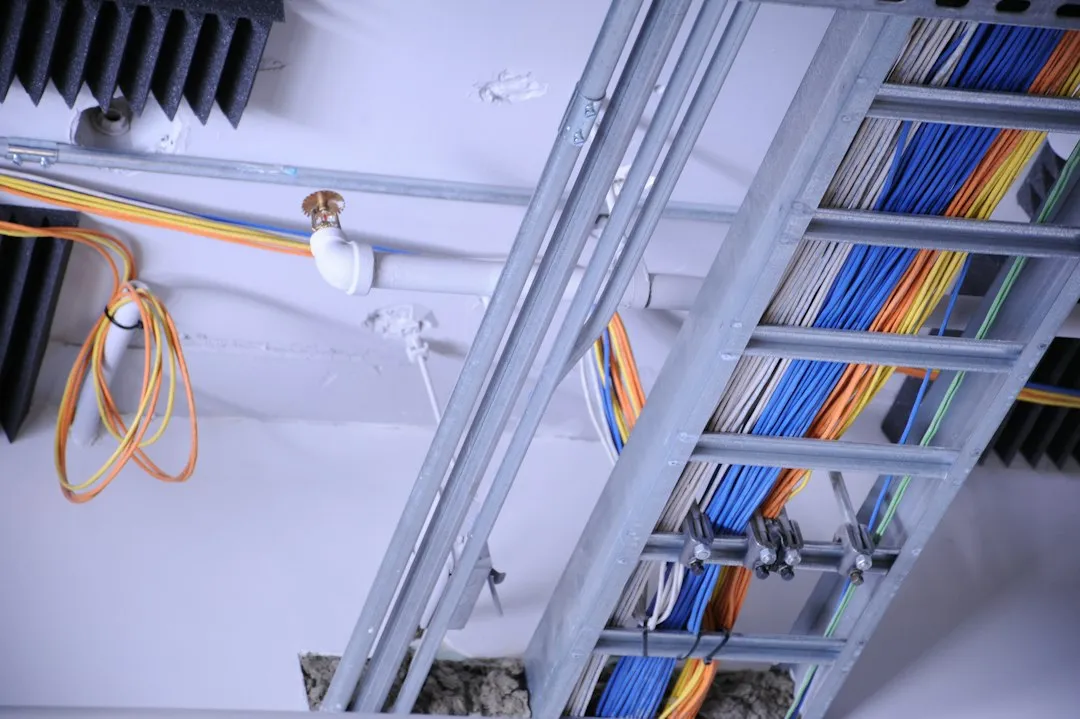
A typical remote work desk already feels crowded: laptop dock, webcam, keyboard, headset, two display stands, and a tangle of cables behind it all. Adding a second monitor doesn’t just take up horizontal real estate. It multiplies the number of power bricks, display cables, and adjustment points you have to manage every time you rearrange anything.
USB-C with Power Delivery handles video, data, and laptop charging through one cable on many ultrawide models. It eliminates the need for a separate dock and reduces cable clutter significantly. For many users, an ultrawide reduces cable clutter and creates a cleaner setup, while dual monitors tend to demand more cabling infrastructure. For remote workers who care about their mental environment as much as their physical one, a cleaner desk matters more than it sounds.
Who Benefits Most from Making the Switch
Remote workers in creative fields often praise the immersive experience of an ultrawide. Video editors appreciate the ability to stretch out timelines, while UX designers find it easier to preview responsive layouts across device sizes. Developers, writers, and data analysts also benefit from having multiple windows spread across a seamless horizontal canvas without needing to reach for a separate screen.
Remote workers who prioritize focus and deep work, including writers, developers, and designers, are among those who gain the most from the single ultrawide setup. That said, the picture isn’t completely one-sided. Administrative or customer support roles involving mostly form-filling or chat-based interactions may not fully utilize the extra width, leading to underused screen space. The right setup depends on the work, not just the worker.
Size Matters: The 34-Inch Sweet Spot
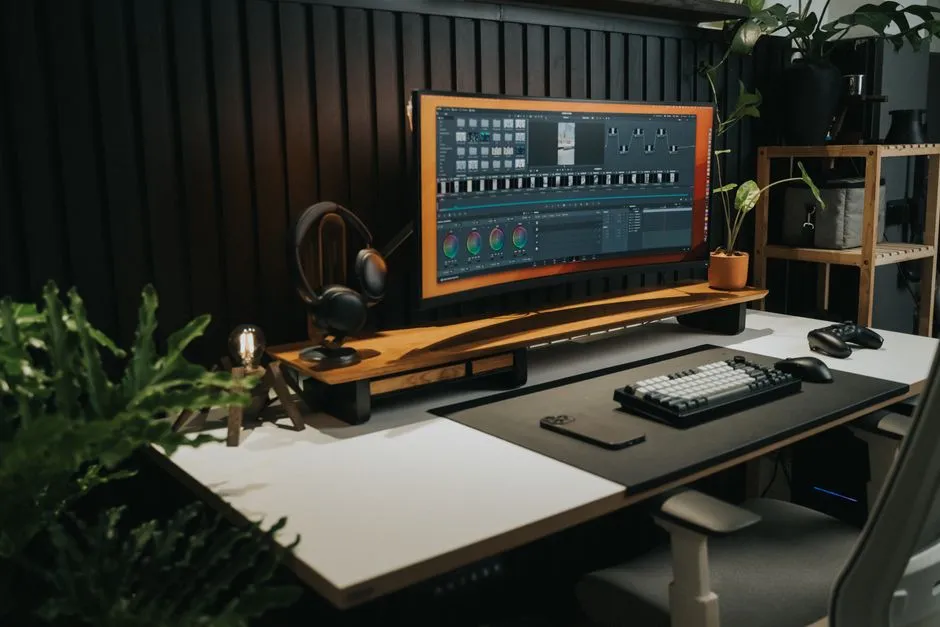
A well-sized 34-inch ultrawide is becoming the most practical middle ground for many home offices. It’s large enough to host three side-by-side window zones comfortably, yet small enough to sit at a normal desk without forcing the user to turn their head excessively to view the edges. Going bigger introduces a different set of ergonomic tradeoffs.
A 2024 lab study cited in ultrawide ergonomics research found that wider displays increased head-rotation demands, and some users found forty-inch displays overwhelming, while many preferred the 34-inch option because it reduced neck twisting. For most full-day office work, a 34-inch ultrawide is easier to position than a 40-inch or 49-inch model. If the desk is only about 24 inches deep, a bulky stand can consume several inches before accounting for the keyboard, wrist position, and a comfortable viewing distance.
The Market Is Moving in This Direction
The 21:9 ultrawide monitors market was valued at roughly 2.8 billion USD in 2024 and is estimated to reach 6.5 billion USD by 2033, growing at a compound annual growth rate of more than ten percent from 2026 to 2033. That’s not a niche trend. That’s a structural shift in how professionals think about their displays.
The global curved ultrawide office monitor market reached nearly 2.5 billion USD in 2024, reflecting robust demand from both enterprise and remote work environments. A key growth factor is the shift towards hybrid and remote working models, which has accelerated significantly in recent years. As prices continue to fall and more models reach the mid-range budget tier, adoption is only expected to widen. As competition intensifies, the cost of ownership for curved ultrawide monitors is gradually decreasing, making these products more accessible to small and medium-sized enterprises.
When Dual Monitors Still Make More Sense
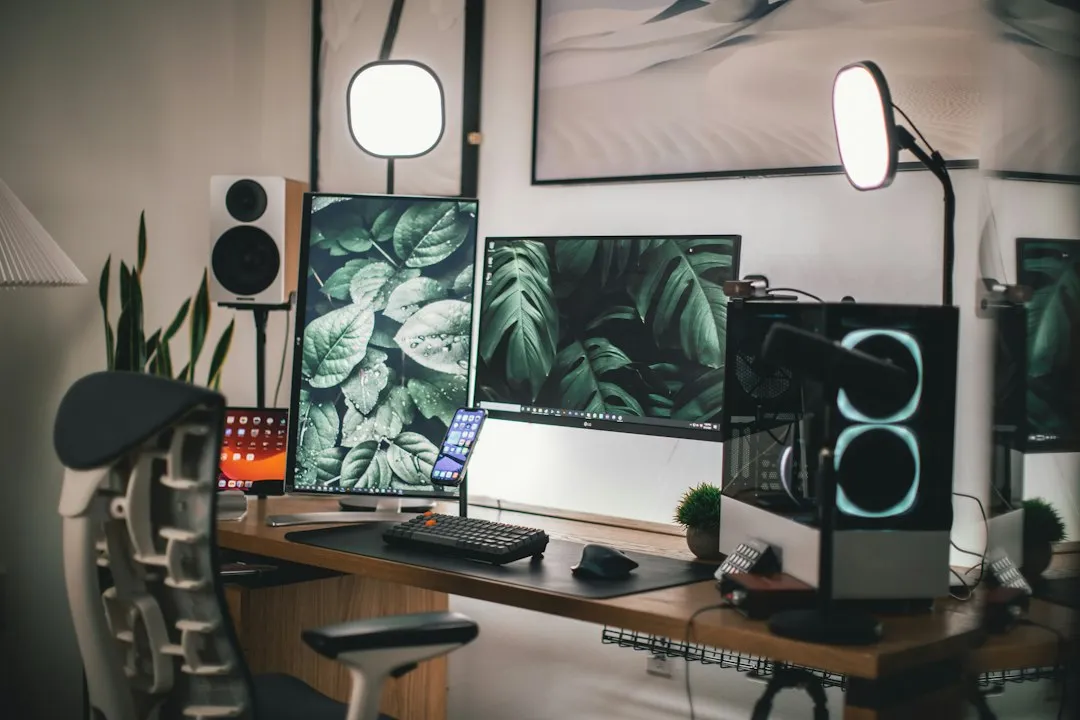
It would be dishonest to frame this as a clean win for ultrawides in every scenario. Dual monitors remain a reasonable choice for programmers who need a vertical screen orientation, day traders tracking multiple feeds, and remote workers who frequently share their screen on video calls. Screen-sharing in particular can be awkward on an ultrawide, since most video conferencing platforms display the shared content in a format that leaves large portions of an ultrawide screen unused.
A 2023 study by researchers from the University of Arkansas found that for certain information-gathering tasks, ultrawide monitors can offer similar or even superior performance benefits compared to multiple monitors, particularly for tasks that need a wide, uninterrupted visual field, like examining architectural plans. While ultrawide monitors offer significant advantages for some, the research found that they were not helpful for everyone. Knowing your own workflow honestly is the deciding factor.
The Takeaway
The ultrawide monitor isn’t a gadget upgrade. For a growing number of remote workers, it’s a rethinking of how screen real estate actually functions in a focused, daily workflow. One seamless panel, fewer cables, less neck strain, and no bezel cutting through the middle of everything you’re trying to read or compare simultaneously.
The dual monitor setup made sense when bigger displays were expensive and two small screens were the only affordable path to more space. That logic has aged out. If you’re still managing two mismatched panels and a cable spaghetti situation behind your desk, the 34-inch ultrawide is worth a serious look. Not because it’s trendy, but because the research and the real-world experience of remote workers increasingly point the same way.
AI Disclaimer: This article was created with the assistance of AI tools and reviewed by a human editor.