

You finally sit down to watch a great film on your brand-new television. The picture looks sharp, colors pop, and everything moves with an almost unnerving smoothness. Something feels off, but you can’t quite put your finger on it. What you’re experiencing has a name, and it comes baked right into almost every TV sold today.
It’s called the soap opera effect, and it’s caused by a single picture processing feature that most manufacturers quietly switch on before the TV even leaves the factory floor. Understanding what it is, why it exists, and how to defeat it can genuinely transform how movies look in your living room.
What the Soap Opera Effect Actually Is

The soap opera effect, also known as motion interpolation or frame interpolation, is a video processing technique that generates artificial frames between existing ones to create smoother motion. The result is a hyper-realistic, almost clinical look that feels nothing like watching a film in a theater.
It gets its name from the fact that soap operas were shot at higher frame rates compared to movies, giving them a kind of “hyperreal” smoothness to the movement. When that same quality appears in your favorite action film or slow-burn drama, the effect is immediately jarring, even if you can’t explain exactly why.
Why Films Are Shot at 24 Frames Per Second
Movies have a slightly stuttering effect called judder, especially when the camera pans across a scene. This appearance occurs because movies and many prime-time TV shows are shot at a relatively slow 24 frames per second, or 24 hertz. That frame rate isn’t an accident or an old limitation nobody bothered to fix.
Without motion smoothing, most TV sets are still fully capable of playing a movie at the standard frame rate and presenting the title as it would appear on a movie screen. The slight motion blur and natural cadence of 24fps is part of what makes cinema feel like cinema, not a live TV broadcast.
How Modern TVs Create the Problem
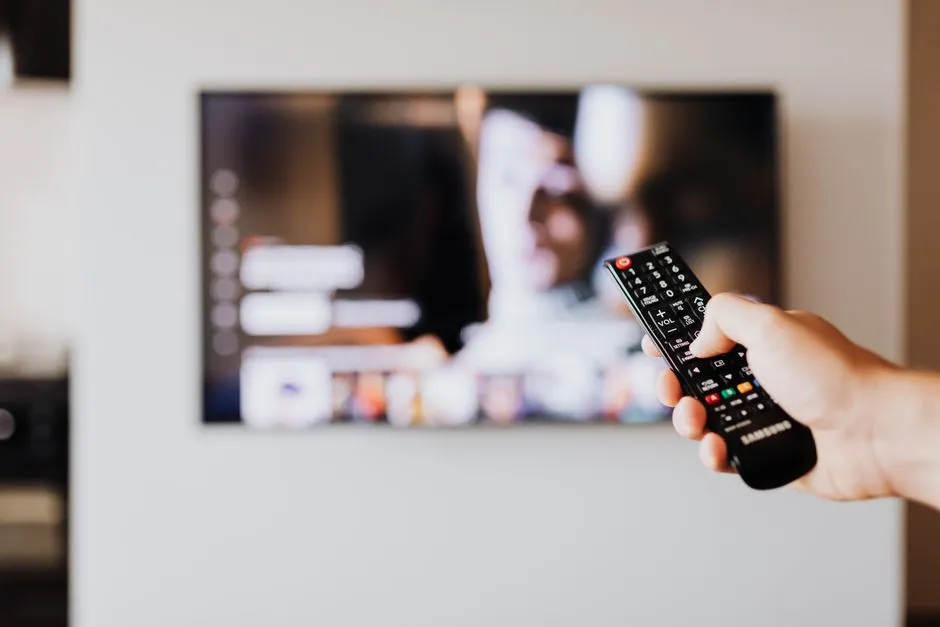
Motion smoothing attempts to reduce judder by increasing the TV’s frame rate in a process called frame or motion interpolation. The TV analyzes adjacent video frames, making an educated guess as to what the in-between frames would look like if they’d been captured, and then inserts those new frames into the video stream. It’s essentially fabricating information that was never recorded.
When there’s a mismatch between a TV’s refresh rate and the content frame rate, the TV needs to display the incoming frames multiple times. So if you’re watching 30fps content on a TV with a 120Hz refresh rate, the TV needs to display each incoming frame four times. Motion interpolation fills that gap with invented frames instead, which is where the trouble starts for cinematic content.
It’s On By Default on Nearly Every TV
When the motion smoothing setting is on – as is the default for nearly every TV sold in the United States – a film’s frame rate gets bumped up in order to match the max frame rate possible on the set. Most buyers never know it’s happening.
Motion smoothing creates intermediate frames between real frames to make 24fps movies look like 60fps video. Every brand enables this by default. The setting exists across budget sets and flagship OLEDs alike. A budget TV and a flagship OLED can both produce it, because it comes from a software feature called motion smoothing, also called frame interpolation or motion interpolation.
Why It Works Well for Sports but Ruins Films

Video is typically shot at 60Hz. That’s why sports, reality and game shows, and soap operas have smoother motion than 24Hz films. For fast-paced live events, cleaner motion genuinely helps viewers follow the action without blur or judder obscuring the detail.
This may sound great for sports, and it usually is – but it has a weird effect on 24fps movies or cinematic TV shows. The same processing that clarifies a goal-line scramble makes a carefully lit drama feel cheap and strangely over-exposed, like it was shot on a handheld camcorder rather than a professional cinema camera.
Filmmakers Have Pushed Back Hard

Motion interpolation, which was not intended by the filmmakers or captured by the camera, also annoys some filmmakers. The concern is straightforward: directors spend enormous amounts of time and money crafting a visual language, and a single TV setting can undercut it entirely in someone’s living room.
Motion smoothing attempts to bend film and shows’ presentation to match the capabilities of TV sets, rather than the other way around. The UHD Alliance, a group made up of around 40 companies including Dolby, Panasonic, Samsung, Universal, and Warner Brothers, began working on a solution with the input of filmmakers like Martin Scorsese, Patty Jenkins, Ryan Coogler, Rian Johnson, and Christopher Nolan. That solution became Filmmaker Mode.
The Industry’s Answer: Filmmaker Mode

Filmmaker Mode was launched in 2020 by the UHD Alliance, which is a coalition of Hollywood studios and filmmakers, TV makers, and content distributors. It represents a rare moment of Hollywood and the consumer electronics industry agreeing on something.
Filmmaker Mode gives viewers a more cinematic experience by disabling all post-processing, such as motion smoothing, so a movie or television show is displayed as it was intended by the filmmaker, preserving the correct aspect ratios, colors, and frame rates. A newer development, Filmmaker Mode 1.1 introduced in 2025, uses a TV’s sensors to detect ambient room light and adjust Filmmaker Mode settings accordingly.
Dolby Vision and the 2024 to 2025 Expansion
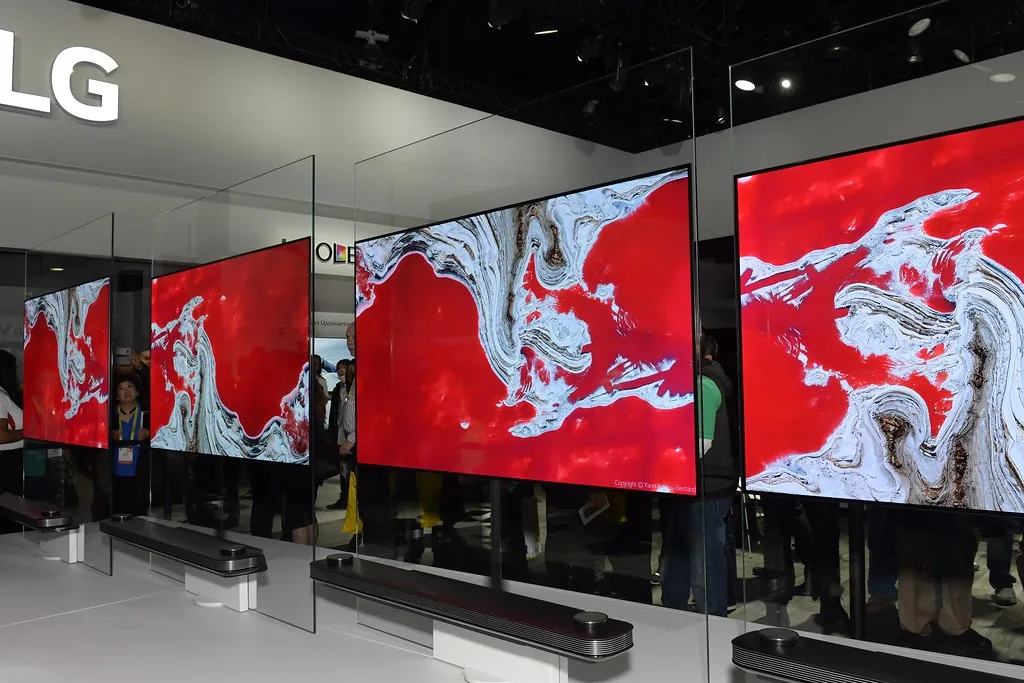
In 2024, Filmmaker Mode expanded beyond SDR and HDR10 to also be an option with Dolby Vision content. This was a significant step, since Dolby Vision has become one of the most common HDR formats on streaming platforms and 4K discs.
This feature was introduced by LG in 2024 in the LG C4, LG G4, and LG B4 OLED TVs, applying the principles of the UHD Alliance’s Filmmaker Mode preset to the increasingly widespread Dolby Vision content on 4K Blu-ray disc and streaming services. At CES 2025, TCL also announced that its 2025 TV lineup would support Dolby Vision Filmmaker Mode.
How to Turn It Off on Every Major Brand
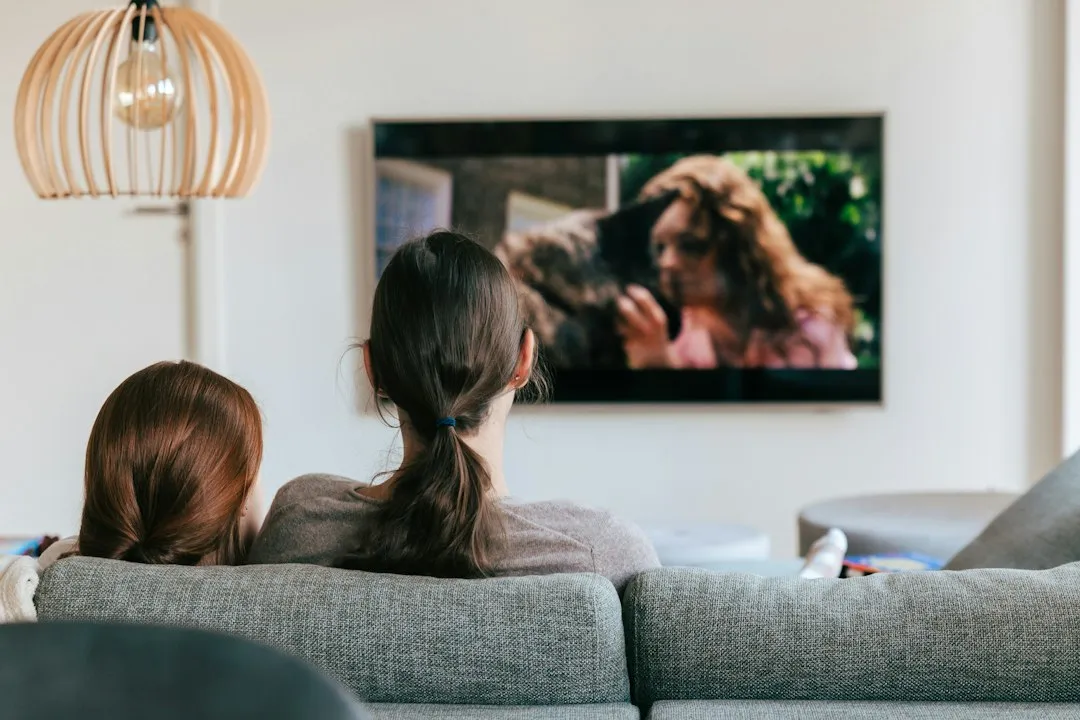
The fastest way to stop the soap opera effect is to switch the picture mode to Filmmaker Mode, Cinema Mode, or Movie Mode. When you select it, the TV turns off motion smoothing, post-processing sharpening, frame interpolation, and dynamic contrast automatically. It’s the quickest path and requires no digging through sub-menus.
If you prefer to go manual, open Picture Settings, switch the picture mode to Filmmaker, Cinema, or Movie Mode, then turn off the brand’s motion smoothing setting: Auto Motion Plus on Samsung, TruMotion on LG, MotionFlow on Sony, and Action Smoothing on TCL. Netflix Calibrated Mode also tries to eliminate the soap opera effect and adjusts color, brightness, and contrast, but only on the service’s streaming movies and original shows.
One Nuance Worth Knowing: Judder Reduction Is Different
Buried in the same menu, there is often a separate setting that smooths out the faint judder in 24fps film without inventing any frames. It helps, and it does not cause the soap opera look. Many people mistakenly turn everything off in that menu and end up with a slightly more jittery picture than necessary.
Many sets with 120Hz and higher refresh rates let you turn off motion smoothing separately from blur reduction. The goal is to disable the artificial frame insertion while leaving light judder correction in place. Setting blur and judder reduction to a low level, such as 3 out of 10 on some sets, can result in a smoother image that doesn’t trigger the soap opera effect.
The Fix Is Simple, and It Lasts
Once you know what the soap opera effect is, you can’t unsee it. The good news is that the fix takes less than two minutes, and it makes an immediate difference on any film you watch afterward.
Disabling motion smoothing is one of the core things Filmmaker Mode does, which is why it’s the quickest way to remove the soap opera effect on a supported TV. For sets that don’t carry Filmmaker Mode, switching to Cinema or Movie mode and manually disabling motion interpolation achieves the same result. One caveat worth noting: motion smoothing resets on most firmware updates, so it’s worth checking the setting again after any major software update.
Final Thoughts
The soap opera effect isn’t a flaw in your TV panel or a sign that something is broken. It’s a software choice made by manufacturers, switched on by default, and easily reversed. The gap between what a director intended and what most viewers actually see comes down to a single buried setting.
That the industry has moved toward standardized solutions like Filmmaker Mode, now expanding into Dolby Vision and ambient light adaptation as of 2025, suggests the problem is taken seriously at every level. For now, the most reliable fix remains the same one it’s always been: go into the picture settings, find motion smoothing, and turn it off.
AI Disclaimer: This article was created with the assistance of AI tools and reviewed by a human editor.