
The Wi-Fi Habit Most Owners Never Question
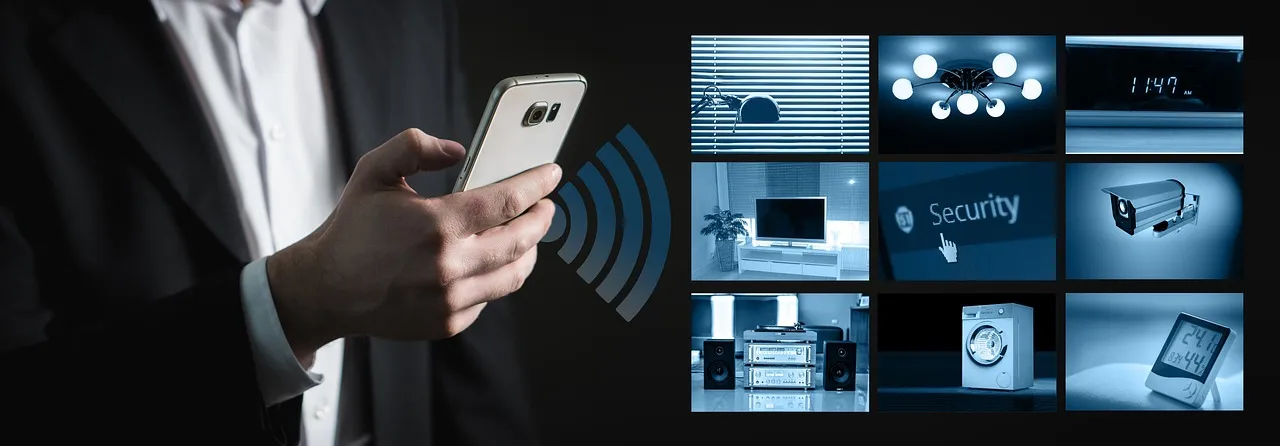
Wi-Fi-enabled locks are convenient because they connect directly to your home network without requiring a separate hub. However, Wi-Fi continuously consumes energy in the background. That background draw doesn’t pause when you go to sleep or leave the house.
Bluetooth Low Energy, used for communication with your nearby phone, is designed for extreme efficiency. A Wi-Fi radio, however, is notoriously power-hungry. It must wake up, connect to your router, negotiate security protocols, and communicate with the cloud. A lock constantly connected to Wi-Fi will invariably have a shorter battery life than one operating primarily via Bluetooth.
Wi-Fi smart locks typically last two to four months, Bluetooth models last six to ten months, and Z-Wave or Zigbee models last eleven to nineteen months in real-world usage. That’s a dramatic difference driven almost entirely by connectivity choice, not usage volume.
Leaving Auto-Lock on a Short Timer
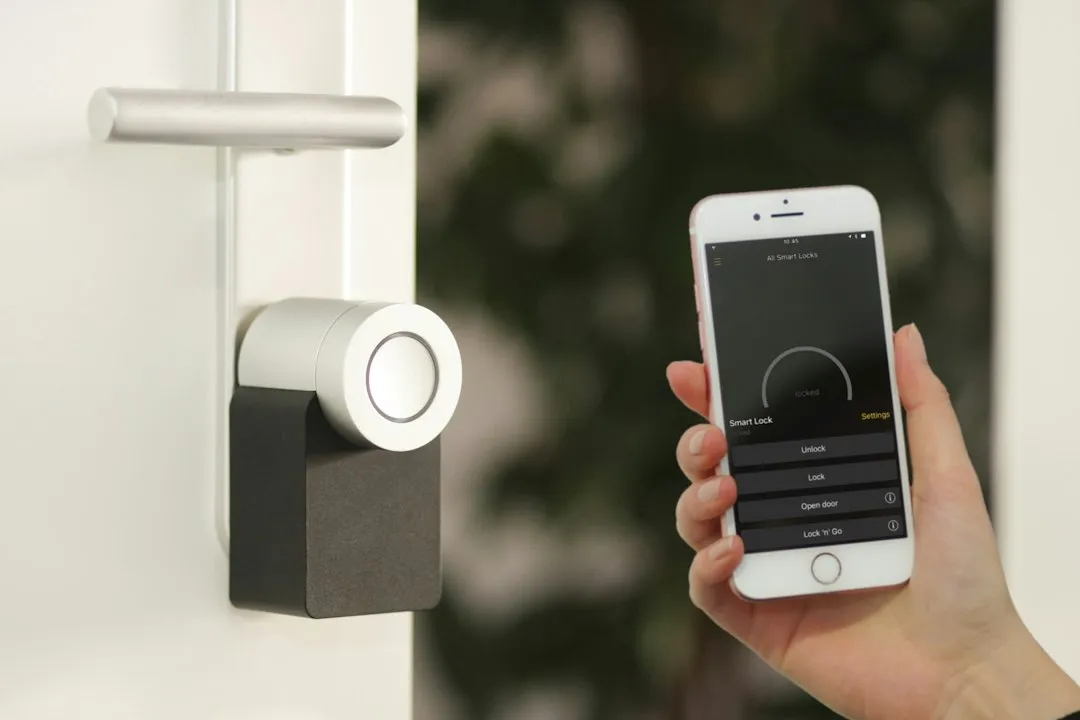
If your lock is set to relock automatically after 30 seconds, it significantly increases daily motor cycles. Each motor cycle draws a meaningful amount of power, and short auto-lock timers can multiply those cycles many times over the course of a day.
Most battery drain problems come from one of three issues: the radio is working too hard, the motor is straining due to a misaligned door, or the lock is doing far more lock and unlock events than users realize, often through auto-lock, auto-unlock, and automations. Auto-lock is frequently the invisible multiplier that owners never account for.
Setting your auto-lock timer to five or ten minutes rather than 30 seconds reduces motor cycles substantially without any meaningful security tradeoff. It’s a small habit adjustment that can add weeks to battery life over time.
A Misaligned Door Frame Doing Serious Damage

A misaligned door is one of the fastest ways to drain a smart lock battery. If the lock motor has to work harder to engage or disengage the bolt, it consumes significantly more power. This is one of the most common silent killers, and most owners never check for it.
Houses settle, and wood doors swell and shrink with humidity and temperature changes. A perfectly aligned door in summer can become a tight fit in winter. The same lock that ran smoothly for eight months may suddenly start draining batteries in three once seasonal expansion sets in.
A misaligned door can make a smart lock’s motor work much harder, pulling higher current from the batteries each time. Warning signs include a deadbolt that feels stiff when you turn it manually, a lock that stops mid-turn and tries again, or a motor that sounds like it’s straining or slowing down. If any of those symptoms sound familiar, door alignment deserves a look before blaming the batteries.
Using the Wrong Battery Type
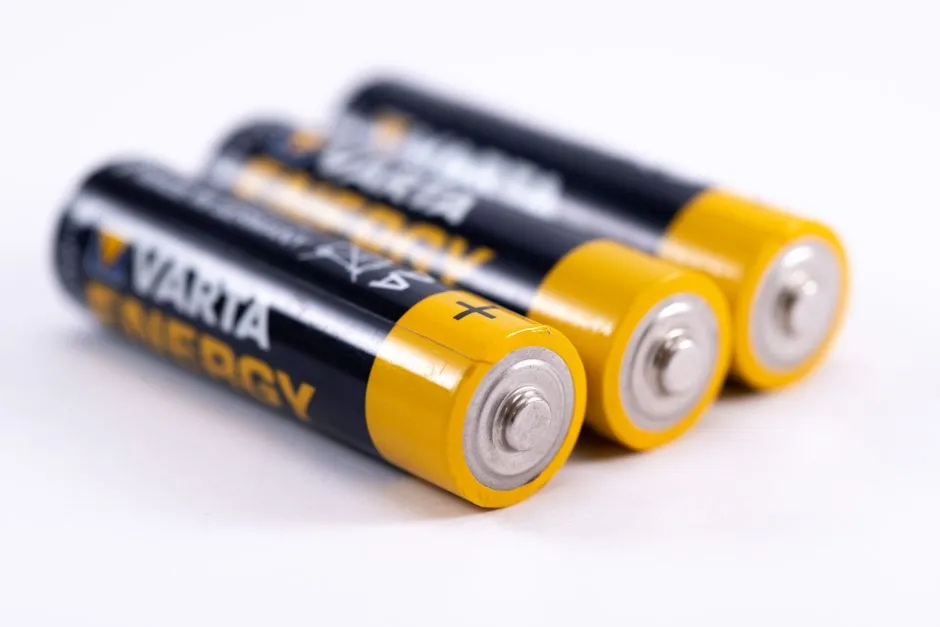
Alkaline batteries experience a significant voltage drop below 50 degrees Fahrenheit, which causes the lock’s motor controller to draw more current to compensate. Lithium batteries maintain stable voltage down to negative 40 degrees, making them the correct choice for any outdoor installation in climates with real winters.
Lower-quality or partially used batteries may drain faster than rechargeable, high-quality alternatives. Mixing battery brands or using batteries pulled from another device is a habit that compounds the problem significantly. The voltage mismatch between old and new cells creates inefficiency that shortens the overall pack life.
Don’t mix new and old batteries. It messes with the battery life. It’s advice that sounds obvious but gets ignored constantly, especially in households where spare batteries get grabbed from a junk drawer without much thought.
Ignoring Firmware Updates
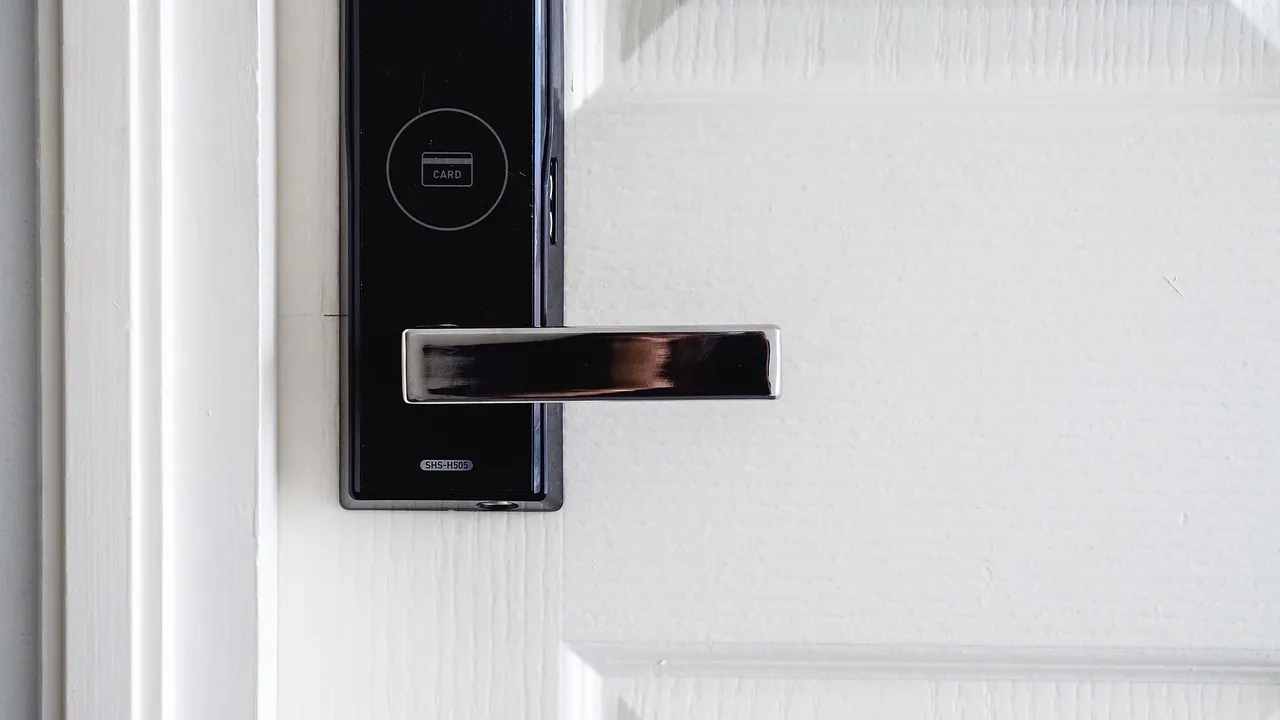
For most smart door locks, old firmware can cause battery problems. Updating usually fixes it and can improve the overall experience. Firmware bugs have been responsible for some of the most dramatic real-world battery drain cases documented by users in recent years.
A Schlage Encode Plus received a Bluetooth certification update in late 2024 that resolved a background scanning loop. Yale Assure Lock 2 received a November 2024 update that addressed auto-lock timer drift. Both issues were draining batteries at an accelerated rate before the patches were applied.
Some smart locks perform automatic firmware updates or keep certain features like activity notifications running in the background, which can lead to faster battery consumption. Checking your app’s update settings and enabling automatic firmware installation is a low-effort habit with real payoff.
Over-Relying on Push Notifications and Activity Logs
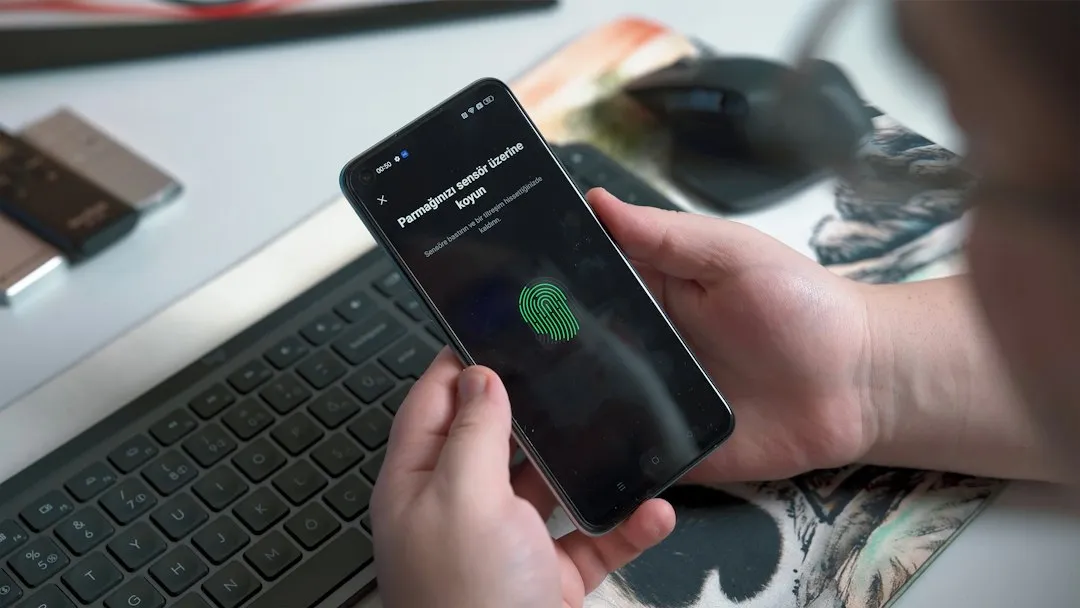
Every beep, LED flash, or notification uses energy. While these features are helpful, excessive alerts can shorten battery life. Many users set up notifications for every single access event, door sensor trigger, and failed entry attempt without realizing each alert requires the lock’s radio to transmit data.
Integrations that require the lock to maintain an active cloud connection increase background radio activity. If battery life is a priority, limit integrations to local-only protocols like Bluetooth, Z-Wave, or Zigbee rather than cloud-dependent voice assistant bridges.
Trimming notification preferences to only the events that genuinely matter, such as failed entry attempts or door left open alerts, is a practical step. It reduces how often the radio wakes up and transmits, which adds up to meaningful savings over weeks and months.
Excessive Daily Use Going Untracked
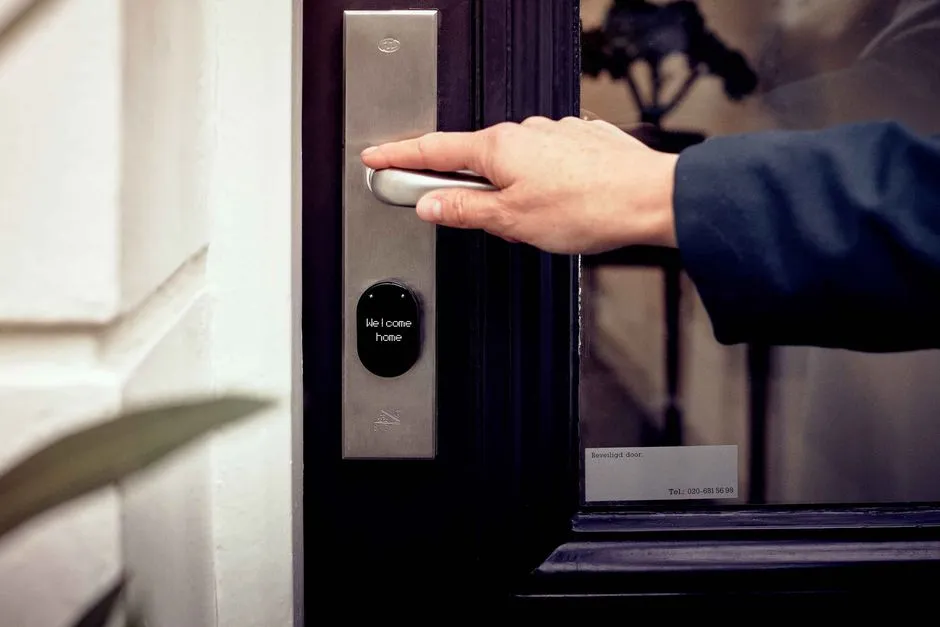
Research by Lockitron, a smart lock provider, indicates that users typically unlock their smart locks an average of ten to twenty times daily. This highlights how usage patterns can directly correlate with battery drain. Households with children, delivery access, pet walkers, or shared living arrangements often far exceed that range.
Manufacturers assume around ten lock and unlock cycles per day. If you’ve got kids, a dog walker, and frequent deliveries, you’re probably hitting twenty-five to thirty cycles. That’s roughly triple the drain.
High-traffic doors used more than twenty times per day will drain faster than low-traffic doors. Checking your lock’s activity log through its companion app is a useful first step for households that suspect overuse is the root issue. The numbers are often surprising.
Corrosion on Battery Contacts
Battery contact corrosion is a slow, invisible battery killer. Even a thin layer of oxidation on the metal terminals inside the battery compartment can increase electrical resistance enough to waste significant energy as heat rather than useful work.
Inspect the spring contacts and flat terminals for any white, green, or bluish residue. Dip a cotton swab in 90 percent or higher isopropyl alcohol and gently scrub each contact until it shines. This is a two-minute task that most owners skip entirely during battery changes.
Corrosion tends to build up faster in humid climates or on exterior doors exposed to temperature swings. Making contact cleaning a routine part of every battery replacement is one of the simplest ways to ensure the lock is drawing power efficiently rather than losing it to resistance.
Cold Weather Shrinking Battery Capacity

Extreme temperatures can affect battery performance. Lithium batteries are better suited for extreme conditions compared to alkaline batteries. Cold weather can reduce effective battery life. This is a particular problem for front door locks that face north or sit in shaded, wind-exposed entryways.
Manufacturers test locks at a constant 68 to 72 degrees Fahrenheit. Your front door sees 15 degrees in January and 95 degrees in July. The gap between lab conditions and real-world exposure explains a substantial share of the difference between advertised and actual battery life.
Switching to lithium batteries before winter arrives rather than waiting for a failure is a straightforward seasonal habit. High-quality lithium batteries offer stable voltage and longer lifespan, especially in cold weather. For outdoor-facing locks in northern climates, the cost difference is more than offset by fewer replacements.
Polling and Smart Home Platform Integrations Running in the Background
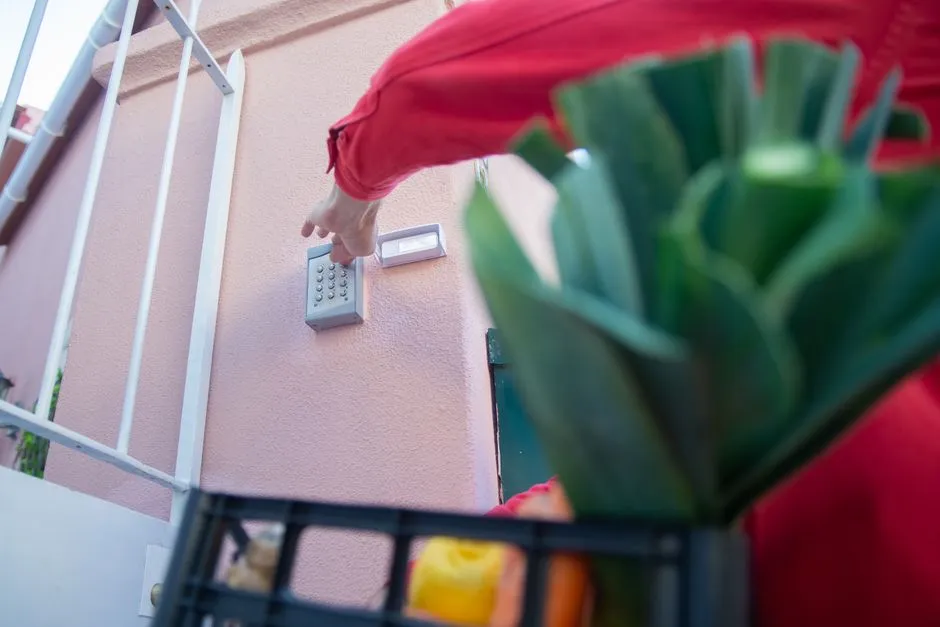
Connectivity is convenient, but constant communication drains power. Many smart lock systems check in frequently with mobile apps, cloud services, or automation platforms. Most users are unaware their lock is sending and receiving data in the background dozens of times per hour.
Platform integrations with systems like Amazon Alexa, Google Home, or SmartThings sometimes trigger status polls that run on a fixed schedule, regardless of whether anyone is actively using the lock. One SmartThings user reported that hourly status polling of their lock, running twice per hour, caused the battery to drain from full to empty in about one month – down from a runtime of over a year before the integration was added.
If your smart lock supports both Bluetooth and Wi-Fi, consider using Bluetooth for daily access and Wi-Fi only when remote access is required. Reducing the frequency of background check-ins through your platform’s settings, where that option is available, can recover a meaningful portion of battery life without affecting the lock’s core performance.
The Takeaway
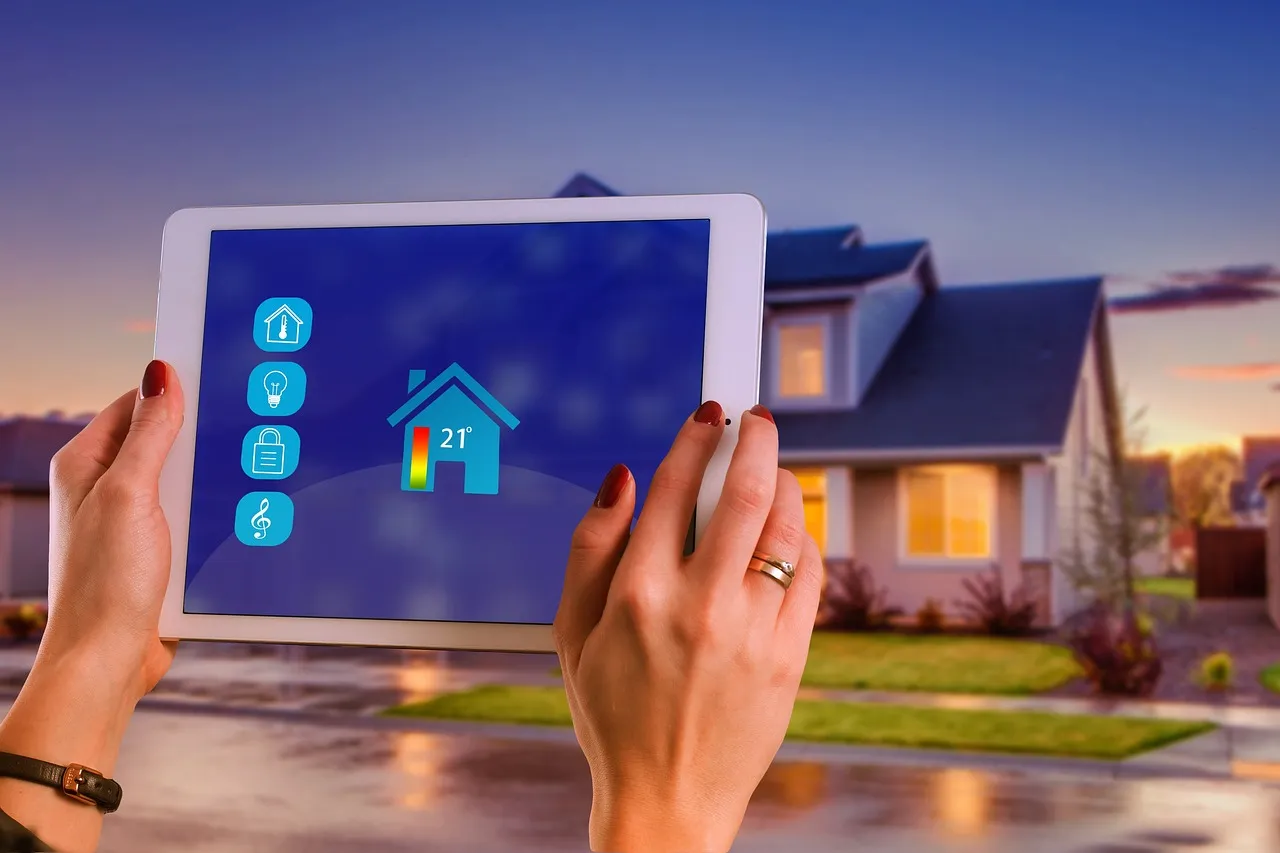
Manufacturers base their smart lock battery life estimates on what they call “typical use,” but their definition of typical is optimistic. The habits covered here, from Wi-Fi connectivity and short auto-lock timers to door misalignment and contact corrosion, each chip away at battery life in ways that are nearly invisible until the lock stops working entirely.
None of these are difficult to address. Most take five minutes or less. The real shift is recognizing that battery life isn’t just a hardware spec. It’s also a reflection of how you set up, maintain, and use the device over time. A few deliberate habit changes made today can mean the difference between replacing batteries every six weeks and replacing them once a year.
AI Disclaimer: This article was created with the assistance of AI tools and reviewed by a human editor.