
Leaving the Default Admin Password Unchanged
This is the single most common and most dangerous mistake homeowners make. In late 2025, a staggering 81% of broadband users were found to have never changed their router’s default administrative password, leaving home networks exposed to significant malware risk. That number has barely improved over time.
Common default passwords include simple strings like “1111,” “password,” and “123456,” and in some cases routers ship with no password at all. Hackers routinely scan for routers with default passwords, and once they gain access they can monitor your online activity, hijack your connected devices, and even launch attacks against others.
Router security is getting worse, not better. In 2022, roughly half of respondents had not adjusted their router settings. By 2024, over half of routers were still running on factory settings, and only about one in seven users had actually changed their password.
Using a Weak or Predictable Wi-Fi Password

Creating an easily guessed Wi-Fi password based on something familiar, like a child’s name, a pet, or your address, is convenient but it also leaves your network vulnerable to anyone lurking nearby. The Wi-Fi password and the admin password are two separate things, and both matter.
Roughly three quarters of users have never changed their Wi-Fi password at all. Default passwords are often easily accessible and can be exploited in seconds by knowledgeable attackers. The Federal Trade Commission recommends using a unique and secure Wi-Fi network password specifically to prevent strangers from getting onto your network.
Setting a Wi-Fi password that is at least twelve characters long is a reasonable baseline. Mixing letters, numbers, and symbols adds meaningful resistance against brute-force attempts.
Ignoring the Router’s Firmware Updates
Roughly nine in ten home users have never updated their router firmware. Firmware updates often include critical security patches and performance enhancements, so routers that skip updates remain vulnerable to newer exploits. This is one of the quietest risks in home networking.
A recent report found that popular IoT router firmware images were outdated and contained exploitable vulnerabilities that had already been publicly disclosed. Manufacturers release patches, but those patches only help if someone actually applies them.
Most modern routers have an auto-update setting buried in the admin panel. Enabling it takes less than a minute and removes one of the most reliable pathways attackers use to gain access to home networks.
Keeping WPS Enabled on Your Router
WPS, or Wi-Fi Protected Setup, lets users join a Wi-Fi network by pressing a button on the router or entering an 8-digit PIN instead of typing a long password. It was designed for convenience, but it has become a serious liability.
Researchers at NetRise found that the Pixie Dust exploit, a WPS vulnerability first disclosed back in 2014, remains embedded in consumer networking device firmware released as recently as mid-2025. The flaw allows attackers to recover router PINs in as little as one to two seconds, bypassing any complexity in user-chosen passphrases.
In October 2026, security researcher Quentin Kaiser disclosed a separate vulnerability called “WPSplinter” in Broadcom’s handling of Wi-Fi Protected Setup. He found that specially crafted WPS messages could corrupt a router’s memory, allowing someone within Wi-Fi range to run their own code on the device without needing the Wi-Fi password, and without the owner doing anything at all. Disabling WPS in your router settings is a straightforward fix worth doing today.
Broadcasting Your Router’s Brand in the Network Name

Close to nine in ten users have never changed their network name, known as the SSID. Default network names can give away the router’s make and model, providing useful information to hackers. It’s a small detail that carries real consequences.
A field survey conducted across five locations found over 150 access points still using weak default SSIDs and passwords. Researchers also identified the password generation algorithm for 30 router models from six vendors, confirming that default passwords on these devices could be guessed.
Renaming your network to something generic that reveals nothing about your hardware or household takes about thirty seconds and removes one easy research step for anyone trying to target your connection.
Not Setting Up a Guest Network

When a visitor connects to your main Wi-Fi, they can potentially see other devices connected to the network. That includes your laptop, your phone, your smart TV, and anything else sharing the same connection. Most people don’t realize that’s even possible.
Many routers let you set up a guest network with a different name and password. It’s a sound security move because having a separate login means fewer people have your primary Wi-Fi network password. It also means that if a guest unknowingly has malware on their phone or tablet, it won’t spread onto your primary network and your devices.
With a guest network, you can also limit bandwidth, block websites, set connection times, and control access on a per-device basis. That level of control is worth the five minutes it takes to configure.
Sharing Your Wi-Fi Password Too Freely

Many people give their Wi-Fi password to neighbors, friends, and guests without a second thought. Once a password is out, you have no reliable way to control who still has it or whether it’s been shared further down the line.
Every device that connects to your network using your main password is another potential entry point. Old phones, laptops with outdated software, or devices belonging to people you barely know can all introduce vulnerabilities the moment they join your primary network.
The cleaner approach is to keep your main password private and direct all visitors to a guest network. Security experts recommend not giving out your router password at all, and using a guest network whenever visitors need temporary Wi-Fi access.
Leaving Remote Management Switched On

Many routers ship with remote management enabled. Some of these features are convenient but weaken your network security. For example, enabling remote access to your router’s controls allows settings to be changed over the internet. For most home users, that’s a feature they’ll never actually use.
Remote management allows access to the router’s admin page from outside the home network, which leaves the door open for hackers. It essentially creates a second entrance to your router that exists outside the safety of your home walls.
The FTC explicitly recommends turning off remote management alongside WPS and UPnP for home networks. Unless you have a specific reason to log into your router while traveling, switching this feature off is a simple, no-downside improvement to your security posture.
Never Checking Who Is Connected to Your Network

Alarmingly, roughly three quarters of users have never checked to see who is connected to their network. With an average home now hosting around 12 connected devices, failing to monitor network activity could lead to unauthorized access and potential data breaches.
If your internet slows down for no apparent reason or starts showing strange behavior, it could actually be a sign that someone unauthorized is lurking in your home Wi-Fi network. Unexplained slowness is one of the most common early signals, and most people chalk it up to their ISP.
Most routers offer a connected-devices list directly in the admin panel or their companion app. Checking it once a month takes less time than making a cup of coffee, and it’s one of the most direct ways to catch unauthorized access before it becomes a larger problem.
Using Outdated Encryption Standards
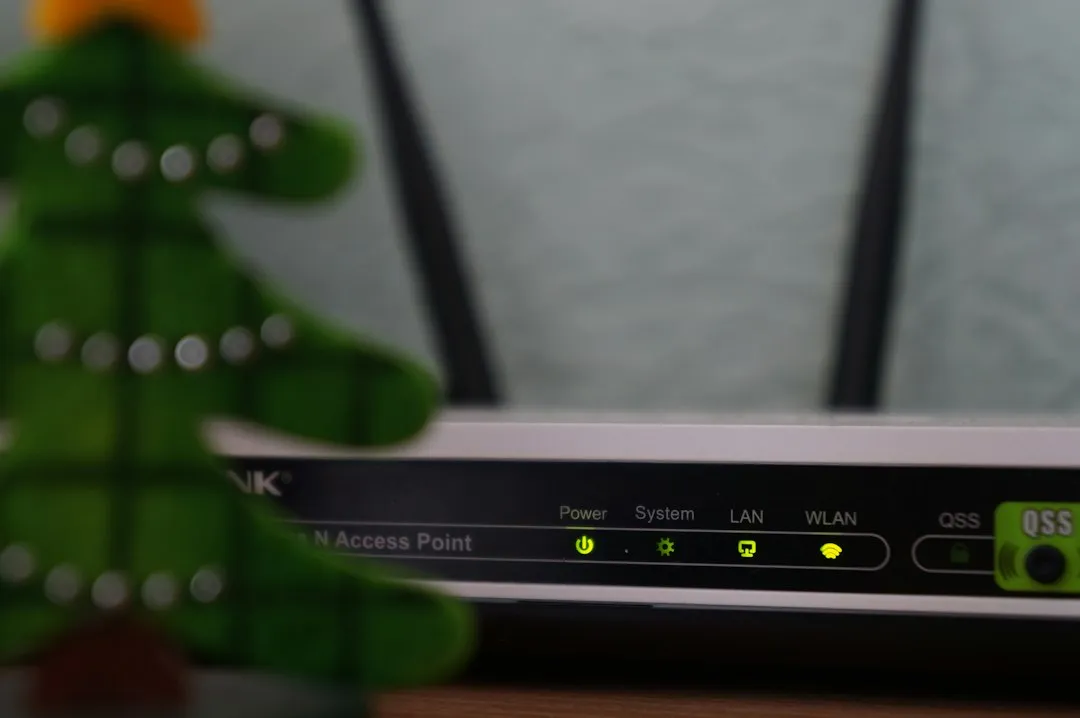
Networks without WPA3 encryption, or those still relying on older standards, are susceptible to interception and unauthorized access. WEP, the earliest common standard, was officially retired years ago but still shows up on older hardware that was never updated or replaced.
Encrypting your network by updating your router’s admin settings to WPA3 Personal or at minimum WPA2 Personal is one of the most reliable steps you can take to protect your connection. WPA3 makes it significantly harder for attackers to crack passwords through offline guessing, even if they’ve captured your network traffic.
Research presented at the ASIA CCS 2024 conference found that 13 out of the routers analyzed still support WPA version 1 with AES-CCMP encryption as the default. If your router is old enough to still default to WPA1, it may be time to consider replacing it entirely.
The Takeaway

The most unsettling thing about home Wi-Fi security isn’t that the threats are complicated. It’s that the fixes are genuinely simple, and most of them take only a few minutes. Change the default passwords, disable WPS, update the firmware, set up a guest network, and check your encryption standard.
Three quarters of users do not understand why adjusting router settings is important, showing a significant gap in awareness about the risks associated with default configurations. Awareness is half the battle. The router sitting quietly in the corner of your living room is, for most households, the front door to every device and piece of data in the home.
Treat it accordingly.
AI Disclaimer: This article was created with the assistance of AI tools and reviewed by a human editor.