
Why AI Landscape Design Has Suddenly Become Useful
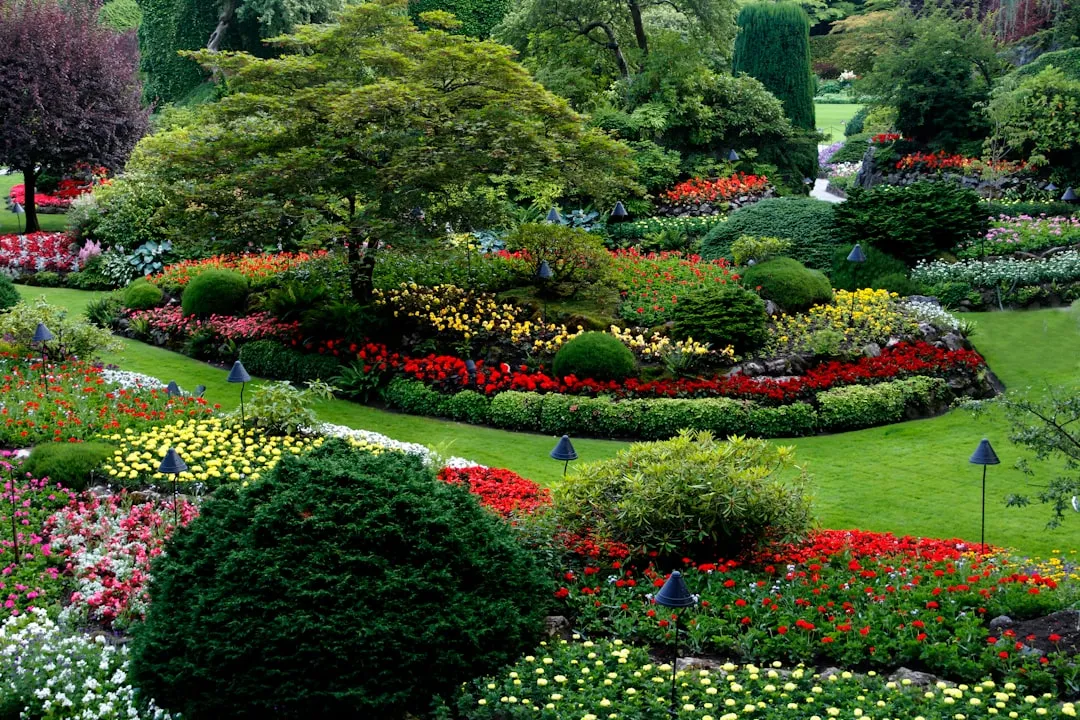
For most of the past decade, “AI design” for outdoor spaces meant little more than a color filter or a rough mood board generator. That’s changed considerably. The best AI garden design tools in 2026 let you upload a photo of your backyard and see a professional landscape redesign in under 60 seconds, with no landscape architect, no expensive consultation, and no design skills required. The speed alone changes how you think about the planning process.
Today’s leading tools go far beyond generic filters: they interpret terrain slope, sunlight exposure, existing hardscape, plant shadows, seasonal foliage density, and even local climate constraints, all from a single smartphone photo. That’s a meaningful leap from a simple image preset.
According to Houzz’s latest US Landscaping Trends Report, roughly more than half of homeowners who did outdoor renovation projects in the past two years were first-time outdoor renovators, meaning most people are making major landscaping decisions without much prior experience. AI tools are stepping directly into that gap.
Taking the First Photo: More Important Than It Sounds
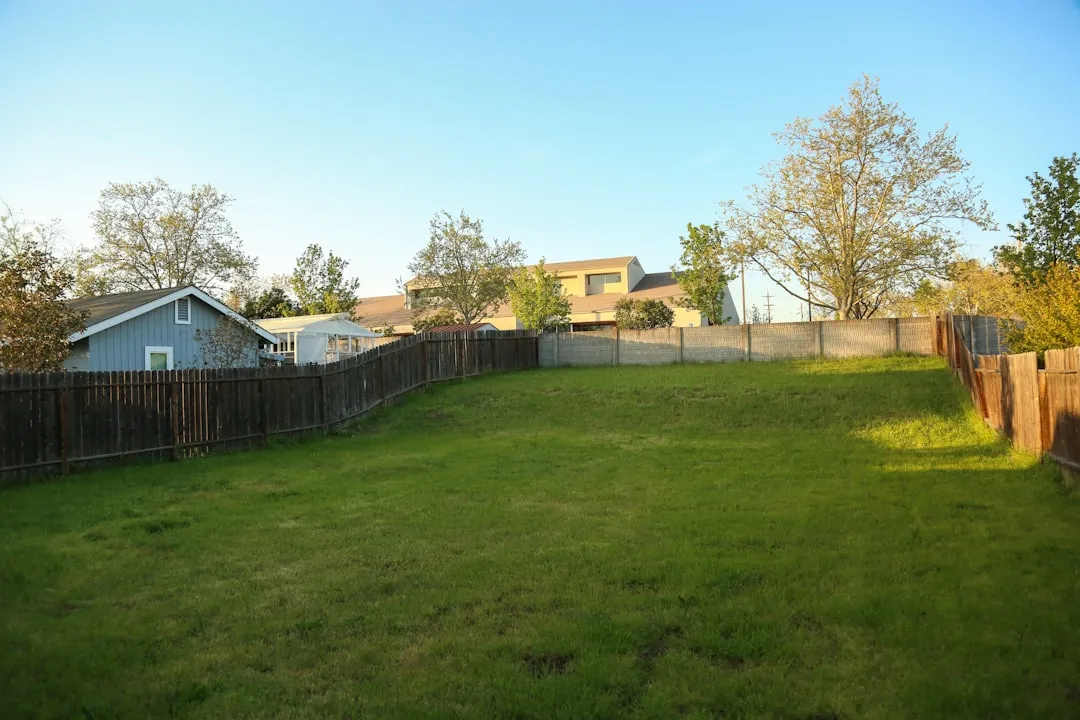
The whole process starts with a single image, and the quality of that image matters more than you’d think. The recommended workflow is to shoot your yard in daylight, ideally mid-morning or late afternoon, avoiding harsh midday sun, and to capture the full space from a corner or elevated angle to show depth. A flat, cluttered, or heavily shadowed photo will give you a flat and unreliable result.
The closer your photo matches the real conditions – good light, a clear view of the beds – the more usable the result. It’s a small investment of effort that pays off quickly once you see how differently the AI interprets a clean image versus a messy one.
I took three photos before settling on one. The final shot was taken from a slight elevation in the corner of the yard, mid-morning, with nothing in the frame but the fence, the patio, and the sad expanse of grass. That image ended up producing the clearest and most spatially accurate designs.
Choosing a Style – and What the Options Revealed
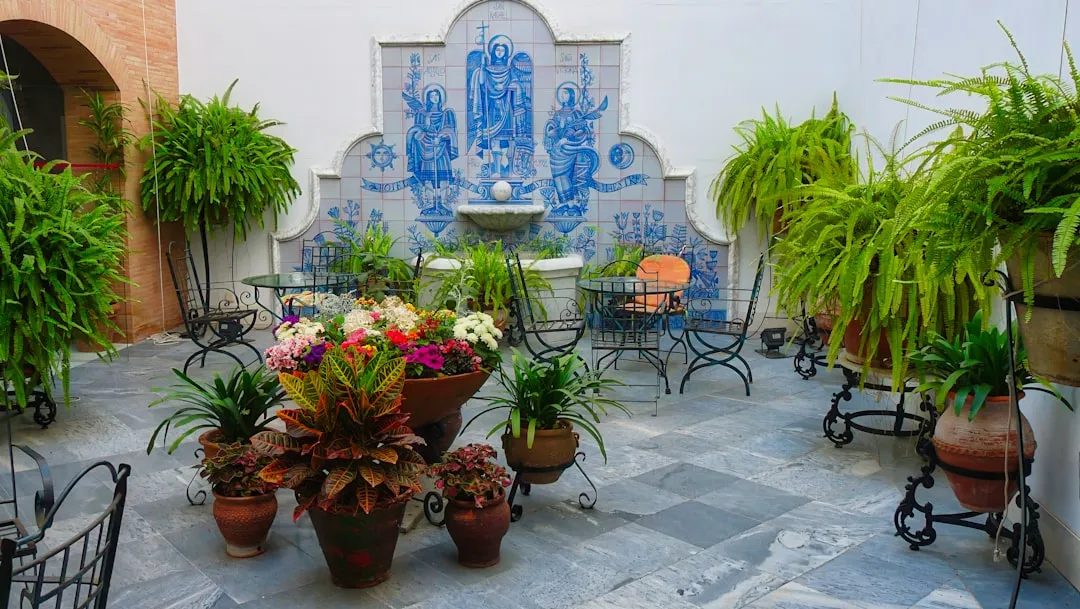
Once the photo was uploaded, I was prompted to choose a design style. The range was wider than I expected. Tools like Gardenly return a photorealistic redesign with a hardiness-zone-matched plant list in under 30 seconds, covering more than 25 design styles, from Modern Minimalist to Japanese Garden to Mediterranean.
Among tested tools, GenRoom stood out for offering 18 dedicated yard design styles, from English Cottage Garden to Modern Minimalist Outdoor, along with a built-in AI editor for fine-tuning results. Other platforms like DreamzAR push even further, with augmented reality walkthroughs layered on top of the static renders.
Flipping through style options ended up being genuinely useful in itself. I’d assumed I wanted something contemporary. After seeing a Mediterranean courtyard layout rendered in my actual space, I changed my mind entirely. The AI hadn’t just shown me a pretty picture – it had revealed a preference I didn’t know I had.
The Climate Intelligence Problem – and Which Tools Solve It
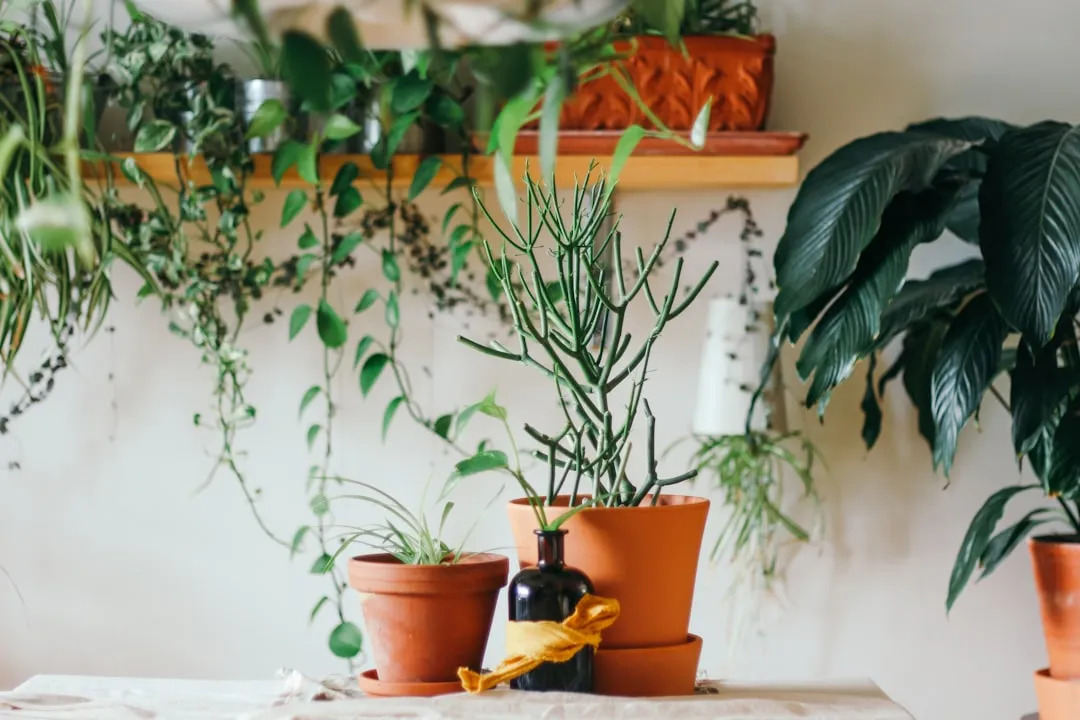
One of the more surprising findings from independent tests of these tools is how poorly some of them handle plant selection for specific climates. In one practical test, the same backyard photo was uploaded to multiple tools to check whether suggested plants would survive in zone 6b with partial shade and clay soil. Only three tools filtered results by hardiness zone automatically. The rest returned generic subtropical plants that would die in the first frost.
What sets the better tools apart is a plant intelligence layer. Each design includes a personalized care plan with watering schedules, sunlight requirements, and feeding needs specific to your climate zone. That difference matters enormously once you actually start buying plants.
The most rigorous tools go beyond simple zone filtering, checking soil type preferences and sun exposure requirements before recommending any plant. For anyone with clay soil, a shaded lot, or challenging microclimates, that level of verification isn’t optional – it’s the whole point.
What the Renders Actually Look Like
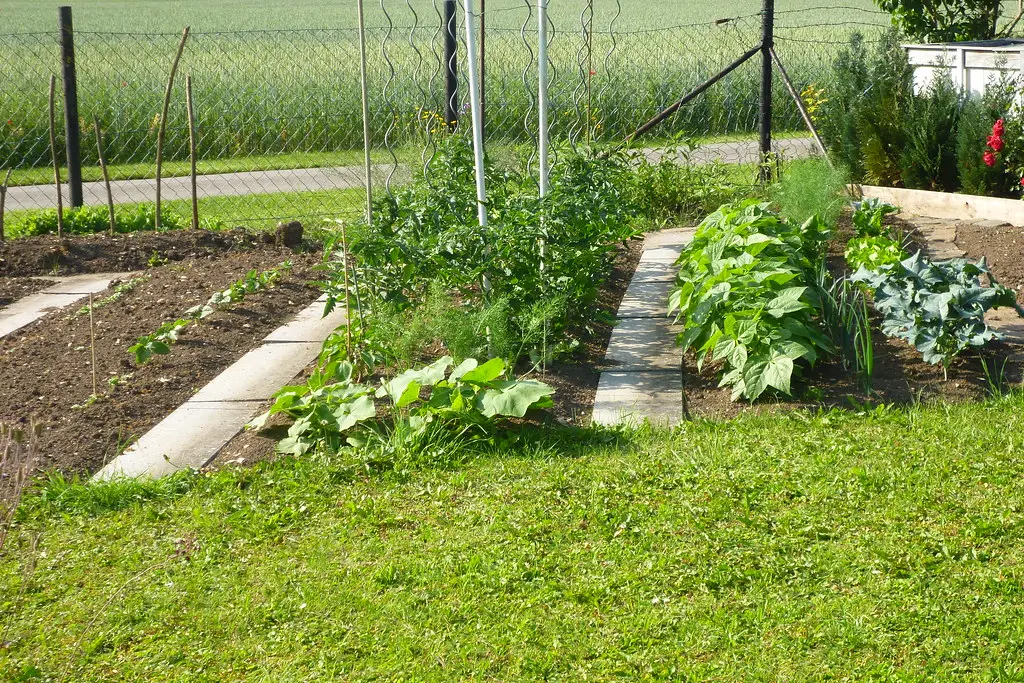
Photorealism is a word that gets overused in tech marketing, but in this case it’s reasonably accurate. Photo-to-design AI tools use generative AI to transform an existing photo of your yard into a redesigned version. You upload a photo, select a design style, and the AI generates a photorealistic visualization showing your actual space with new landscaping. The entire process takes between 15 and 60 seconds.
The renders I received weren’t flawless. Fence lines occasionally shifted slightly, and one design placed a raised bed directly over what is clearly a drainage slope. Still, the overall spatial accuracy was high enough to be useful. You could look at the image and genuinely understand how the space would feel to move through.
Since these tools focus on visual concepts rather than specific planting plans, the outputs work best as a mood board to guide more detailed planning rather than a construction blueprint. That framing keeps expectations honest.
The Cost Reality: AI Tools vs. Traditional Landscape Design
Hiring a professional landscape designer is not a casual decision. Professional landscape design typically costs between $1,000 and $5,000 for a design plan before a single plant goes in the ground. A full-yard installation with materials and labor runs anywhere from $5,000 to $30,000, depending on the scope.
AI tools restructure that cost dramatically. Subscription AI tools run from roughly $14 to $49 a month for typical homeowner use, and DIY planners like Planner5D start around $5 a month on annual billing. Some tools offer free tiers or flat one-time fees that cost less than a single consultation with a local designer.
The tradeoff is real: an AI tool won’t walk your property, read your soil, or notice the drainage issue near the south fence. For complex projects, it’s still a starting point rather than a complete solution. For visualizing and planning, though, the value proposition is hard to argue with.
What the AI Got Right – and What It Missed
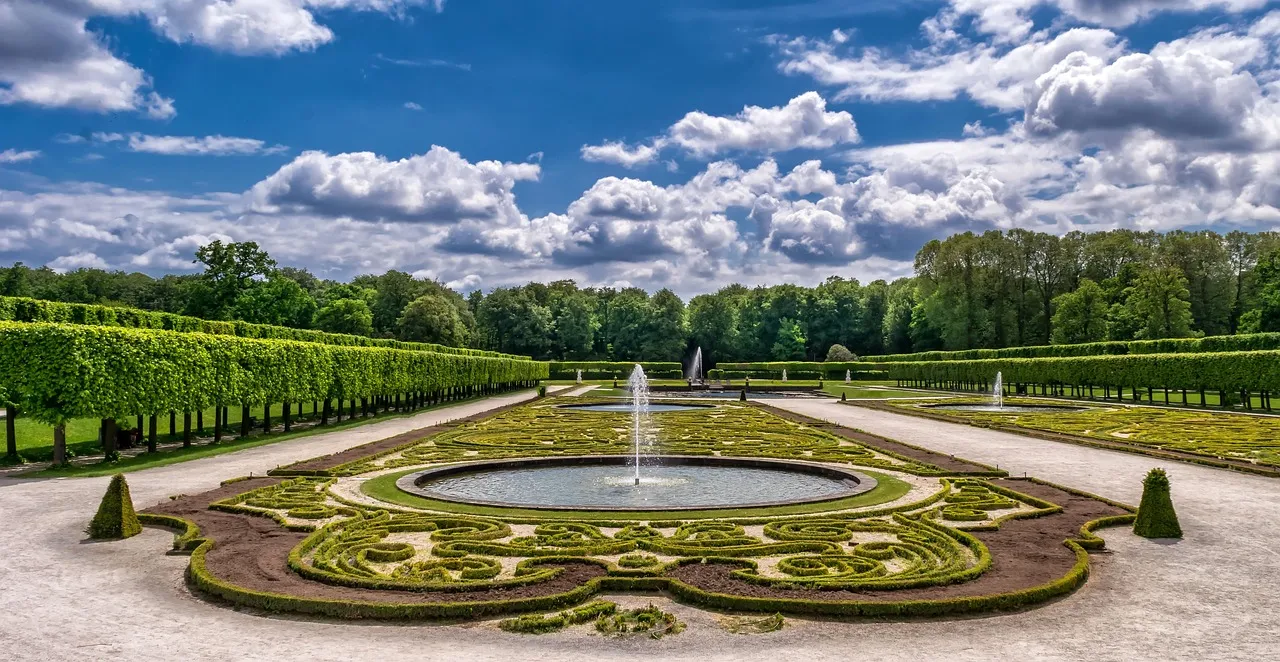
The AI was genuinely impressive at spatial composition. It understood how to balance hardscape and greenery, where to place visual anchors, and how to use layering to create depth. The Mediterranean design it generated had a coherence that would have taken me weeks of browsing Pinterest to approximate.
Where it struggled was with the specifics of my site. The tool didn’t know about the mature oak tree two properties over that casts significant afternoon shade on my western edge. It didn’t account for the fact that my fence is shared with a neighbor and can’t be altered. Since these tools focus on visual concepts rather than specific planting plans, using the outputs as a mood board for more detailed planning is the honest and sensible approach.
Some tools are building toward greater site-specificity. More advanced platforms flag potential structural issues against IRC 2024 residential code defaults and include EPA WaterSense-compliant drip and sprinkler layouts with annual consumption estimates based on NOAA 30-year precipitation normals. That level of rigor is still rare, but it’s clearly the direction things are moving.
What Landscape Professionals Think of AI Tools
Adoption among professionals is already significant. In Q2 2026, roughly two in five landscape architecture firms surveyed by the American Society of Landscape Architects reported using AI garden visualization tools as a front-end scoping aid, cutting initial client alignment time by 68% and reducing change orders. That’s a meaningful signal from an industry that has traditionally been slow to adopt new technology.
Conversational AI assistants have also become powerful garden-planning partners, offering personalized suggestions, plant insights, and layout concepts with simple prompts or even live video. The line between consumer tool and professional tool is blurring faster than most people realize.
For homeowners, the practical implication is that the outputs you get from a good AI tool today are increasingly similar in visual quality to what a professional would use to present a concept to a client. The gap is in expertise, not aesthetics.
The Real Financial Case for Getting This Right
Beyond the aesthetics, the financial argument for a well-designed backyard is solid and well-documented. A Virginia Tech Extension study found that landscaping improvements increase perceived home value by roughly five to eleven percent, depending on where you live, with design quality and plant size as the two biggest factors.
Landscaping is the highest-ROI exterior investment a homeowner can make, with consistent returns of 100% to 217% on maintenance and measurable value increases of five to twenty percent on overall property price. Those aren’t small numbers for what is often a relatively modest investment.
In 2026, the trend is moving toward smaller, cozy outdoor spaces, with defined seating areas rather than sprawling hardscapes. That’s actually good news for most homeowners, because it means a thoughtful, modest backyard redesign can deliver strong returns without requiring a massive budget.
How to Actually Use AI Design Outputs Effectively

The biggest mistake most people will make is treating the AI render as a finished plan. It’s not. The most useful tools don’t just show you what your garden could look like – they tell you how to make it happen, including the order of operations for removing existing plants, installing new ones, and staging the work over time. Look for that level of implementation guidance when choosing a tool.
Nearly two thirds of homeowners abandon or delay garden projects due to uncertainty around spatial scale, plant survival, and layout flow. AI tools address that uncertainty directly by letting you see the result before committing a dollar to materials or labor. That’s a practical reason to use them even if you plan to ultimately hire a professional.
Climate adaptation features are becoming standard, adjusting plant recommendations for changing weather patterns, and sustainability tools covering water usage optimization, native plant suggestions, and pollinator support are showing up across platforms. The tools are getting smarter, and they’re getting smarter about the right things.
The Takeaway
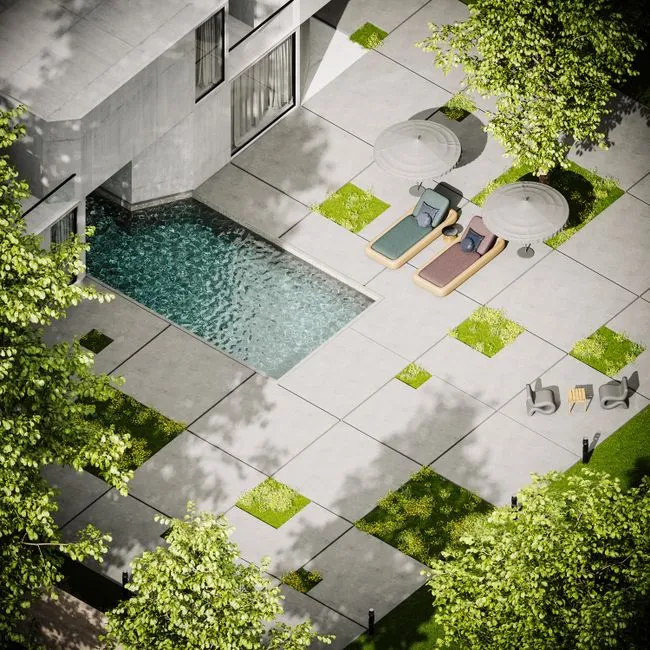
What surprised me most wasn’t that the AI produced a good-looking design. It was that the process itself changed how I thought about the space. Seeing a photorealistic version of my backyard rendered in three different styles, in about two minutes, forced a clarity that months of casual browsing had never managed to produce.
These tools aren’t a replacement for local expertise, soil knowledge, or a good contractor. They’re a way to arrive at those conversations with a real vision instead of a vague hope. That shift, from uncertainty to direction, turns out to be worth quite a lot.
The backyard isn’t finished yet. The AI gave me a direction. Everything after that is still the slow, satisfying work of making it real.
AI Disclaimer: This article was created with the assistance of AI tools and reviewed by a human editor.