

What the Message Actually Says

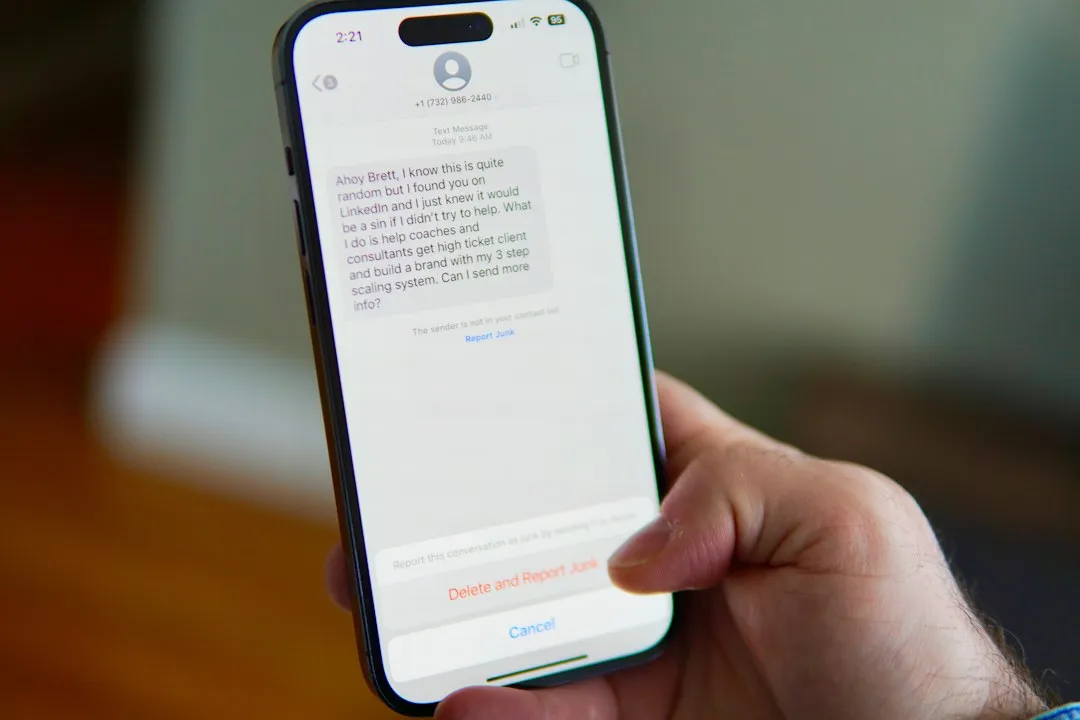
The message typically arrives as something like “Is this you in this video?” or “Look what they posted about you.” The wording is kept vague on purpose, just specific enough to feel personal without containing any detail that could be verified. It’s designed to play on your curiosity, and it arrives framed as coming from someone on your friends list, referencing a photo or video you’re supposedly featured in.
The video story is the bait. There is no video to find. The whole construction exists only to get you to click the link that follows.
How the Scam Actually Works

If you click on the link, you’re taken to a fake Facebook login page with a message about confirming your information before you can access the video. The page is designed to look convincing, often mirroring Facebook’s actual interface closely enough that people type in their credentials without hesitating.
The video scam works purely by tricking someone into revealing their Facebook login credentials. The link opens a fake login page that steals your Facebook username and password. Once that information is submitted, it goes straight to whoever set the trap.
Why It Spreads So Fast

Fraudsters rely on your curiosity to trick you into clicking the malicious link, and in some cases, just clicking the link can automatically forward the scam to your Facebook friends. This self-replicating quality is what gives the scheme such reach. Each new victim becomes an unwitting distributor.
The message may come from a real friend’s account because someone already hacked it. That’s the detail that makes the whole thing so disarming. Seeing a familiar name attached to the message lowers your guard in a way that a cold message from a stranger never could.
The Scale of the Problem
According to recent statistics, 34 million hacking incidents were reported on Facebook, and the most common type involved phishing and fake logins. The “Is this you in this video?” message sits squarely within that category. A striking 42.8% of all phishing incidents in the last months of 2024 hit platforms like Facebook, Instagram, and LinkedIn, a large jump from the previous quarter and clear evidence that account theft scams are spreading fast.
The FTC reported social media scam losses of $1.9 billion in 2024. In the first half of 2024 alone, over 20 million social media accounts were compromised through phishing attacks. The numbers put the casual nature of the scam in a sharper, more sobering context.
Why People Keep Falling for It

Phishing remains the dominant attack vector, and research analyzing over 500 phishing attempts throughout 2024 found that approximately 31% of recipients clicked malicious links, with 18% actually entering credentials on fake pages. Those are significant rates for a trick that, on paper, sounds easy to avoid.
Phishing attacks increased by 47% in the past year, with most disguised as platform security alerts. The “Is this you?” variation works differently, exploiting social curiosity rather than fear. That emotional angle, rooted in what a friend seems to be saying to you directly, is harder to dismiss with a cold eye.
The Role of Cloned and Hacked Friend Accounts
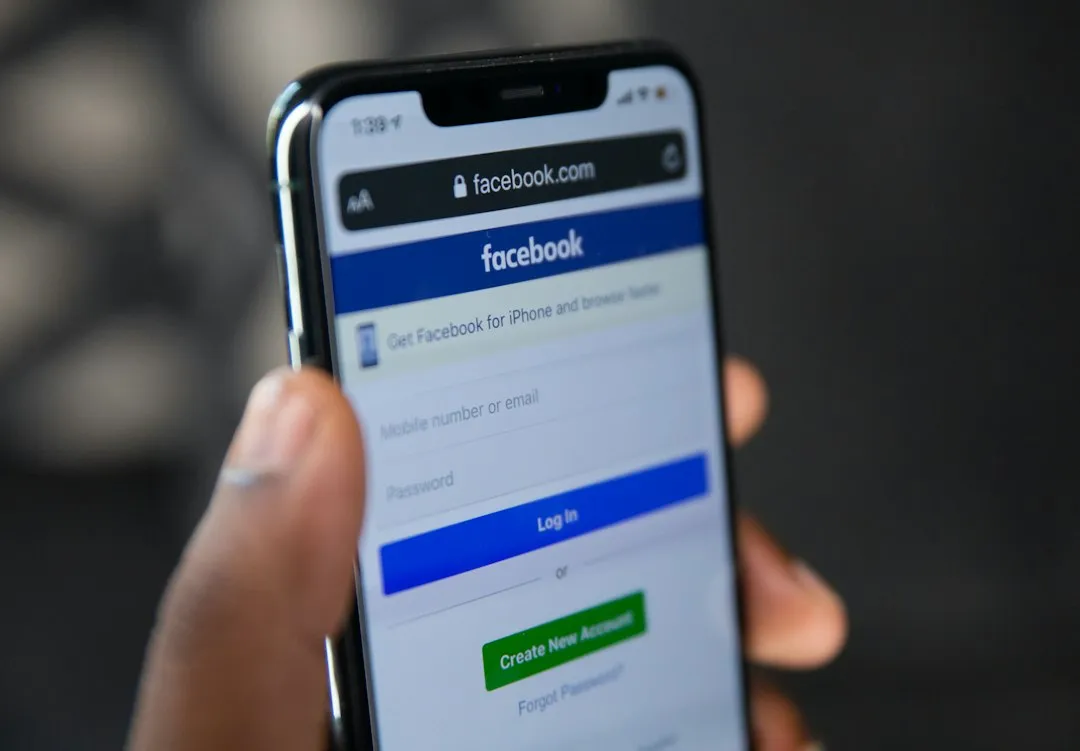
It’s also possible the video was sent from a friend’s cloned Facebook account that a scammer used to friend you in the past. Cloning is a separate but related tactic where criminals copy a real person’s profile photos and name to create a convincing duplicate account. These scams sometimes come from real people on your friends list whose accounts were taken over by a scammer, and if you suspect this, it’s a good idea to report it to Facebook.
The practical implication is that the trust you have in a contact’s name is exactly what’s being exploited. Contacting the person through another channel before you click is the safest move. A quick text or phone call takes ten seconds and could save weeks of account recovery headaches.
What Happens to a Hijacked Account

Account hijacking goes beyond mere impersonation. It occurs when an attacker gains full control of your social media account, often compromising your brand or identity at scale. Once inside, attackers can lock the original owner out by changing the email address and password linked to the account.
Research found that 85% of Instagram and 25% of Facebook users who experienced full account takeovers were permanently locked out. On average, it takes about 4.5 days for a user to regain control of a hacked account. During that window, a compromised account can send the same scam to hundreds of your contacts.
Immediate Steps If You Already Clicked
If you clicked an “Is this you” video link on Messenger and entered your password, go to facebook.com directly, change your password, turn on two-factor authentication, and end other active sessions. Speed matters here. The faster you act, the less time an attacker has to change your recovery details.
If you are locked out, use Facebook’s official compromised account recovery tool at facebook.com/hacked. Go directly to Facebook’s hacked account recovery page from a familiar device, secure the email account associated with your Facebook and check for unauthorized forwarding rules or recovery changes, then reset the Facebook password and revoke unfamiliar sessions.
Protecting Yourself Before It Happens

Three measures block over 90% of account takeover attempts: a unique password, authenticator-based two-factor authentication, and a secured email account. These aren’t exotic security measures. They’re basic steps that most people delay until something goes wrong.
Passkeys are designed to resist phishing and are available for Facebook on compatible devices. Enabling 2FA with an authenticator app such as Google Authenticator, Microsoft Authenticator, or Authy is recommended, and SMS-based 2FA should be avoided as it is vulnerable to SIM swap attacks. The choice of authentication method genuinely matters.
Facebook’s Response and the Broader Trend
Since the start of 2024, Facebook has taken down more than seven million accounts associated with scam centers across the globe. Platform-level enforcement has scaled up considerably, though the removal of accounts hasn’t stopped new ones from appearing. Social engineering tactics such as impersonation and fake customer service messages have risen by 50%, suggesting that fraudsters are adapting as fast as defenses improve.
Sophisticated phishing now increasingly uses AI-generated messages that are nearly indistinguishable from legitimate platform notifications. The “Is this you in this video?” message is a relatively blunt instrument by comparison, yet it keeps working. That’s not really a commentary on the technology; it’s a reflection of how reliably human curiosity can be weaponized when the message appears to come from someone you know.
The Takeaway
The persistence of this scam across nearly a decade of warnings, platform crackdowns, and security awareness campaigns should give anyone pause. It doesn’t succeed because it’s clever. It succeeds because it arrives in a familiar voice, asks a natural question, and gives you a link to click before your skepticism kicks in.
The most reliable defense isn’t a tool or a setting, though those help considerably. It’s the habit of pausing for two seconds before clicking anything unexpected, even from someone you recognize. In case you receive such a message, do not click on the attached link and immediately contact the account owner in person. Using two-factor authentication and avoiding reused passwords across platforms remain the most practical protections available. That pause, combined with solid account hygiene, is genuinely harder to defeat than any technical lure.
AI Disclaimer: This article was created with the assistance of AI tools and reviewed by a human editor.