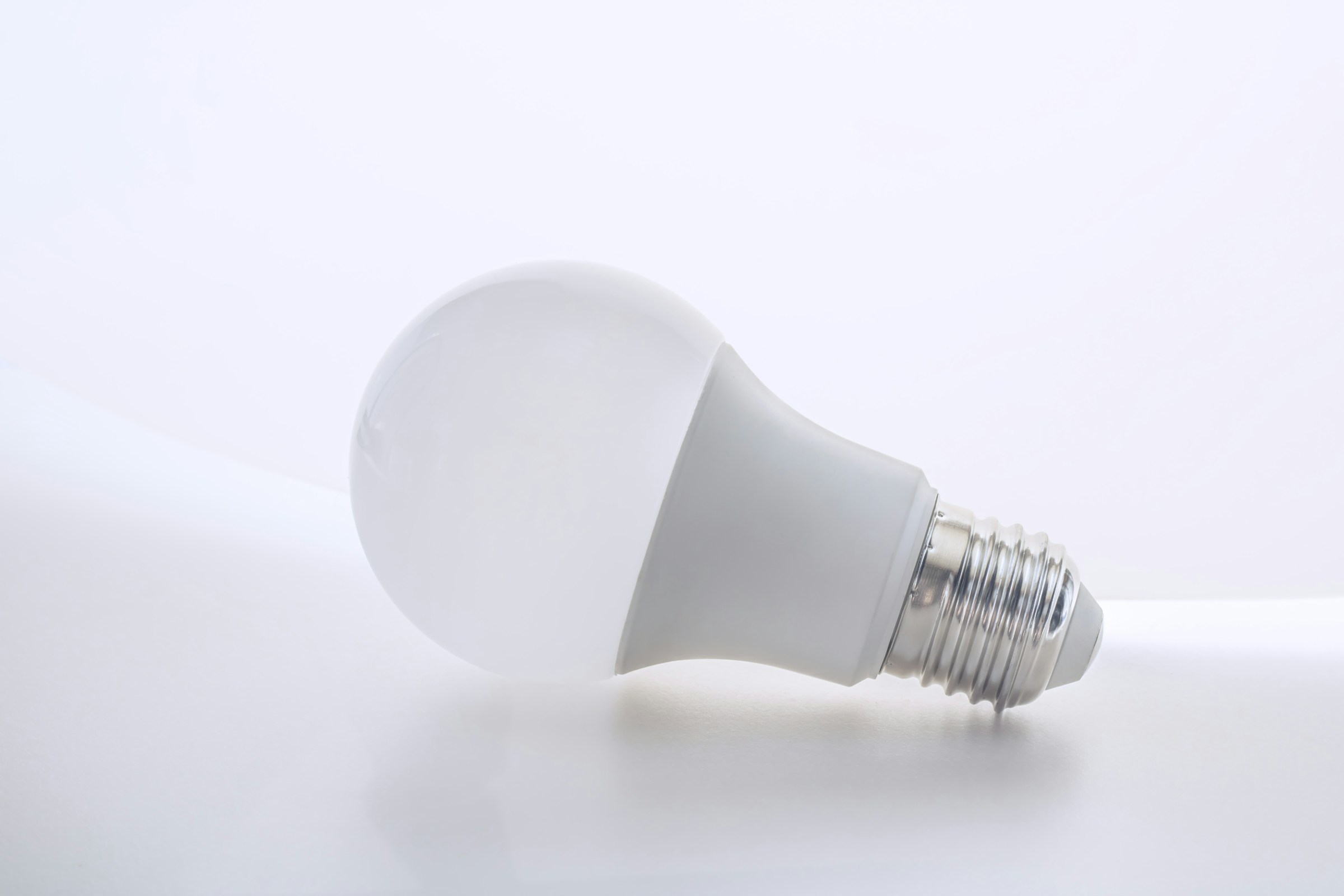

The Core Problem: Two Technologies Fighting Each Other
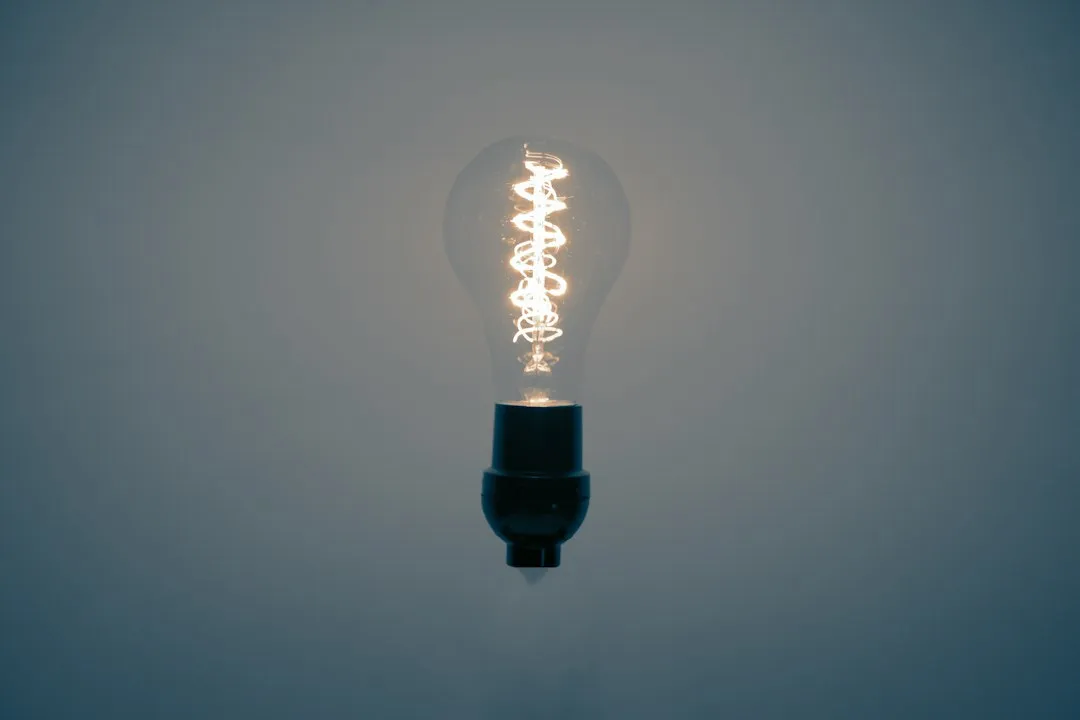
Flickering in smart bulbs during dimming is rarely due to a defect in the bulb itself. Instead, it stems from electrical incompatibility between the dimmer switch and the low-power characteristics of LED technology. These two devices were simply never designed to work together.
Smart bulbs work by the bulb itself choosing how much current to draw. So usually you don’t match a smart bulb with a dimmer switch. A smart bulb matched with a dimmer switch that can change current levels almost always results in flickering, or even bulbs that appear to randomly turn on and off.
Putting a smart bulb on a wall dimmer means two dimmers are fighting, and the result is flicker, buzzing, or a bulb that resets itself. That is the simplest way to frame the whole issue.
How Traditional Dimmers Were Built, and Why It Matters
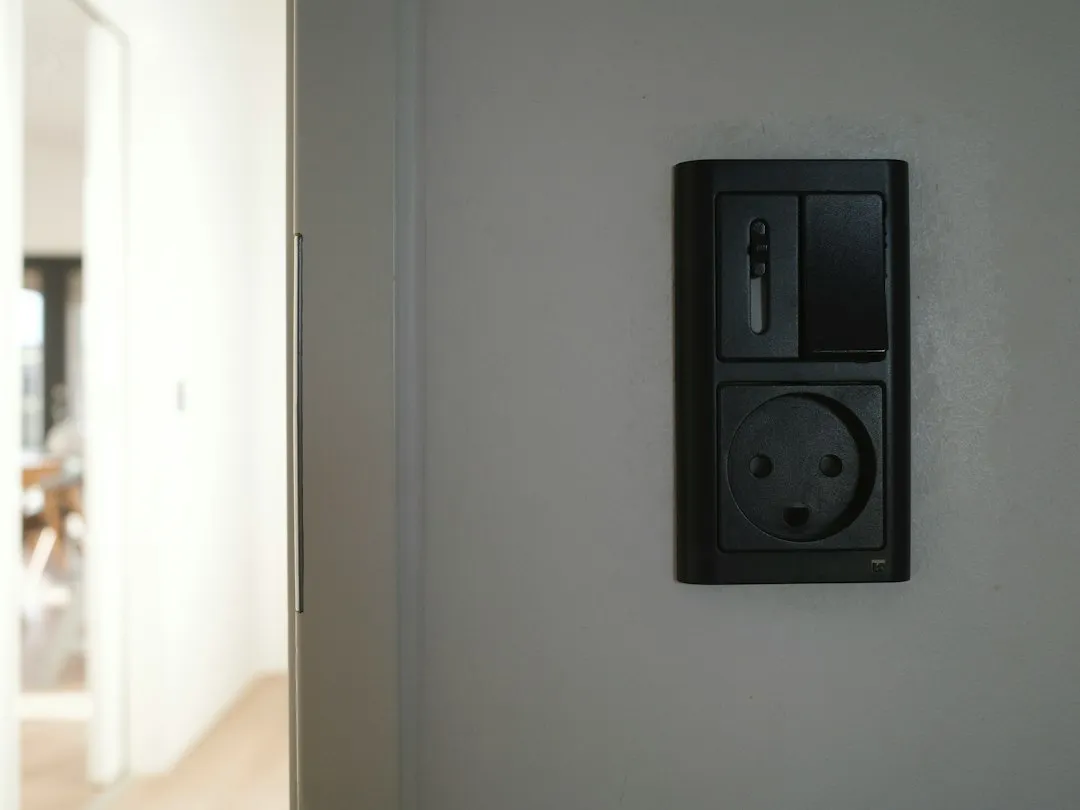
Most dimmer switches were designed for old incandescent bulbs, not LED or smart bulbs. Incandescent filaments draw a large and predictable amount of current, which gave older dimmers something solid to work with.
A leading edge dimmer cuts the start of each half-cycle and was designed for incandescent filaments, which draw a lot of current. A trailing edge dimmer cuts the end and is designed for the low-current electronic drivers inside LEDs, which is why it is far smoother with them.
Smart bulbs and other LED lights don’t work that way. Smart lights dim through a process called pulse width modulation, which is not compatible with standard dimmer switches. So the dimmer is essentially sending signals the bulb was never built to interpret.
The Minimum Load Problem Most People Overlook
Leading edge dimmers typically require 40 to 60 watts minimum. Since LED bulbs consume far less power, often 5 to 10 watts each, you might need six or more LEDs on one leading edge dimmer to meet the minimum.
A leading edge dimmer needs a certain current flowing to hold itself in a stable state, which is why many specify a minimum load around 40 watts. Three modern LED bulbs might total 24 watts, so the dimmer is operating outside its specification and behaves erratically at the bottom of its range.
Some trailing edge dimmer models handle loads from as low as 3 watts up to 200 watts, which is the gap that actually causes most of the flicker complaints when someone has fitted a leading edge dimmer onto an LED circuit.
Waveform Confusion and the Bulb’s Internal Driver
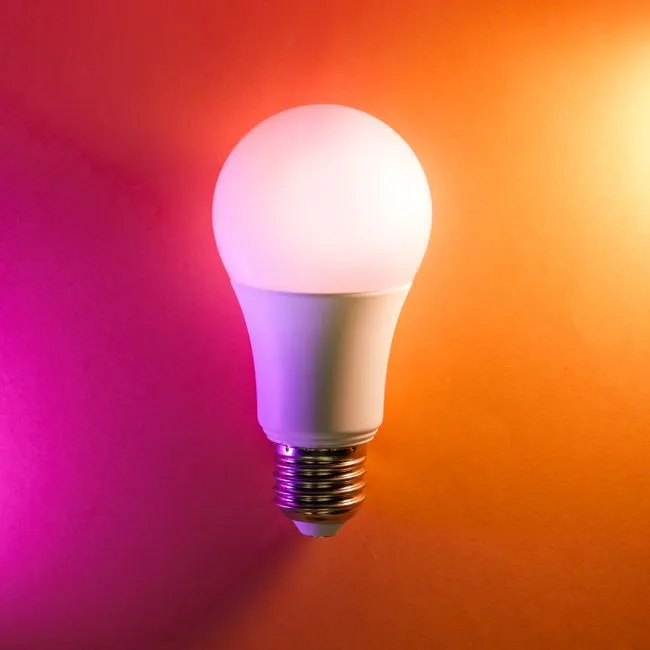
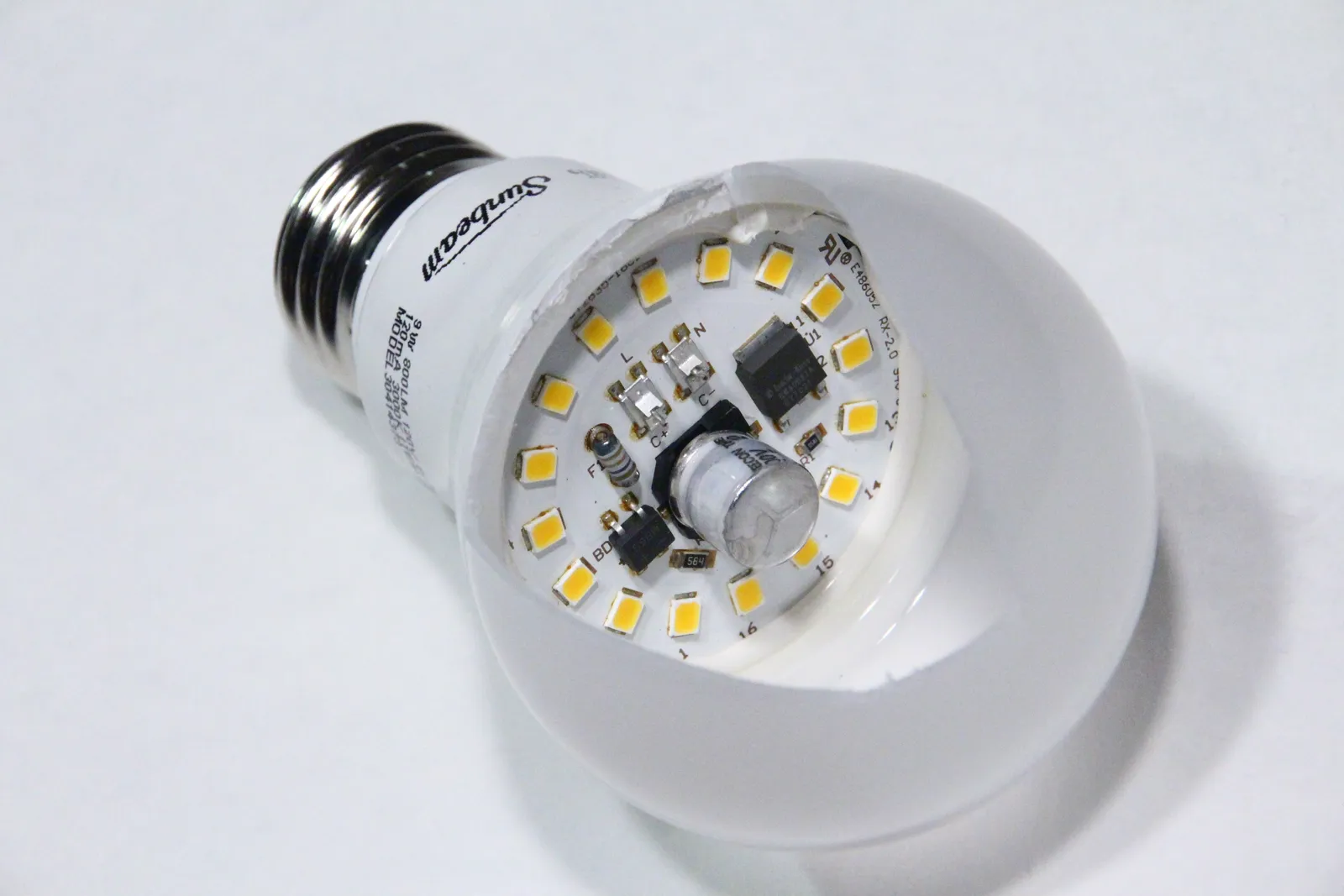
Smart bulbs use electronic drivers that require precise current regulation. When that regulation is disrupted, the driver struggles to maintain a stable output, and the light flickers as a result.
Smart bulbs convert AC power to DC internally. Inconsistent waveforms from incompatible dimmers confuse the driver circuitry, resulting in flicker or dropouts.
Smart bulb drivers may cycle on and off trying to interpret the signal, creating visible flicker. This cycling happens many times per second, often fast enough to look like a smooth strobe rather than a simple on-off blink.
Ghost Loading: Why Bulbs Sometimes Flicker Even When Switched Off
A phenomenon known as “ghost loading” causes residual current leakage that makes bulbs glow faintly or flicker even when switched off. It is one of the stranger complaints homeowners encounter with smart bulbs.
A tiny current passes through the circuit even when the switch is off. Smart bulbs are sensitive enough to react to even that trace amount of electricity.
Ghost loading occurs when a leading edge dimmer leaks residual current at minimum setting. Replacing it with a trailing edge LED dimmer resolves the issue in most cases.
Leading Edge vs. Trailing Edge: Which Dimmer Do You Actually Need
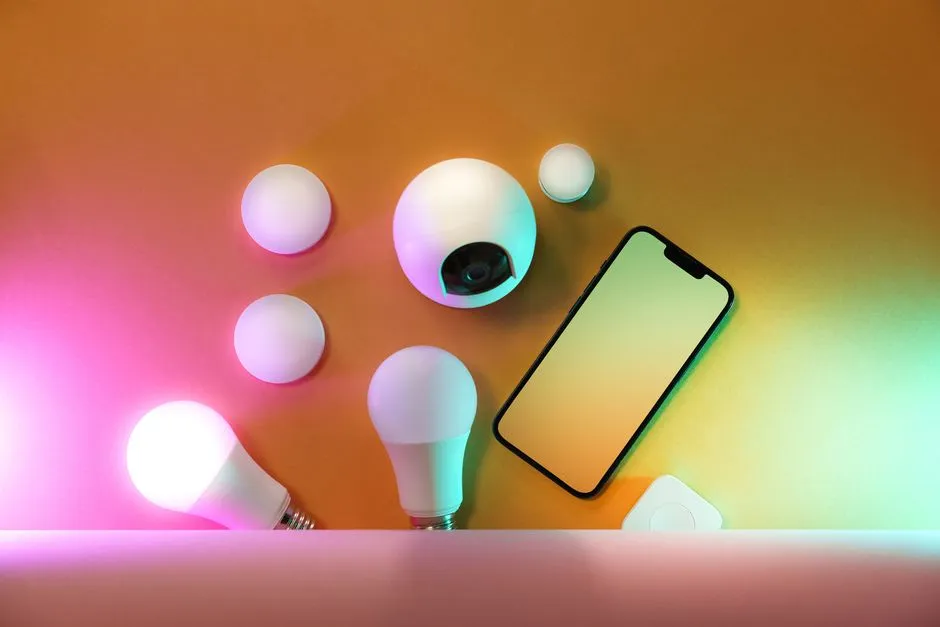
Trailing edge dimmers are more sophisticated and more expensive than leading edge dimmers. They have several advantages over leading edge dimmers including smoother control, soft start, and silent running when in operation. A trailing edge dimmer has a lower minimum load than leading edge dimmers, making it a better choice for dimming modestly sized low-powered lighting circuits.
Trailing edge dimmers have a minimum load capacity of 5 to 10 watts. They are mostly used with modern lighting like LEDs. That lower threshold is what makes them safe to use with a single smart bulb rather than a full bank of them.
Prevent flickering by using trailing edge dimmers, designed for smooth, flicker-free LED dimming. It is the most straightforward hardware fix available.
Non-Dimmable Smart Bulbs: The Label You Need to Read First
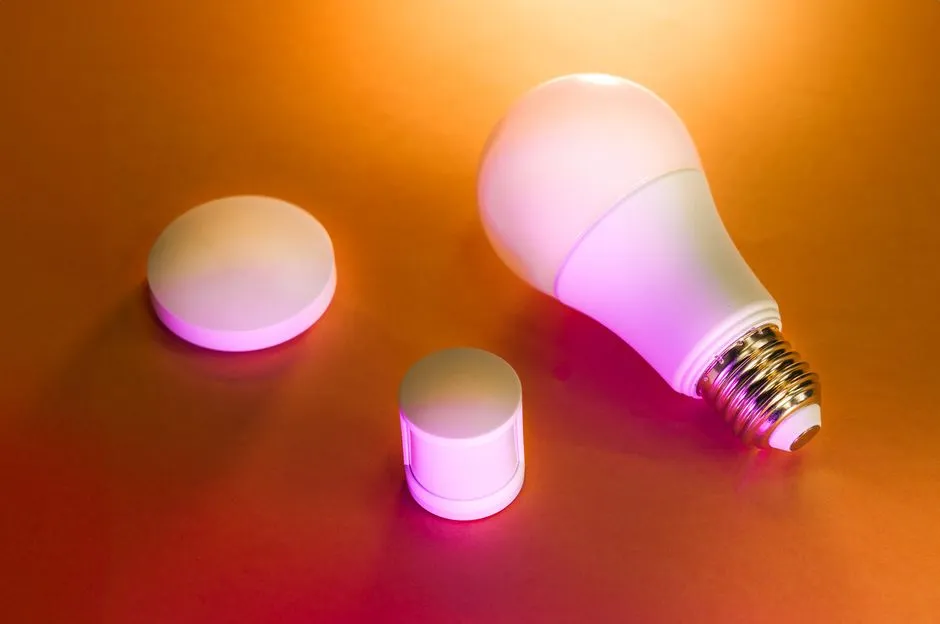
Always check the packaging for a “dimmable” label because non-dimmable LED bulbs on a dimmer circuit can flicker, buzz, or even get damaged. This step gets skipped more often than you would expect.
Non-dimmable smart bulbs will flicker every time you use a dimmer switch, no matter what else you do. No amount of hardware upgrades or wiring fixes will change that outcome.
Smart bulbs cannot work with smart dimmers, which may cause damage to the bulb or the circuit. Smart bulbs handle dimming internally and should be controlled through the manufacturer’s app, not through a dimmer switch. That distinction is worth repeating clearly.
The Missing Neutral Wire Problem in Older Homes

Most smart switches need a neutral wire in the switch box to power their radio. Without it, the switch has no reliable return path for the small current it needs to stay operational.
Some smart switches are made for boxes without a neutral, but they can cause LED flicker or a faint glow when the light is off. Many older homes have switch boxes with no neutral. It is a wiring reality that pre-dates modern smart lighting by decades.
An electrician can confirm what is in your box and, when needed, run a neutral so a standard smart switch works properly. For persistent flickering that survives every other fix, this is often the final answer.
Loose Connections and Overloaded Circuits
A loose wire in the switch box, a worn socket, or a failing backstabbed connection can cause flicker that comes and goes. This kind of flicker tends to be irregular and harder to predict than the steady pulse caused by a dimmer mismatch.
Your bulbs may flicker if the circuit breaker is bad or overloaded. If you notice that the blinking gets worse when you are running other nearby electronics, it is probably the breaker’s fault.
Dimmer switches have a load range, and attempting to use more LEDs than the design parameters allow can cause the switch to overload, resulting in flickering and flashing. More bulbs on a single dimmer is not always better.
Mixing Brands and Budget Bulbs on the Same Circuit

People also make the error of mixing incompatible smart bulb brands on the same dimmer circuit. Mixing brands sometimes causes interference and flickering. Even if each bulb works fine on its own, different internal driver designs can conflict when grouped together.
The driver chip inside a budget smart bulb is often a generic design that skips the EMI filtering and transient protection required for stable dimming. That is why a bulb may work fine on a simple on/off switch but flicker the moment you add a smart dimmer or occupancy sensor.
All bulbs on one dimmer switch should be the same brand and model to give yourself the best chance of consistent, stable behavior. It is a small detail that makes a noticeable difference.
Practical Steps to Stop the Flicker
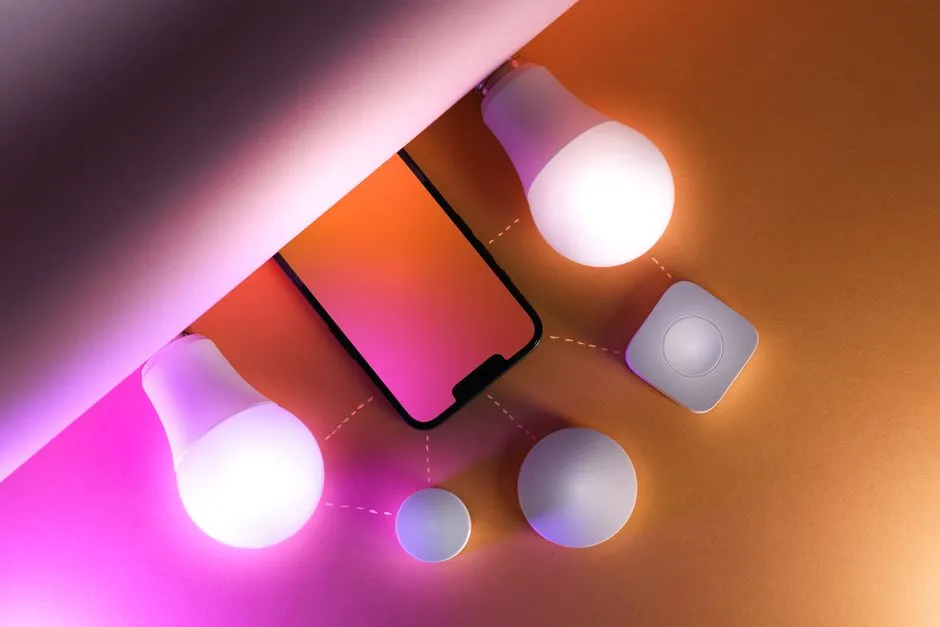
The most common reasons for dimmer switch flickering include bulb incompatibility, minimum load issues, and wiring problems. The most frequent cause is using LED bulbs that are not rated as “dimmable” or that are not compatible with your specific dimmer model.
The best LED dimmer switches utilize a microprocessor to stabilize the current, which in turn prevents flickering and flashing in dimmable bulbs. Spending a little more on a quality trailing edge dimmer is usually worthwhile.
Most smart bulbs should not be used with traditional dimmers. If dimming is required via a wall switch, use only dimmers listed as compatible by the bulb manufacturer. That compatibility list is the fastest shortcut through all the guesswork.
The Takeaway

AI Disclaimer: This article was created with the assistance of AI tools and reviewed by a human editor.