

Why This One Step Matters More Than Most People Realize
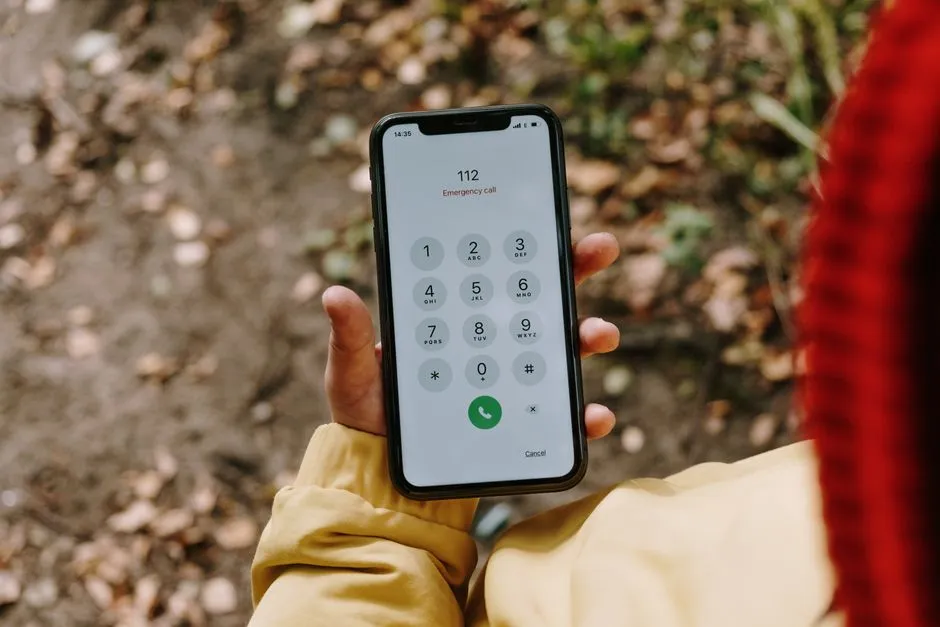
More than one in four older adults falls each year, and falls are the leading cause of both fatal and nonfatal injuries for older Americans. In 2024 alone, 43,020 older adults died from preventable falls, and nearly 3.85 million were treated in emergency departments.
Programming In Case of Emergency numbers into all family cell phones is one of the most direct protective steps available, because if you’re hurt and can’t talk, first responders and hospital staff may not know how to contact your family right away. That gap, even a delay of twenty minutes, can change outcomes dramatically.
What the ICE System Actually Is
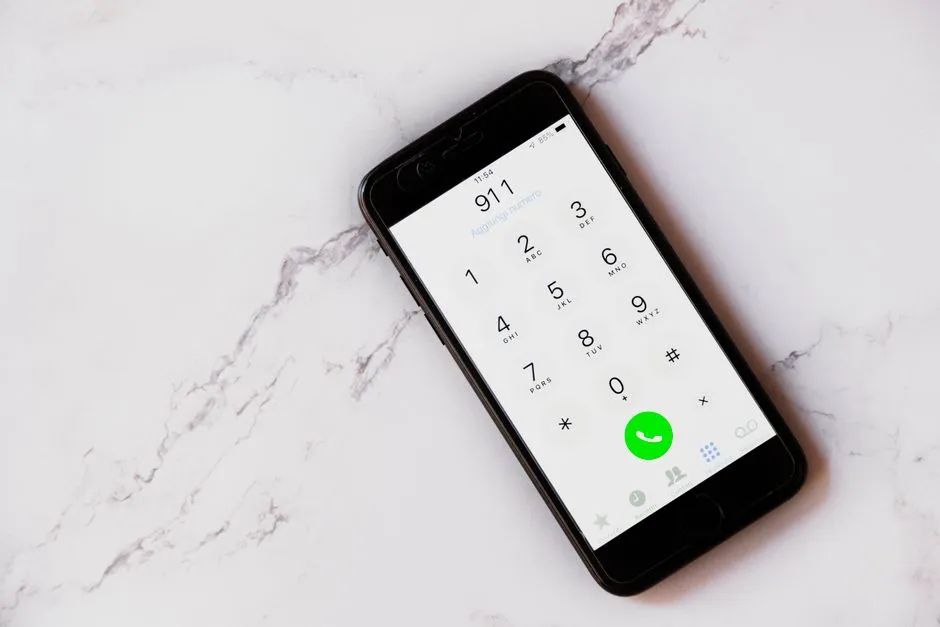
A paramedic in England developed a plan called ICE, short for “In Case of Emergency,” where emergency response personnel could use a victim’s cell phone to quickly locate emergency contact names and phone numbers. The plan suggests listing the word ICE in your contact list alongside the names and numbers of your closest family members. Emergency personnel trained to recognize the ICE campaign know immediately who to call.
Because of the difficulty in locating family members of accident victims, the ICE idea was born out of practical necessity. The concept is simple: program your phone with the acronym ICE followed by the names and numbers of those you want notified in an emergency. It’s been adopted globally and costs nothing.
How to Set It Up on iPhone and Android
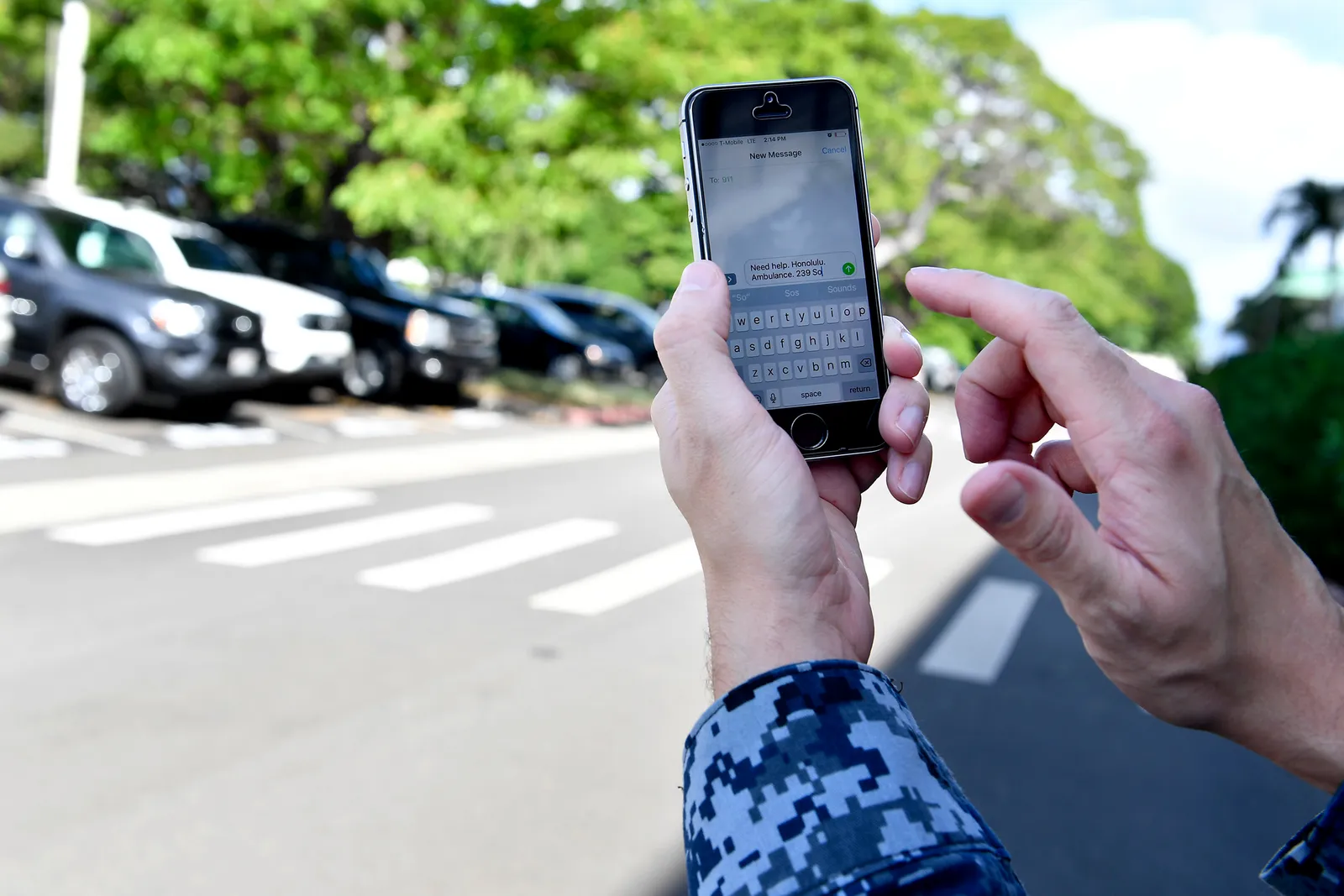
On iPhone, use the Health app’s Medical ID feature by navigating to Health, then Profile, then Medical ID, then Edit, then Emergency Contacts. On Android, go to Settings, then Safety and Emergency, then Emergency Contacts, or simply add contacts with the “ICE” prefix in the Contacts app. Both systems allow emergency information to be accessed from the lock screen without unlocking the phone, so first responders can reach your contacts even if the phone is password-protected.
The setup takes roughly five minutes to configure, and experts recommend two to three contacts listed in priority order. Critically, this information is accessible without a password, meaning it’s available at the scene of any incident. That detail alone makes it worth doing today.
Who Should Actually Be Listed First
The best ICE contact is someone likely to answer an unknown call, stay calm, know the parent’s health situation, and understand who else should be told. For an older parent or person managing a serious diagnosis, the contact might not be the closest relative. It may be the person who knows the care plan best.
Choose people for usefulness, not symbolism. A partner may be the obvious first contact, but a neighbor, adult child, sibling, or close friend may be more available during work hours or more familiar with a medical condition. Include someone local if possible, someone who can make family calls, and someone who knows where important documents are kept.
The Medical Information That Should Accompany the Contact

ICE contacts should be up to date on important medical information, including medications the person is taking, any medical conditions, doctors’ names, and severe allergies. It is also helpful to arm ICE contacts with a list of additional people they should call on the parent’s behalf in the event of an emergency.
Programming a cell phone takes only minutes to accomplish, yet it may save hours of anguish in the event of an emergency. Rapid access to next of kin, who will be able to provide medical history and background information, can also enhance the success of emergency treatment. Responders make faster decisions when they aren’t starting from zero.
Don’t List Too Many Contacts

A useful ICE setup includes two or three trusted people, their relationship to the patient, accurate mobile numbers, and any urgent medical details a responder should know before speaking with the family. The contact list should be short. A crowded list slows people down and can create confusion if several relatives give different answers.
Think of it less like a roster and more like a chain of command. The first contact handles the immediate situation. The second is a backup if the first doesn’t answer. A third is only worth adding if they genuinely add different value, such as a neighbor who has a key to the house or a sibling who manages medical paperwork.
Tell the Contact They’re Listed

Make sure the emergency contacts agree to be an ICE partner. Include every phone number, including home, cell, and work, of the ICE partner. This sounds obvious, but many families skip it entirely. A contact who doesn’t know they’ve been listed may freeze, give wrong information, or not answer an unfamiliar number.
Inform each person you’ve listed them as an emergency contact, discuss what information they should share with medical personnel, and consider signing medical information release forms where relevant. That small conversation can make the difference between a responder getting a clear medical history and getting a confused, panicked voicemail.
How Smartphone Features Can Reinforce the ICE Setup
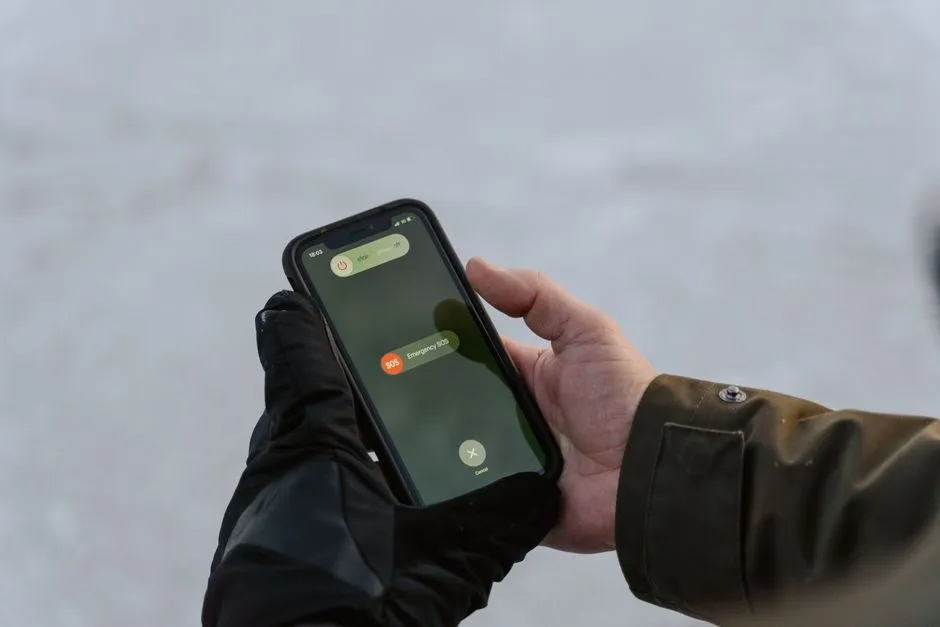
Even if a parent can’t reach their phone, voice assistants like Siri can be used to call a contact or even 911 in an emergency. Many older adults don’t know they can ask Siri to place a call hands-free. The Apple Watch’s fall detection feature can automatically call for help if it detects a fall, providing a crucial safety net for those at risk.
iPhones from the 14 generation onward include Crash Detection, which detects sudden deceleration consistent with a car crash and automatically contacts emergency services if the user doesn’t respond. iPhone 15 added Emergency SOS via Satellite, which can contact emergency services even without cellular coverage or Wi-Fi. These features work best when the underlying ICE contacts are already in place.
Why Seniors Are More Reliant on Cell Phones Than Ever

According to the CDC’s 2024 National Health Interview Survey, nearly three quarters of U.S. adults aged 65 and older now rely primarily on a cell phone. Only about one in eight still lean mostly or entirely on a landline. That’s a dramatic shift from even a decade ago, and it means the phone has become the primary lifeline for the vast majority of older adults.
AARP’s 2025 Tech Trends report found that two thirds of U.S. adults aged 50 and older say technology makes daily life easier, yet most also feel that products and emergency tools aren’t designed with them in mind. Roughly half of seniors say new technology leaves them overwhelmed, including nearly a third who fear making mistakes. Setting up ICE contacts for a parent, rather than simply telling them to do it themselves, removes that barrier entirely.
Keep the Information Current

Emergency planning works best when the phone setting sits inside a wider routine. The CDC recommends a contact list and multiple communication methods in an individual emergency plan, while Ready.gov recommends a household family emergency plan. Revisiting the ICE setup once a year, or after any major health change, keeps it accurate when it matters.
Phone numbers change. Medications change. Living arrangements change. A contact who was ideal two years ago may have moved away or may no longer be the right person to call first. Treat the ICE setup like a smoke detector: check it regularly, not just once when you first install it.
The Takeaway

Setting up an ICE contact in a parent’s phone is one of the smallest tasks on any family’s list, and one of the few that requires genuinely nothing beyond five minutes and a brief conversation. Given that in 2024 more than 43,000 older adults died from preventable falls and over the past decade fall-related deaths among older adults have risen by more than half, the window between an incident and a call to the right person matters enormously.
It’s not about pessimism. It’s about making sure that if something goes wrong, the right name and number is the first thing a responder sees. Do it this week, then tell the contact you’ve done it. That’s genuinely all it takes.
AI Disclaimer: This article was created with the assistance of AI tools and reviewed by a human editor.