
The Government Has Been Saying This for Years
In June 2025, the Transportation Security Administration warned travelers to avoid plugging phones into public USB ports, especially in airports. The FBI issued similar warnings back in 2023, and the FCC maintains ongoing advisories about the same threat. Three separate federal agencies, all pointing at the same risk, is not something that tends to happen without reason.
The FBI’s guidance was direct: “Avoid using free charging stations in airports, hotels, or shopping centers. Bad actors have figured out ways to use public USB ports to introduce malware and monitoring software onto devices. Carry your own charger and USB cord and use an electrical outlet instead.” Despite the clarity of that message, airport charging stations remain among the most-used public amenities in terminals worldwide.
What “Juice Jacking” Actually Means
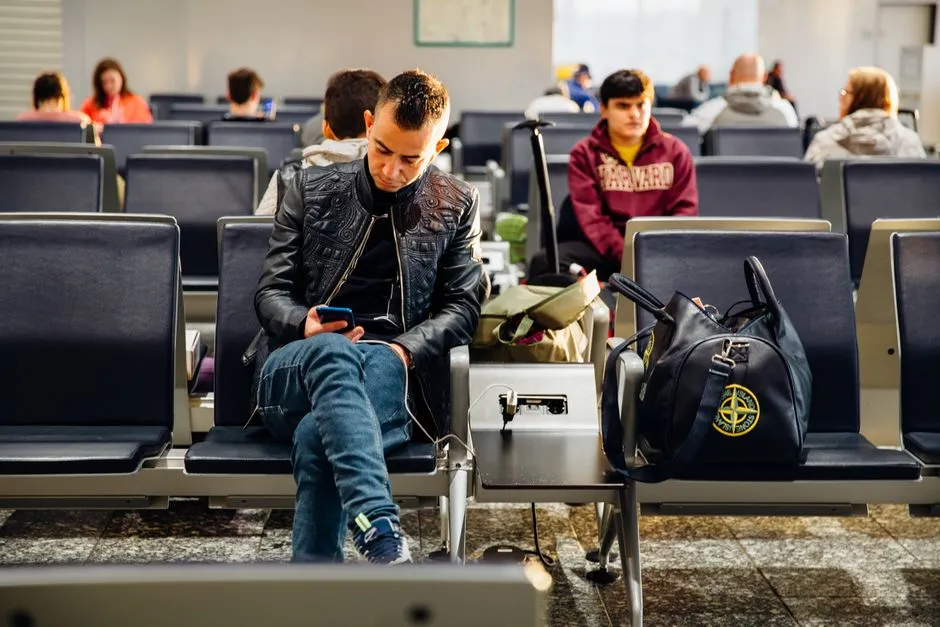
Juice jacking occurs when a public charging station, such as those found in airports or hotels, is tampered with to act as a computer that extracts data from connected devices rather than simply providing power. The term itself was coined back in 2011, but the underlying vulnerability has never fully gone away.
Juice jacking is where hackers manipulate public charging stations with hidden devices to steal data or install malware on your device when you use a USB charging cable to plug directly in. The core problem is that USB cables are designed to carry both power and data simultaneously, meaning a compromised port can do far more than just charge your phone.
The FCC warns that such malware can give criminals access to personal data and passwords, which they can use personally or sell to other actors. Once data is off your device, there is no straightforward way to get it back.
Why Most People Dismiss the Warning
Juice jacking is technically possible, but publicly documented real-world cases remain limited. The 2023 FBI alert was a general security reminder rather than a response to a specific known incident. AARP also reported that the FBI, the FCC, and several security experts could not point to evidence showing widespread attacks at public charging stations.
One security analyst put it plainly, noting that you are much more likely to have your credit card skimmed than be juice jacked, based on the lack of hard evidence of widespread cases. That gap between theoretical risk and documented harm is precisely why so many travelers shrug off the advice. Low probability, however, is not the same thing as zero probability.
What Hackers Can Actually Do to Your Device
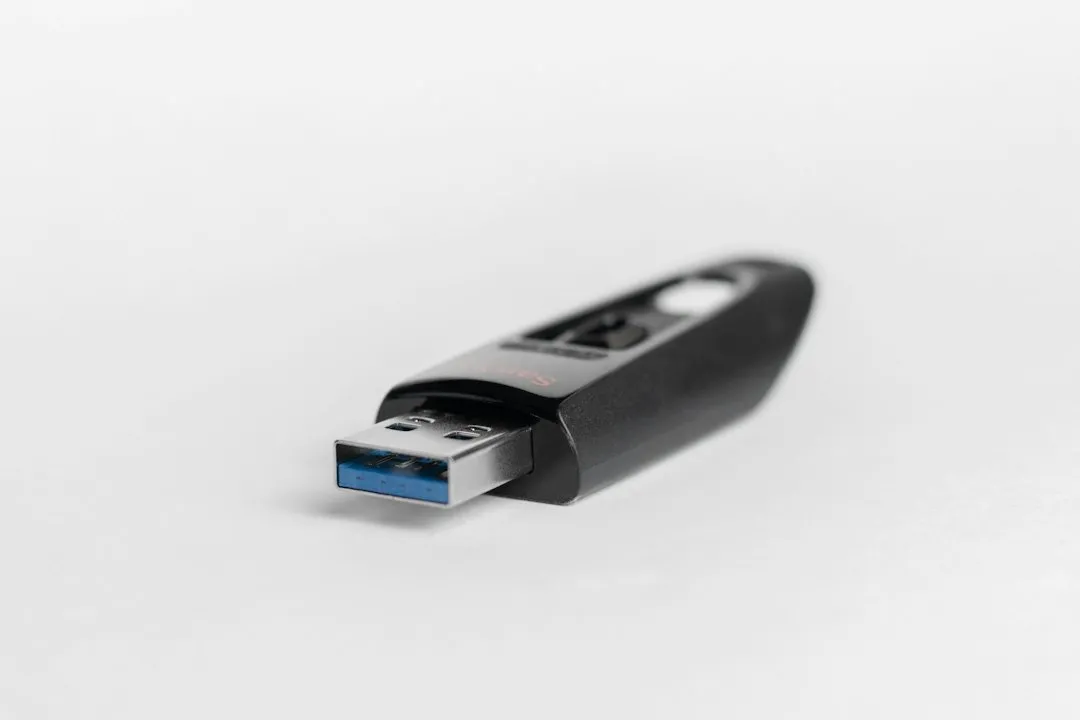
Once a device is compromised, attackers may be able to access banking and payment apps, install spyware or keyloggers, control or wipe a device remotely, and steal photos, contacts, or two-factor authentication codes. The scope of what becomes accessible through a single USB connection is broader than most users realize.
FCC officials warn that malware installed through a corrupted USB port can lock a device or export personal data and passwords directly to a criminal. The sensitive information can then be used to access online accounts or be sold to other bad actors. For business travelers especially, that kind of exposure extends well beyond personal accounts.
The ChoiceJacking Breakthrough Changed Everything in 2025
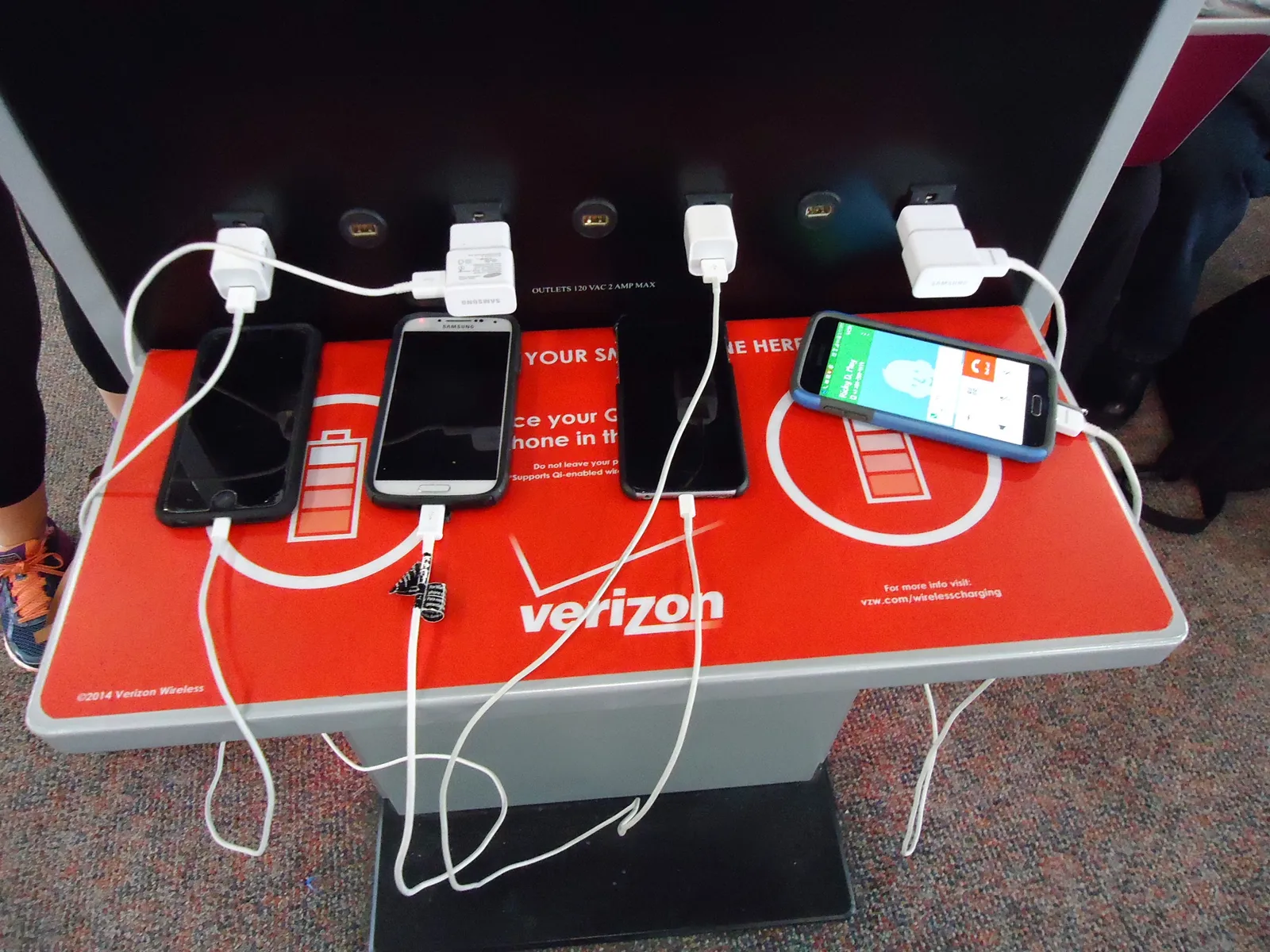
Researchers at Graz University of Technology in Austria uncovered a sophisticated new attack method called “ChoiceJacking” that represents a significant evolution of the older juice jacking technique, which had prompted Apple and Google to implement user confirmation prompts when devices connect to USB hosts for data transfer. In other words, the safeguard millions of users had been relying on was found to be bypassable.
By simply plugging a phone into a compromised public charger or USB cable embedded with this attack system, the phone is deceived into believing the user has manually approved data transfer, even though the user never touched the screen. The attack takes just 133 milliseconds, faster than the blink of an eye.
ChoiceJacking allowed a malicious USB charger to autonomously spoof user input and enable data transfer or code execution on 11 Android and iOS devices without user consent. The attack independently took action on the devices as though it was the device user, and stole data or ran malicious software. The research was presented at the USENIX Security Symposium in August 2025.
Which Devices Are Vulnerable

The researchers from Graz found further attack scenarios with which they were able to attack devices from Samsung, Xiaomi, and Huawei, in addition to Apple’s and Google’s own devices. That covers the overwhelming majority of smartphones currently in use worldwide.
ChoiceJacking extracted files successfully from two locked devices. The researchers timed the attacks to occur when the user is least likely to notice unusual screen activity, such as screen flickering. The researchers reported their findings to the affected vendors, and most of them are patching the vulnerabilities. Patches help, but they reach users slowly, and not every traveler keeps their software current.
The Infected Cable Problem Nobody Talks About
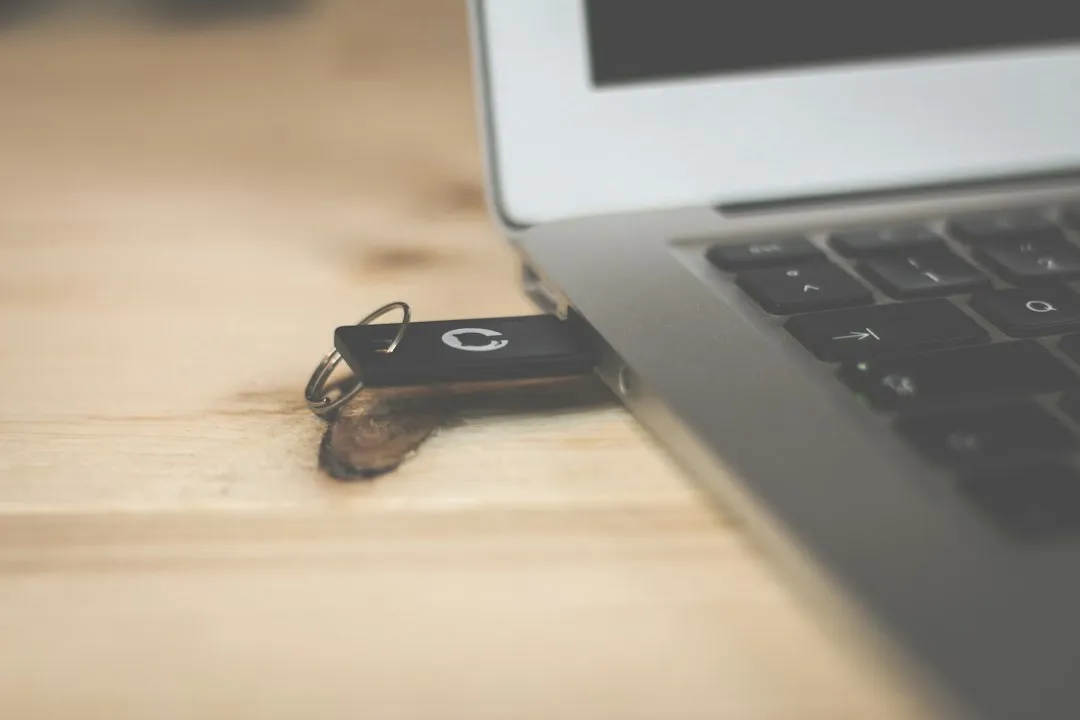
In some cases, criminals may have intentionally left infected cables plugged in at charging stations. This is a detail that rarely makes headlines but matters enormously, because it means the threat does not require any physical modification of the charging station itself. A single planted cable is enough.
The FCC has warned about infected cables being handed out as promotional items. These portable threats are easier to deploy, harder to detect, and more likely to be trusted by victims. Picking up a stray USB cable from a charging station bench or accepting one as a gift has become a recognizable risk in its own right.
Voltage Damage: The Overlooked Non-Hacking Risk
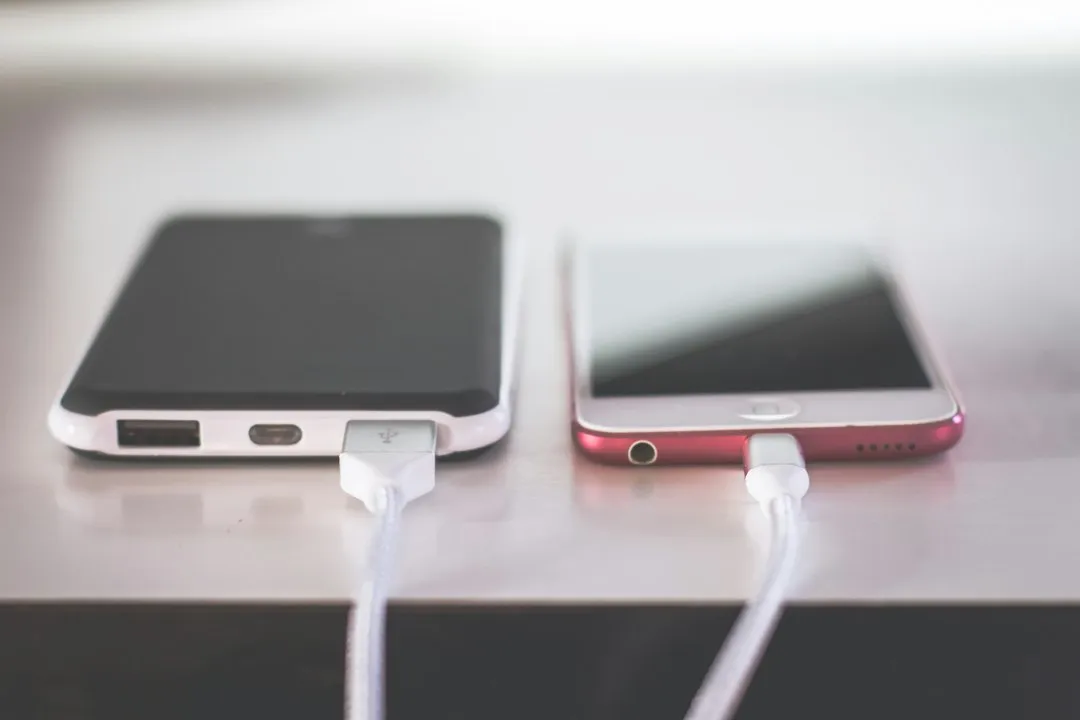
Even legitimate public charging stations can damage devices through faulty wiring or incorrect voltage delivery. This is not hacking; it is infrastructure failure that can fry charging circuits or degrade battery life. Security concerns aside, there is a straightforward hardware argument for bringing your own charger.
Airports are high-traffic environments where charging hardware endures far more daily use than any home socket. Wear, damage, and poor maintenance are all realistic factors. The risk of device damage from a faulty public port is arguably more common and more immediate than the risk of a deliberate cyberattack.
What the Agencies Actually Recommend
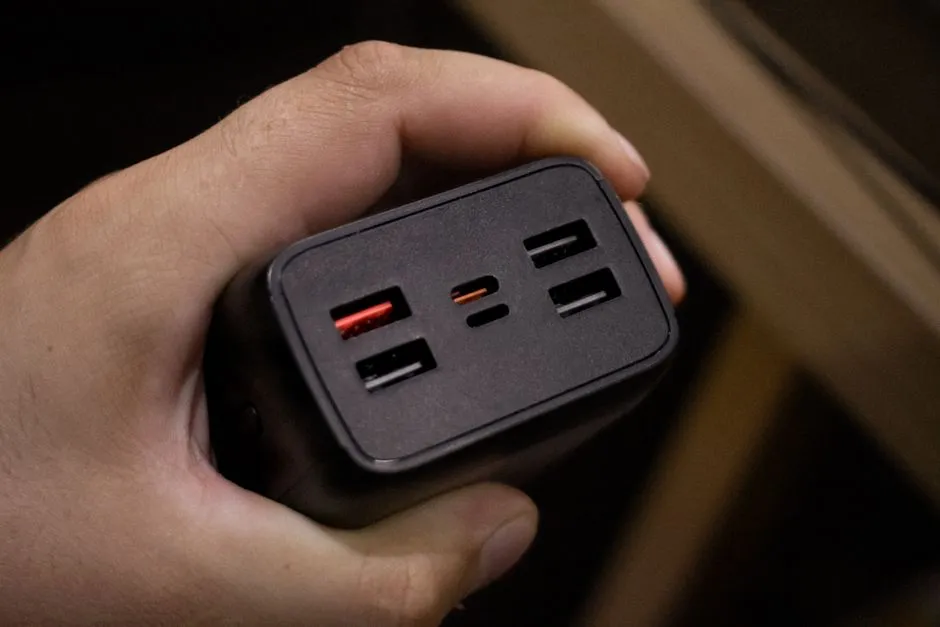
Travelers should carry a TSA-compliant power brick or battery pack and use standard power outlets instead, as these cannot be hacked like USB ports. The TSA also advises against using free public WiFi for any sensitive activities, recommending cellular data or a VPN for safer connections.
The TSA, FCC, and FBI all urge the use of personal chargers, power banks, and USB data blockers to protect devices and personal information. A USB data blocker, sometimes called a “USB condom,” is a small adapter that allows power to flow while physically blocking any data transfer pins. They cost very little and fit easily in a carry-on bag.
The Public Wi-Fi Risk That Travels With the Warning
The TSA has also warned against using free public WiFi, particularly for sensitive tasks like online purchases. Airport Wi-Fi networks are shared environments where unencrypted traffic can be intercepted, and connecting to them while checking bank balances or logging into work accounts carries its own category of risk.
Criminals can also conduct an “evil twin attack” by creating their own malicious network with a similar name to the airport’s network, causing travelers to mistakenly connect to the criminal’s network instead. Charging stations and open Wi-Fi together represent the two most common digital vulnerabilities in any airport terminal, and most travelers interact with both on a routine basis.
Final Thoughts
The airport charging station warning has existed long enough that it has started to feel like background noise, another advisory to scroll past. What the research from 2025 makes clear is that the technical landscape around this risk has quietly shifted. The safeguards that once made juice jacking largely theoretical have now been demonstrated as bypassable under controlled conditions.
None of this means that every public USB port in every terminal is a trap. In theory, a bad actor could modify a public USB port to compromise your device. The odds of this happening at any given airport remain extremely low. Still, the fix is genuinely easy: carry a power bank, use a wall socket, or plug in a USB data blocker. The inconvenience is minor. The downside of ignoring this one is not.
AI Disclaimer: This article was created with the assistance of AI tools and reviewed by a human editor.