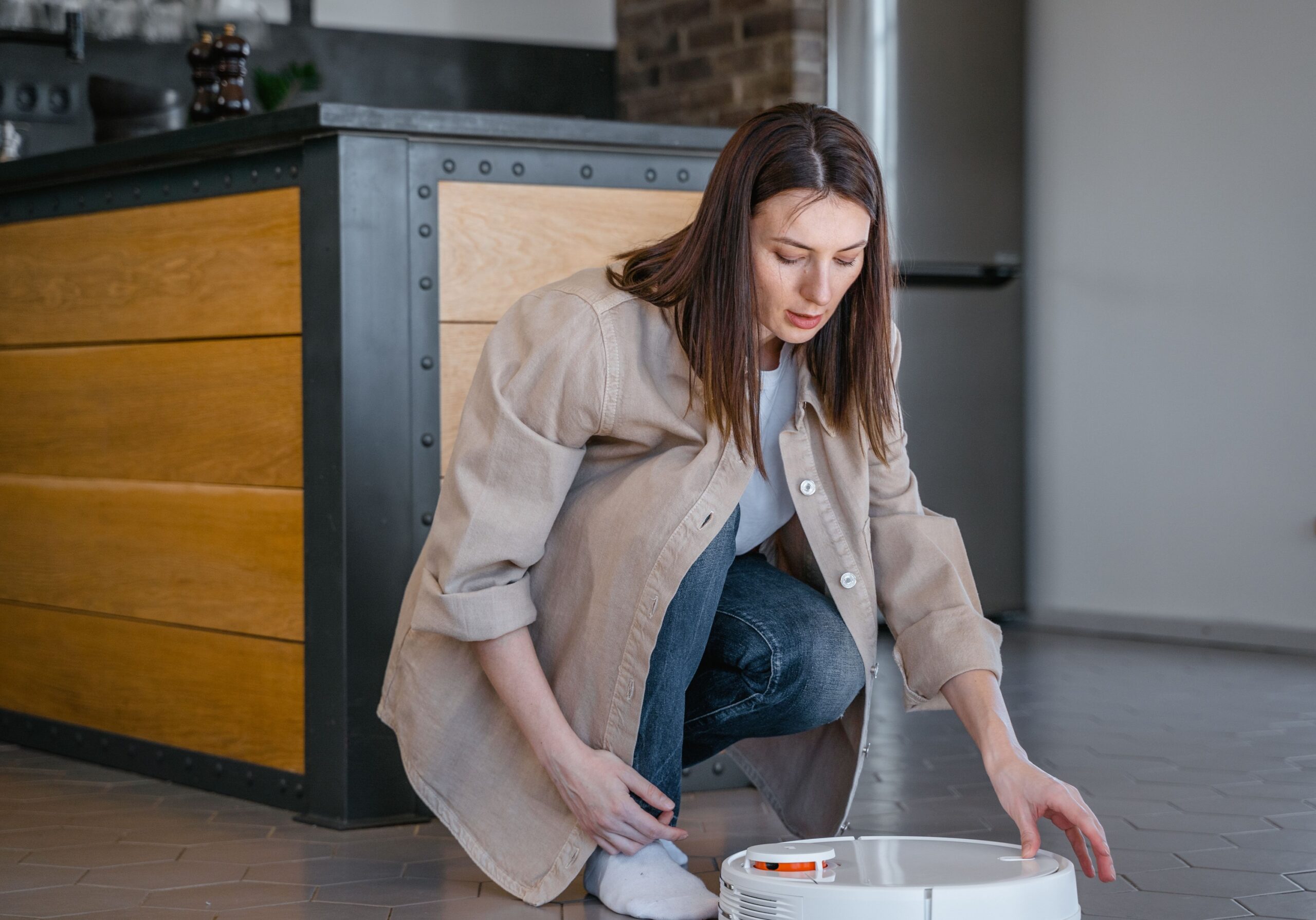

Dirty or Blocked Sensors Are Usually the Real Culprit
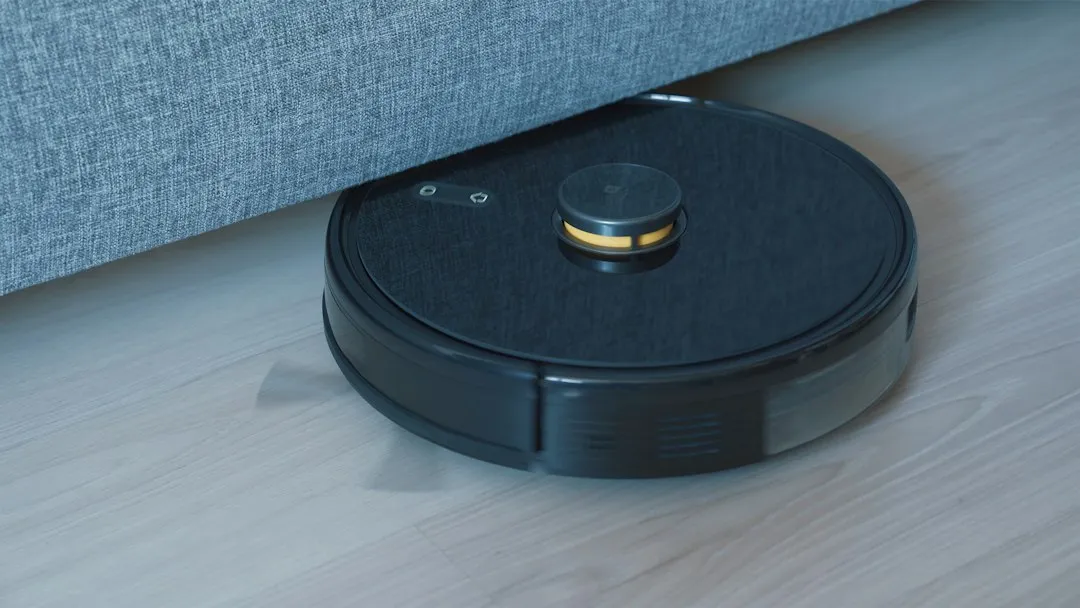
When your robot vacuum keeps getting stuck or fails to avoid obstacles, dirty sensors are often to blame. Robot vacuums navigate by reading the room with a combination of sensors: cliff sensors that stop them tumbling down stairs, a bumper that detects contact, and optical or laser sensors that build a picture of the space.
When any of those gets dirty, the robot misjudges where it is and either freezes or wedges itself somewhere it cannot reverse out of. If dust, pet dander, or smudges obscure the clear plastic casing over these sensors, the IR light cannot escape or return properly, and the vacuum essentially becomes “blind,” triggering fail-safes that shut down the cleaning cycle completely.
A simple wipe with a dry microfiber cloth is often all it takes. Most people never think to clean the underside of their robot vacuum, but it makes a bigger difference than almost any other maintenance task.
The Dark Rug Problem That Stumps Everyone
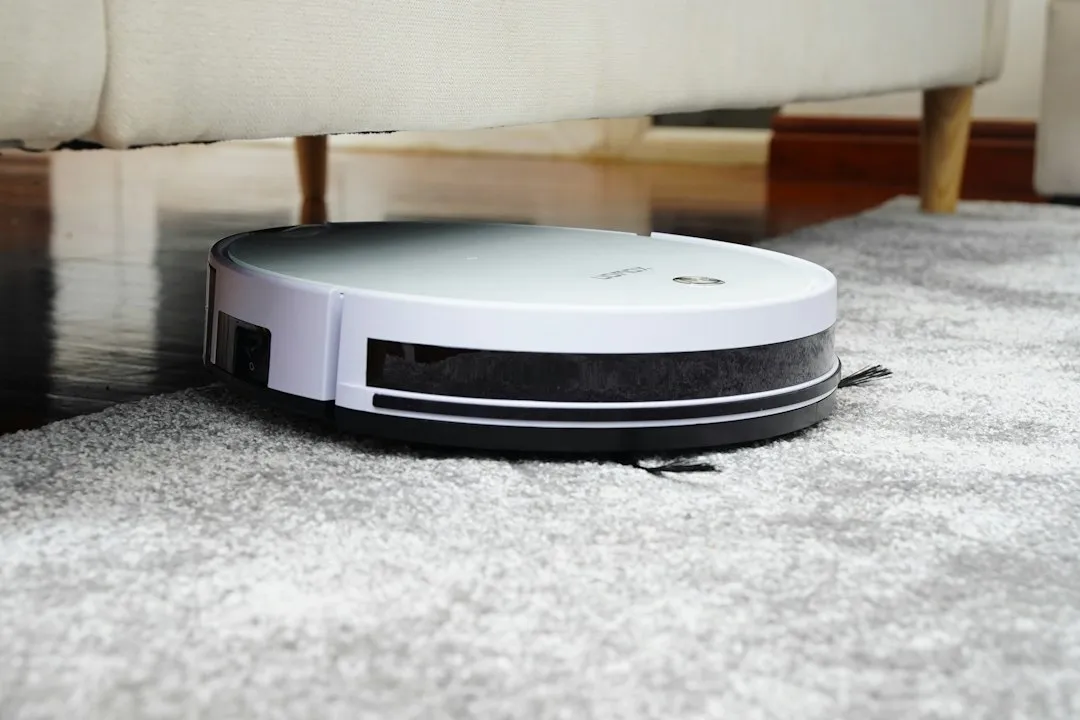
Robot vacuums rely heavily on cliff sensors, which are small infrared sensors located on their undercarriage designed initially to prevent the device from tumbling down stairs or ledges. These sensors work by emitting infrared light and measuring the reflection to detect sudden drops in floor height.
A challenge arises with certain types of rugs, particularly those that are very dark and solid-colored. Because these rugs absorb much of the infrared light rather than reflecting it, the vacuum can mistake them for a drop-off or “cliff.” As a result, the robot may hesitate to move onto the rug or stop at its edge, leaving that area uncleaned.
These sensors may also trigger a false positive on dark or black-colored surfaces, such as some carpets, preventing the robot from entering or cleaning those areas. This issue is more common with older or entry-level models that rely heavily on basic infrared cliff sensors. Modern robot vacuums reduce this problem by combining multiple technologies, including LiDAR navigation, camera-based recognition, optical sensors, AI obstacle detection, and smart mapping systems.
Tangled Wheels and the Hair Wrap Effect
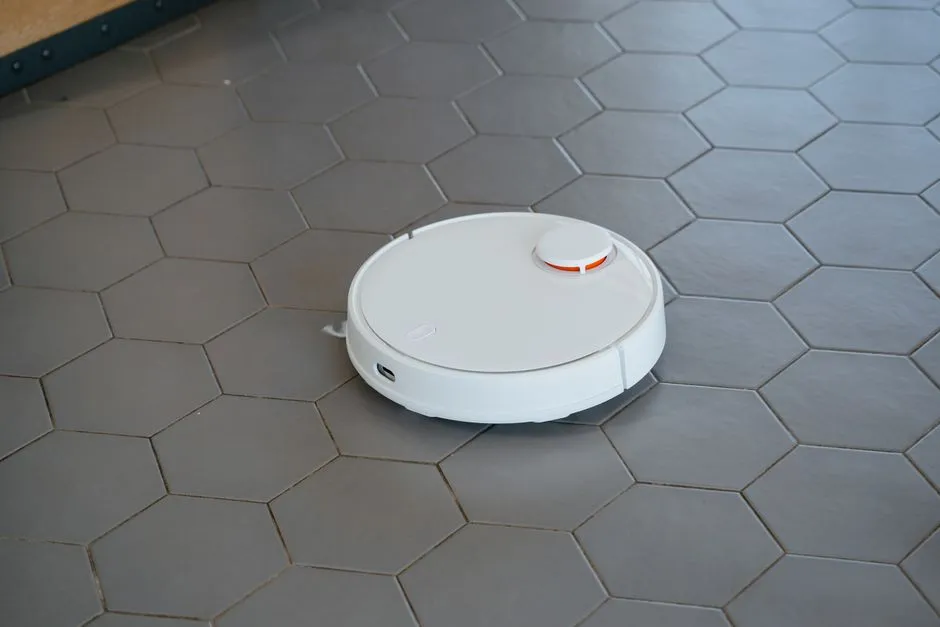
Hair, threads, and fluff wrap around the drive wheels and main brush, and once a wheel cannot turn freely, the robot loses traction and stalls. The most common reasons involve hair and debris wrapping around the axle and stopping rotation. Loose cords, toys, or thick rugs can physically jam the wheel, while worn parts may cause uneven movement or force the robot to stop.
Hair, fibers, and other debris can easily get tangled in the brushes or clog the suction system, causing the vacuum to stop. This is particularly common in homes with pets or long-haired residents. If your robot keeps stalling in the same corner, check the brush rollers first before assuming a deeper technical fault.
Cables and Cords Are the Number One Physical Trap

Power cords, phone chargers, headphone cables, and curtain pulls wrap around brushes or wheels. Even robots with AI obstacle avoidance can misjudge thin cables, and brush rollers actively pull cables into the robot.
Loose wires are one of the most common causes of vacuum tangles. The frustrating part is that the robot may make it past the cable on one run, only to catch it at a slightly different angle the next time, making the problem seem inconsistent when it’s actually very predictable.
Tucking cables behind furniture, using cable clips, or routing wires along baseboards eliminates this issue almost entirely. It’s a five-minute fix that can save weeks of frustration.
Doorway Thresholds and Floor Transitions
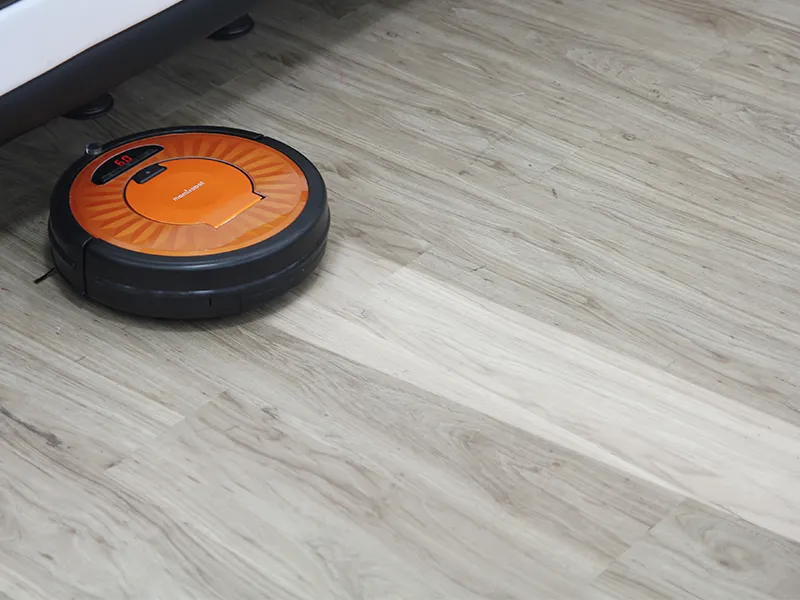
Robots get stuck on door thresholds, carpet-to-hardwood transitions, or room dividers. Most robots can climb roughly 1.5 to 2 centimeters in height. Taller thresholds cause wheels to lose traction or trigger stuck sensors.
If your robot keeps stalling at the same doorway, the height of that transition strip is likely just outside its climbing range. Swapping the threshold for a lower-profile transition strip, or simply setting a no-go zone in the app, solves the problem immediately. It’s one of those issues that feels mechanical but is really just a matter of geometry.
The Dining Room Chair Leg Maze
Robots navigate between chair legs, get confused, and cannot find their way out, which is especially common in dining rooms. Multiple chair legs create a kind of forest of obstacles, and the robot’s navigation algorithm gets trapped in local loops.
This is one of the more persistent problems because the space between chair legs is just large enough for the robot to enter, but too complex for older navigation systems to reliably exit. Pushing chairs fully under tables or creating no-go zones around dining areas is a practical workaround that most app-connected models support.
Outdated Firmware and Software Navigation Bugs

Software glitches or outdated firmware can also interfere with a robot vacuum’s pathfinding. Manufacturers regularly push firmware updates that refine how the robot interprets sensor data, plans routes, and responds to repeated stuck scenarios. Skipping these updates means the robot keeps using an older, less accurate decision-making model.
Enhanced sensor technology helps robots recognize obstacles and avoid collisions. Algorithms using artificial intelligence can evaluate data to customize cleaning paths and adjust to various floor types. Most of these improvements are delivered through software, not hardware, which means keeping your app and firmware current genuinely matters.
Sunlight Interference and Sensor Confusion
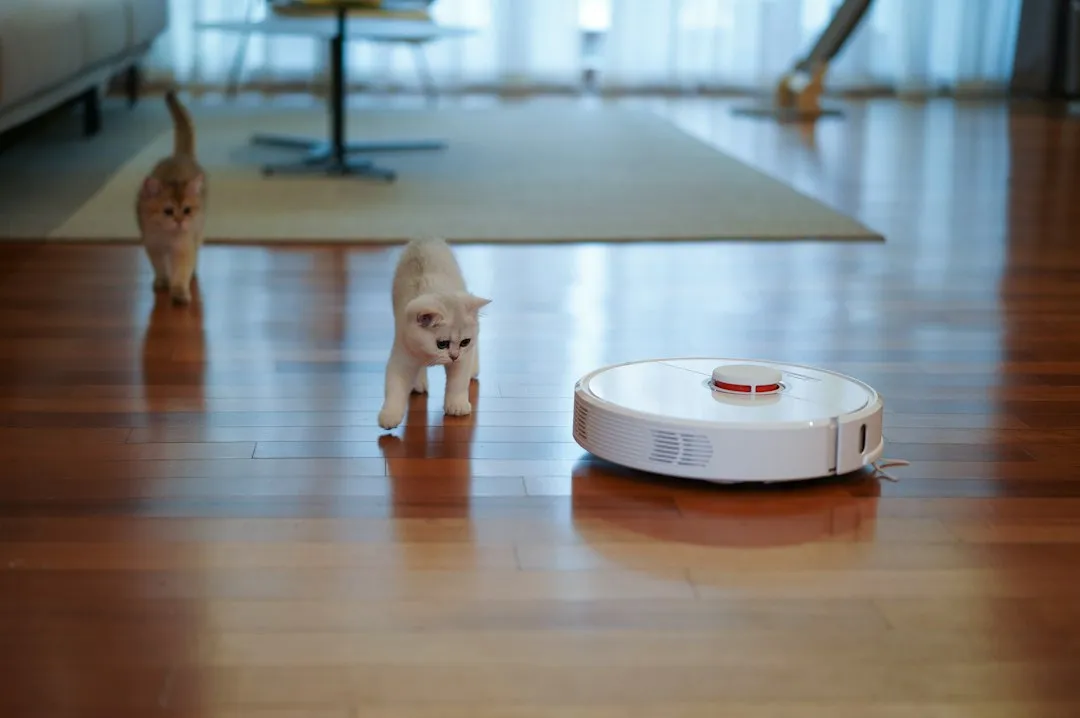
Direct sunlight can interfere with some robot vacuum sensors, particularly infrared-based ones. If you have large windows and your vacuum stops at the same time each day when the sun is at a particular angle, you might be dealing with optical interference rather than a mechanical fault.
This is the kind of problem that’s easy to miss because it only happens during a specific time window. Scheduling your robot to run in the morning or evening, when direct sunlight doesn’t hit the floor at low angles, is often enough to eliminate the issue entirely without changing anything about your home setup.
An Outdated or Corrupted Floor Map
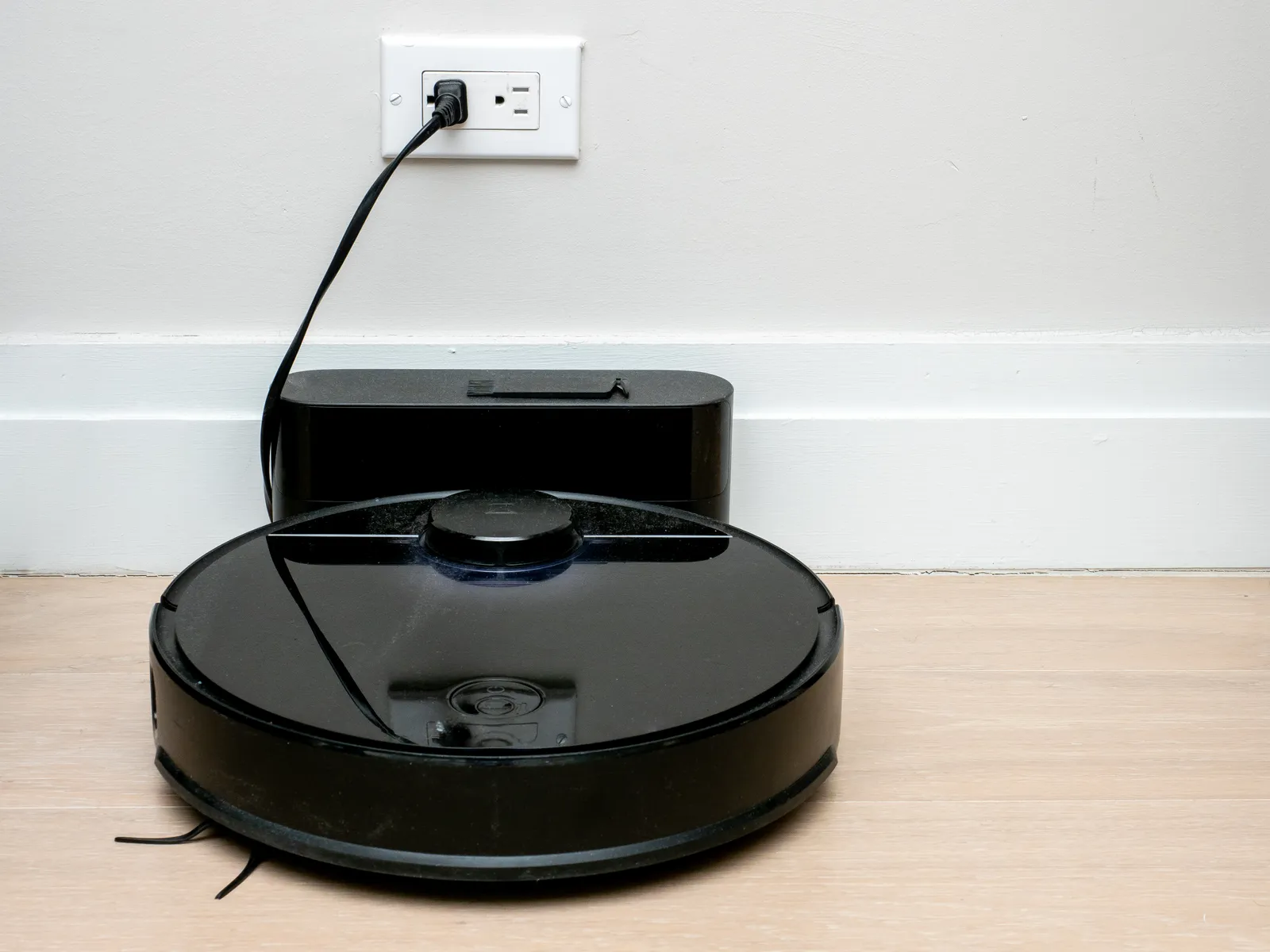
Using data from mapping and localization, the robot divides your home into logical zones and plots the most efficient route. Instead of moving randomly, it follows straight, parallel lines, ensuring no spot is missed. As it moves, built-in sensors detect obstacles and the robot recalculates its path in real time, returning to the planned route once the way is clear.
If furniture has moved since the last full mapping run, the robot may be navigating based on a floor plan that no longer reflects reality. If the robot is repeatedly hitting the same spot, it often indicates a navigation error tied to a stale or corrupted map. Deleting the saved map and letting the robot remap the space from scratch often resolves this quickly.
Lightweight Clutter That Keeps Moving
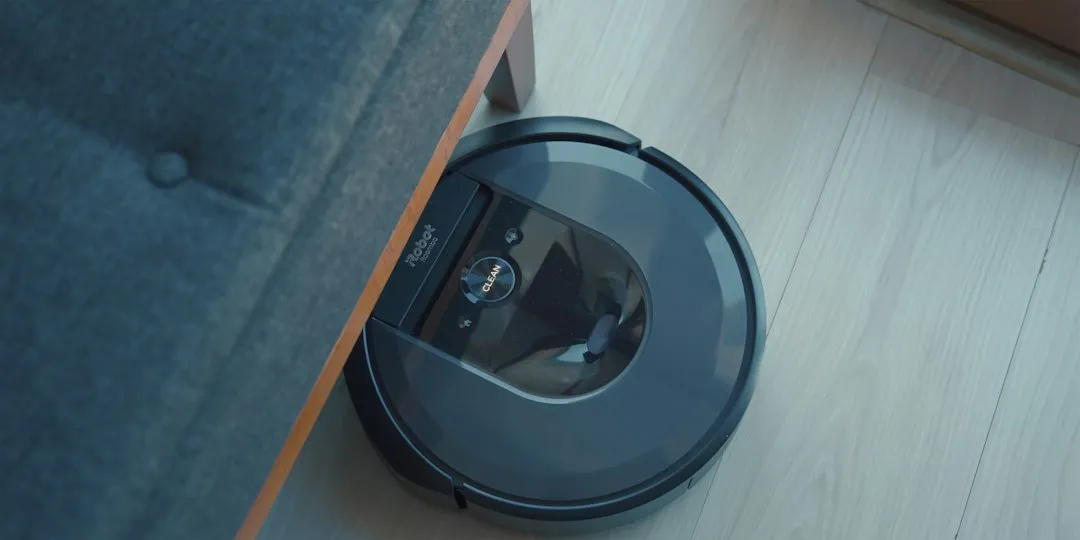
Small objects scattered across the floor can hinder the vacuum’s movement. Items like coins, pet toys, or even clothing can block progress. Regularly clearing the area where the vacuum operates can significantly reduce the chances of it getting stuck.
Robots push small items like socks, toys, or pet bowls around the room and eventually get stuck, because object avoidance works for stationary obstacles but fails when the object keeps shifting position with each pass. The robot essentially creates its own moving obstacle, herding a sock into a corner and then getting pinned against it. A quick floor tidy before each scheduled run is the simplest solution available.
The Takeaway
Almost every case of a robot vacuum repeatedly getting stuck in the same spot comes down to one of a handful of identifiable causes: dirty sensors, hair-wrapped wheels, physical clutter, floor transitions, or a map that needs refreshing. When your robot vacuum keeps getting stuck, the cause is almost always a navigation error, a blocked sensor, or hair tangled in wheels rather than motor failure. Cleaning wheels and sensors and restarting in a clear, well-lit area resolves most sticking without any repair.
The pattern matters. If your robot fails in the exact same location every single run, that spot is telling you something specific. Trust it, investigate it, and the fix is usually straightforward. These machines are smarter than they sometimes seem, and so is the process of troubleshooting them.
AI Disclaimer: This article was created with the assistance of AI tools and reviewed by a human editor.