
The Numbers Behind the Threat
Americans reported $20.9 billion in internet crime losses to the FBI in 2025, up roughly a quarter from the year before. Tech and customer support fraud, the category that covers most remote access scams, accounted for $2.1 billion of that total alone.
Reported losses to remote access scams in the first quarter of 2024 increased by 52 percent compared to the previous quarter, and the average loss per victim climbed by 57 percent to $17,943 during that same period. That’s not a rounding error. That’s someone’s savings account.
This trend, identified by the National Anti-Scam Centre, contrasted sharply with most other scam types, which actually saw reported losses decrease over the same period. Remote access fraud was moving in the opposite direction while nearly everything else was cooling down.
What the Apps Actually Are
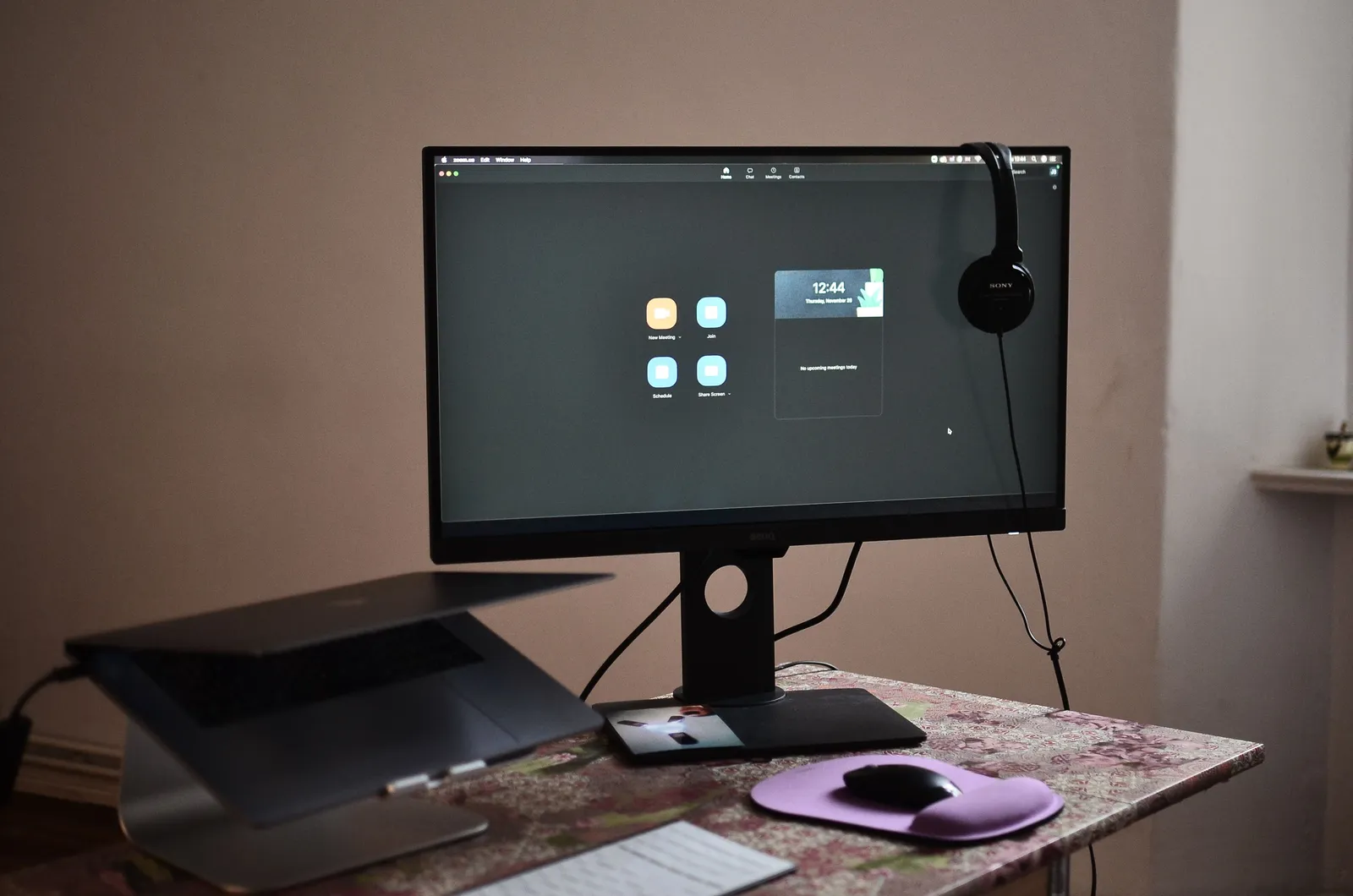
AnyDesk is a piece of remote access software that lets you use a device from anywhere, but with this useful functionality comes the risk of malicious hackers exploiting it. The same applies to TeamViewer, Chrome Remote Desktop, and similar tools.
Many remote access scams are referred to as “AnyDesk scams,” but AnyDesk is just one of many remote access software options scammers take advantage of. Microsoft’s Remote Desktop, Chrome Remote Desktop, and TeamViewer can also be used to trick people. In essence, the name “AnyDesk” has become somewhat synonymous with these types of scams, but remote desktop applications in general carry the same risk.
AnyDesk itself is a legitimate application, both on desktop and mobile, rated A+ by the Better Business Bureau with user reviews consistently above 4.5 out of 5 on sites like G2, Capterra, and Gartner. The tool is not the problem. The way a stranger on the phone weaponizes it is.
How the Script Usually Goes
Remote access scams are a type of impersonation scam. Scammers pretend they are from a well-known phone, software, or web security business. They may use technology, known as spoofing, so it looks like they’re calling from an official phone number.
The fraudster will patiently and authoritatively walk you through the process of downloading and installing the remote desktop software. They frame it as a standard diagnostic tool used by legitimate companies worldwide. They often instruct you to go to the official AnyDesk or TeamViewer website, which adds a false sense of security since you’re not downloading from a suspicious link.
The call may name a real bank or a well-known technology company, mention a believable dollar amount, and describe a problem that sounds serious: a virus, a fraudulent charge, a locked account. Caller ID can be faked, and the FTC says an unexpected tech support call is a scam even when the number looks local or legitimate.
Once They’re In, It Moves Fast
Once you install the app and share your screen, they can see everything: OTP pop-ups the moment they arrive, your UPI PIN as you type it, your net banking login, your SMS inbox. Victims typically lose significant sums in a single session. Some lose their entire bank balance.
Once that scammer is in your computer, they have access to all of your personal information and files and can potentially drain your bank accounts, too. The speed is part of what makes recovery so difficult. By the time you realize something is wrong, the money is often already gone.
The fraudster tells you to install the app “so the bank can fix the problem,” then operates your banking session from your own device. No OTP is intercepted, because you approve everything yourself. That last part is what makes these cases so hard for banks to dispute.
The Fake Refund Trick

In one common variant, scammers pretend they are processing a refund for a fake service. They claim to have “accidentally” refunded you too much money and ask you to transfer the difference back. The initial refund was entirely fake, simply a number they typed into a form on a fake website.
This approach is particularly effective because it feels transactional rather than threatening. The victim isn’t being robbed. They’re being asked to “return” money they apparently received by mistake. The scammers then “assist” the victim in transferring funds into what they call “safe wallets,” supposedly to protect the money from further unauthorized access.
Who Gets Targeted Most

Adults 60 and older filed 201,266 complaints with the FBI in 2025 and reported $7.7 billion in losses, up 59 percent from 2024. The average loss was $38,500. Within that age group, tech and customer support fraud alone cost $1.04 billion.
Data from Australia’s ACCC confirms that Australians over the age of 65 were losing the most money to such scams. This pattern holds across multiple countries and multiple years. Older adults are disproportionately targeted, but the data makes clear they aren’t the only victims.
Younger adults lose money to these scams too. People in their 40s reported $261 million in tech and customer support losses, and people in their 50s reported $283 million. No age group is immune.
The Breach Behind the Software
In 2024, AnyDesk suffered a major breach that compromised more than 18,000 AnyDesk credentials, which were later found for sale on the dark web. This wasn’t a scam in the traditional sense. It was an attack on the company itself.
AnyDesk’s stolen 2024 code-signing certificate was used to sign more than 500 distinct malware samples, some dating back to June 2022. That means malware was being disguised as legitimate, signed software for a significant period before the breach was even detected.
In June 2024, APT29, the Russian-linked group also known as Midnight Blizzard, penetrated TeamViewer’s corporate IT network. What was compromised was the employee directory, including names, contact information, and encrypted passwords. The product platform and customer data were not affected. The incident was contained in eight days with Microsoft Security support.
The Warning Signs You Can Actually Spot
Common red flags include unsolicited contact, where you receive a call, email, or pop-up about a problem you didn’t report; scare tactics claiming your computer is infected or your bank account is at risk; and pressure to act fast, with scammers using urgency so you don’t have time to think or double-check.
Your bank will never ask you to install remote access software, request control of your personal computer or smartphone, ask for your online banking password over the phone, or tell you to move money to a “safe account.” These actions, from any caller claiming to represent your bank, are the scam itself.
The FBI advises people to slow down and think, noting that scammers deliberately create a sense of urgency to convince victims to act immediately. Legitimate companies will never call you out of the blue and offer tech support. If you get a call like that, hang up.
What to Do If You Already Gave Access
Remote access scams depend on an internet connection in order to function. Immediately disconnecting your device from the internet is the first step. Don’t try to negotiate with the caller. Don’t ask them to stop. Just cut the connection.
End the remote session right away, then uninstall any software they asked you to install. Run a full antivirus or security scan on your computer and contact your bank or credit card company if you shared any financial information.
Report the incident to the FTC at ReportFraud.ftc.gov and, for online crime, the FBI at ic3.gov. Reporting matters, not just for your own case, but because the data from these reports shapes how agencies track and respond to these schemes.
Why These Scams Keep Growing
Total online-crime losses reported to the FBI reached $12.5 billion in 2023 and $16.6 billion in 2024, a roughly one-third increase year over year. Remote access fraud is a meaningful part of that growth, and there’s no sign it’s slowing.
The FBI reports growing use of artificial intelligence to make scam messages and voices more convincing. Calls that once sounded robotic and obviously scripted now arrive with natural pacing, regional accents, and details that feel specific to you. The barrier to running a convincing scam has dropped considerably.
Remote access scams also sidestep traditional detection methods. Many security teams depend on perimeter checks and basic behavioral signals, but remote access scams bypass them through user-assisted circumvention of multi-factor authentication. When the victim willingly approves everything, automated defenses have little to catch.
The Takeaway
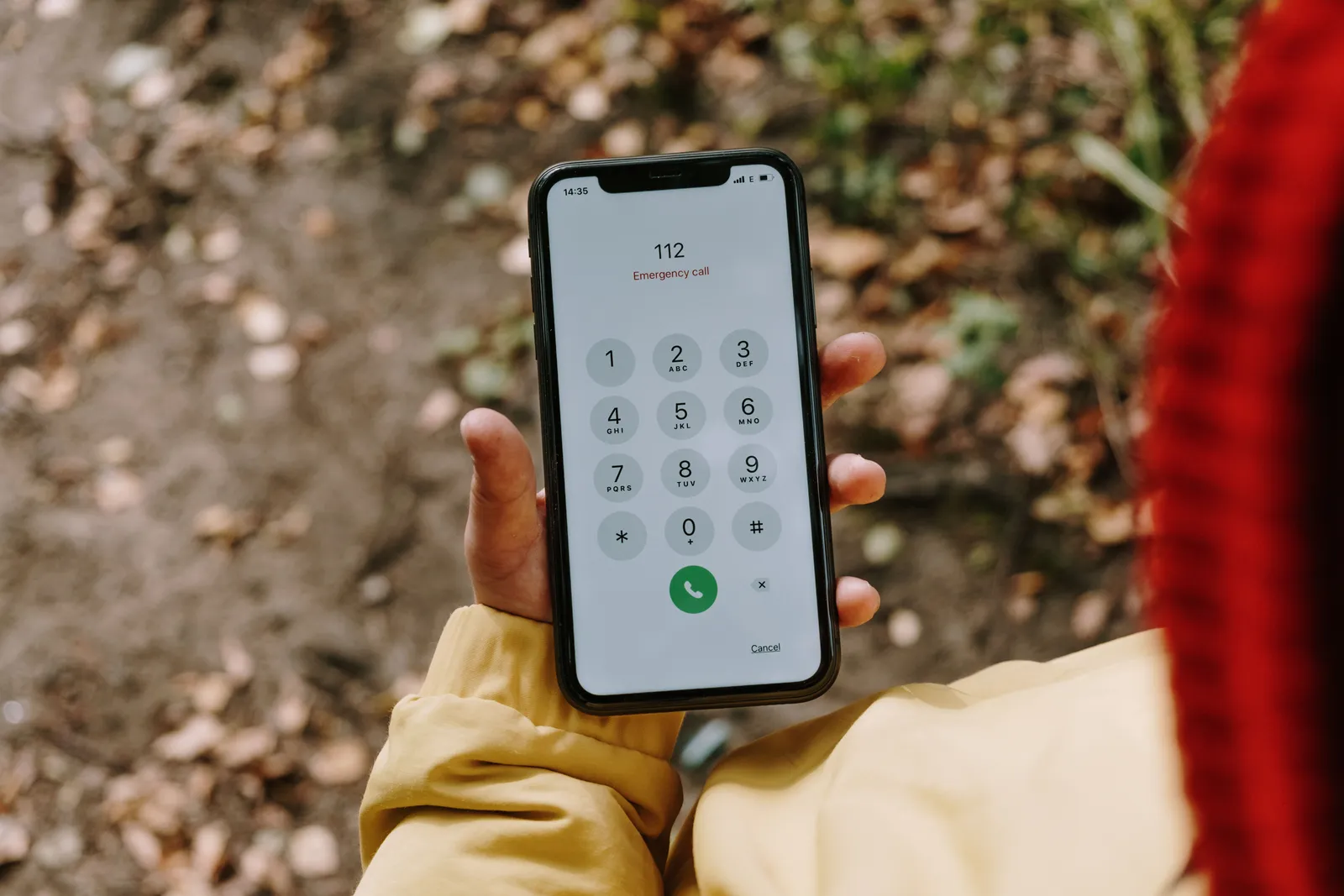
The core mechanic of this scam has stayed remarkably consistent for years: create fear, offer a fix, ask for access. What has changed is the scale, the sophistication, and the losses. It starts with an innocuous call or pop-up claiming your computer has a problem, but it ends in drained bank accounts and unrecovered funds.
If someone called you, or if a pop-up told you to call a number, and they asked you to install TeamViewer, AnyDesk, UltraViewer, or any other program that lets them control your computer, it is almost certainly a scam. No legitimate company will ever cold-call you and ask for remote access to your machine.
The simplest rule still holds: if you didn’t initiate the contact, don’t install the app. Urgency is the trap. Slowing down is the exit.
AI Disclaimer: This article was created with the assistance of AI tools and reviewed by a human editor.