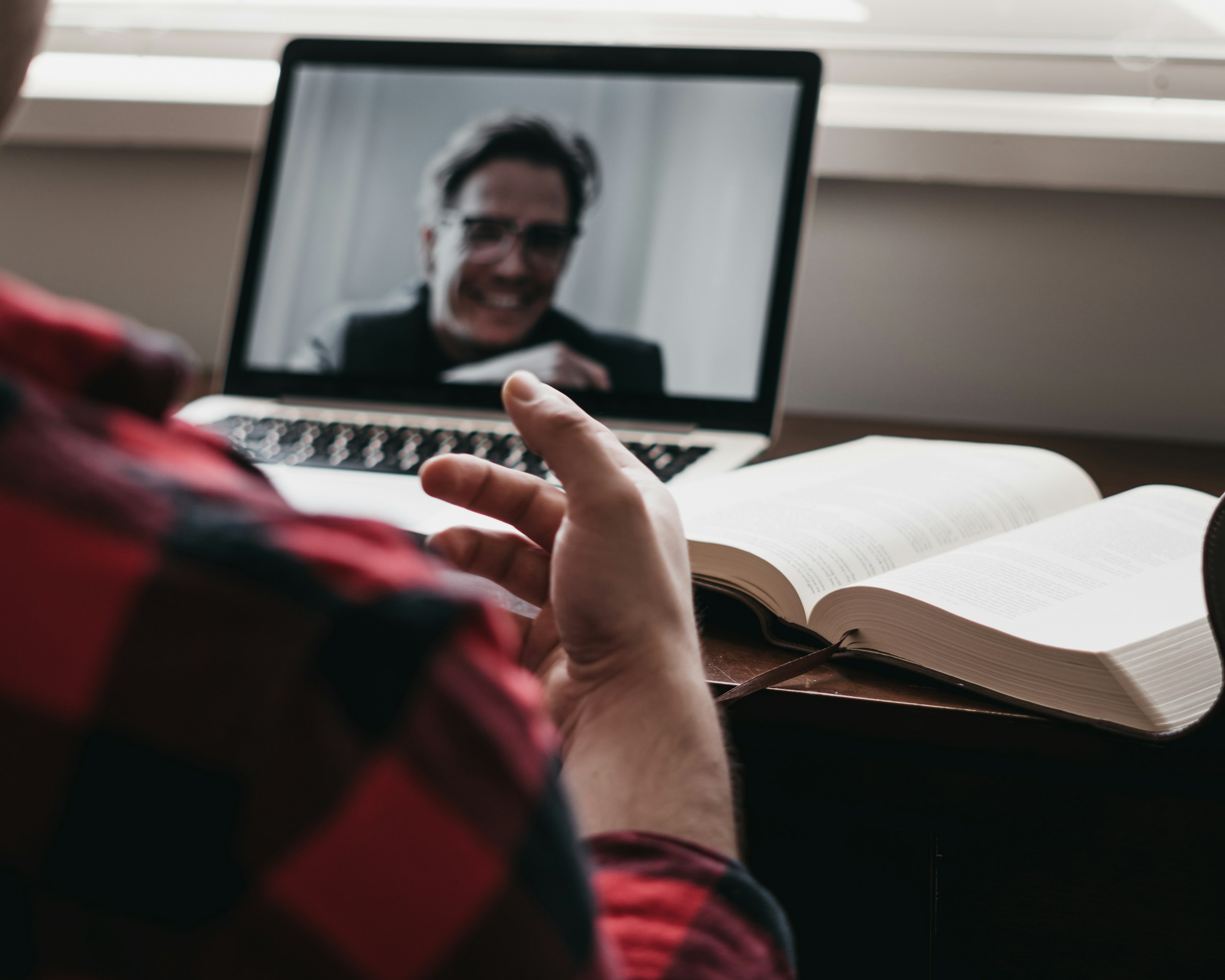

The Backlit Window: The Most Common Offender
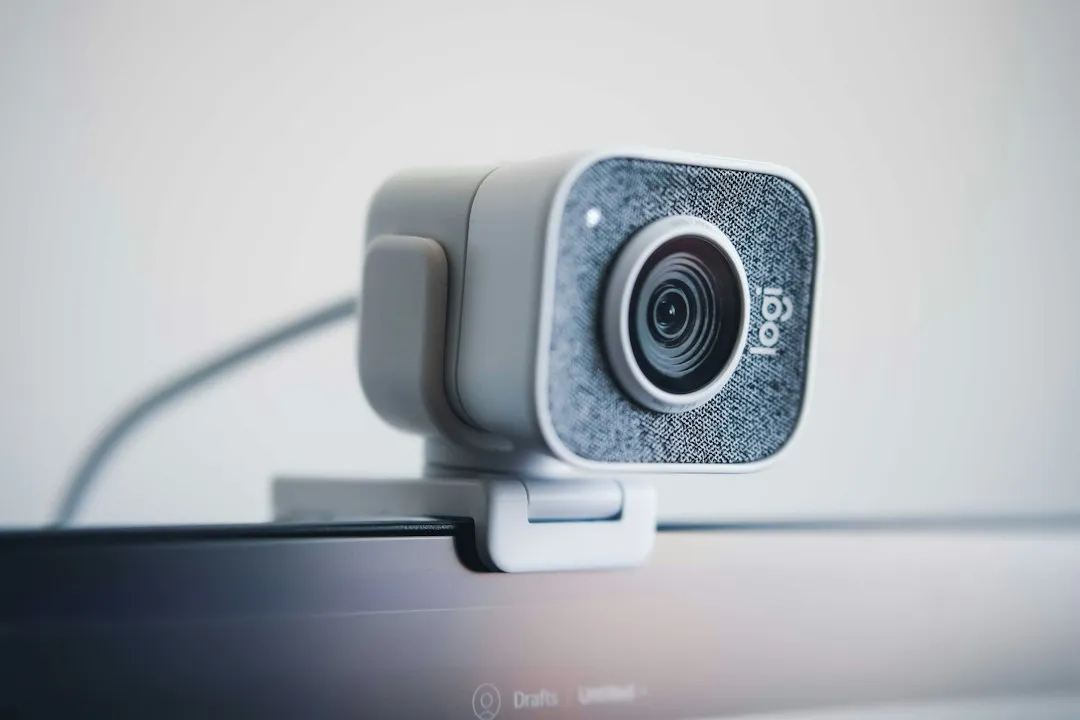
Sitting with a bright window directly behind you is the single most common video call lighting mistake. A bright window tells your webcam’s auto-exposure to compensate for all that brightness by darkening the entire image, turning you into a barely visible silhouette.
The fix is straightforward: turn your desk around or move your setup so the window is in front of you rather than behind you. Natural light is genuinely useful, but only when it’s falling on your face, not pouring in from behind your head.
The position of your light source plays a crucial role in how you appear on camera. Avoid backlighting, where the main light source is directly behind you, as this causes your face to appear dark and shadowy. Instead, position your main light source in front of you or at a 45-degree angle. This setup illuminates your face evenly, reducing harsh shadows and making you look more flattering on camera.
Overhead Lighting That Hollows Out Your Face
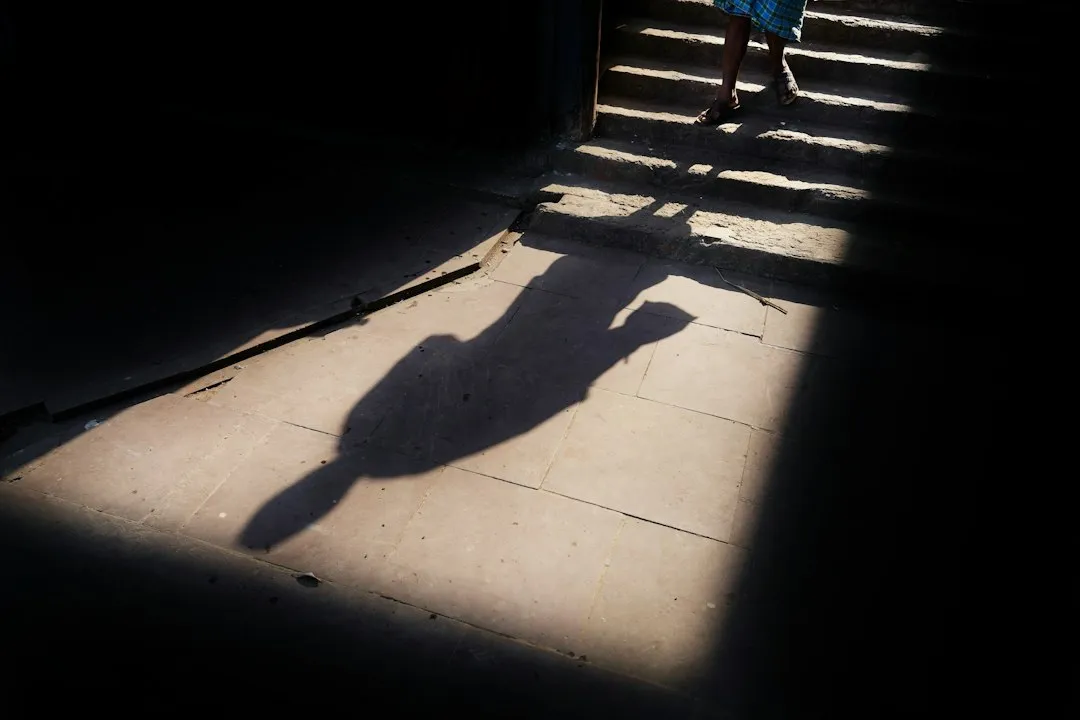
The most common indoor mistake is overhead lighting. A ceiling light directly above you casts shadows into your eye sockets and under your chin, turning a normal face into a vaguely unsettling silhouette.
Ceiling lights point straight down. When you sit under them, they cast shadows downward across your face that hollow out your eyes and emphasize unflattering angles. They are not useless, but they should never be your only light source for video calls.
The fix: your primary light should be in front of you, slightly above eye level, at roughly 45 degrees off to one side to cast flattering lowlights on your face. A simple desk lamp repositioned in front of you can solve most of this immediately.
Hard Light Sources Causing Harsh Shadows

Soft, spread-out light is far more flattering than a single point source. Hard bulbs cast hard shadows under your eyes, nose, and chin. This is why studio lighting setups almost always use diffused panels rather than bare bulbs.
Many users are constrained by their physical environment, which may lead to poor positioning of ambient lighting or lack thereof. It is also commonplace to encounter flares, scattering, and specular reflections that may come from windows or mirror-like surfaces.
Any light worth buying for video calls ships with a frosted panel, softbox cover, or ring shape. If you’re working with what you already have, aim a lamp at a white wall and let the bounce do the diffusion for you. Reflected light behaves like a much larger, softer source, and it costs nothing extra.
Mixed Color Temperatures Confusing Your Camera

Mixing a warm desk lamp with a cool LED panel and natural daylight from a window creates a color temperature mess that your webcam’s white balance cannot fully handle. The result is a face that looks simultaneously orange and blue in different spots.
For a natural feel, aim for a color temperature around 5600K, which mirrors the hue of daylight. Mixing sources that sit far apart on the color temperature scale forces your camera to pick one balance and get the rest wrong.
The practical fix is to decide on one dominant source and match anything you add to it. Consistency in color temperature is more important than brightness alone, and it’s one of the easier things to control without buying expensive gear.
Side Lighting That Splits Your Face in Two

When your primary light source is directly to your side, it illuminates one half of your face while leaving the other in shadow. This can be a dramatic effect but is often distracting in a professional context. The fix is to position your main light source more front-facing, or add a second, softer light on the opposite side to soften the shadows.
Side lighting can look compelling in photography but it reads as severe or poorly set up in a video call context. The person on the other end is trying to read your expression and body language. Half a face in shadow simply makes that harder.
A small secondary fill light, placed on the opposite side at lower intensity, smooths out the contrast without killing depth entirely. This is the basic principle behind the three-point lighting setup that film and television have used for decades.
No Dedicated Light at All
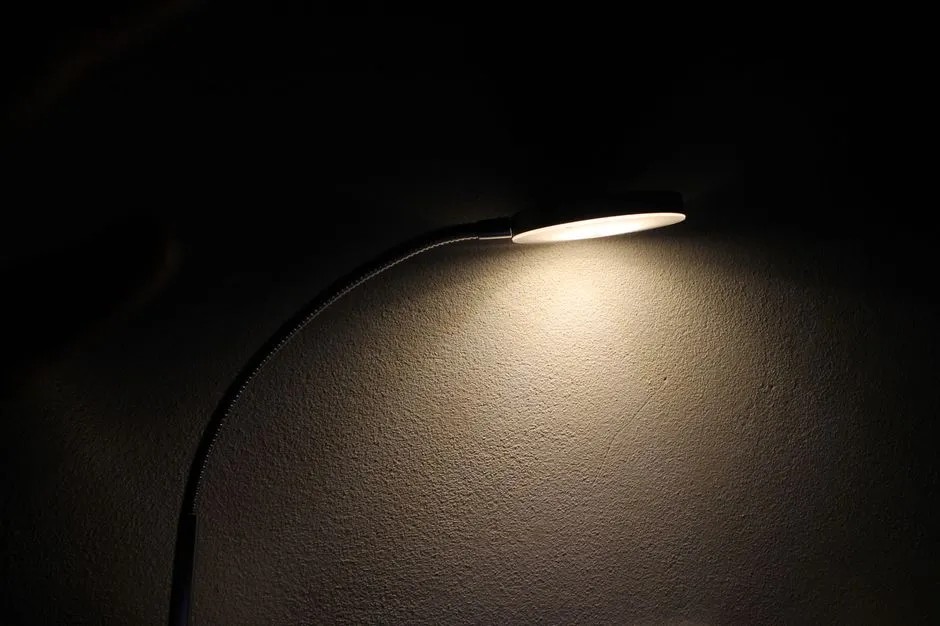
In the modern remote and hybrid workplace, your digital presence is your professional presence. Yet many professionals unknowingly sabotage their appearance with poor lighting, leading to unflattering shadows, a grainy image, or the dreaded silhouette effect against a bright window.
Problems can be compounded by poor-quality cameras that may introduce sensor noise. This leads to poor visual experience during video calls and can have a negative impact on downstream tasks such as denoising, super-resolution, segmentation, and face detection. In plain terms: bad light forces your camera to work harder, and the result is a noisier, grainier image.
A well-lit frame helps keep attendees focused on what you’re saying instead of being distracted by grainy visuals or harsh shadows. Good light reduces strain and fatigue, making calls more enjoyable and productive.
The Software Fix That Only Goes So Far
The current light correction solution in Microsoft Teams, called AutoAdjust, finds a global mapping of input to output colors which is updated sporadically. Since this mapping is global, it gives more importance to foreground colors, which may lead to improper exposure of or color shifts in the background.
Popular single-image portrait relighting methods estimate local correction in only the foreground and preserve the background through an implicit in-network layer. A possible side effect of local correction can be the reduction of local contrast, which often serves as a proxy to convey depth in 2D images, making people appear dull in some cases.
Software correction is improving, but it remains a workaround rather than a solution. Getting the physical light right in the first place means you’re not relying on algorithms to undo a problem that was never necessary to create.
How Bad Lighting Shapes the Impression You Make
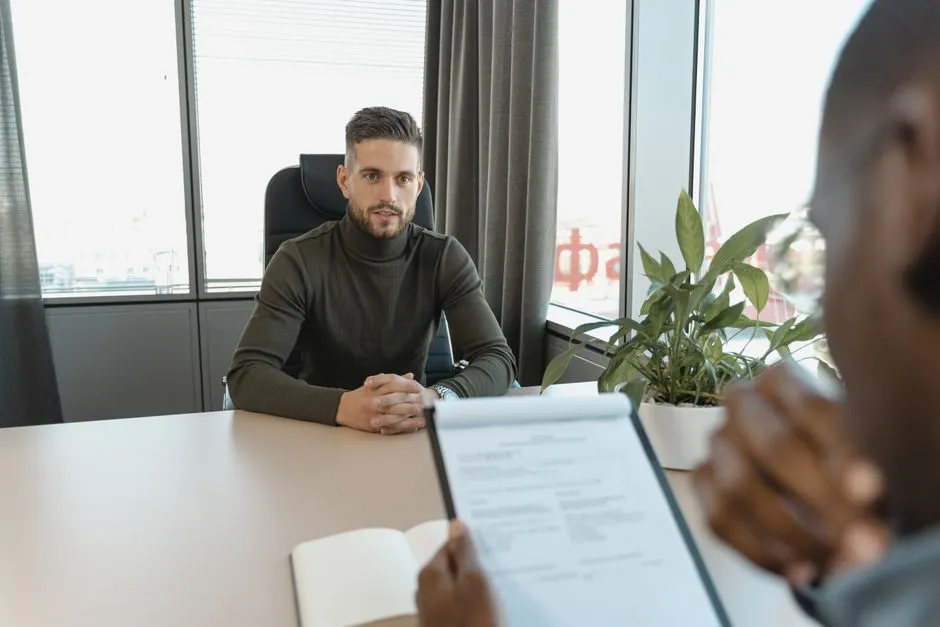
When you’re well-lit, you’re visible, and when you’re visible, you’re able to communicate effectively. A poorly lit video call can lead to miscommunication, distraction, and a less than professional impression.
Research on virtual impression formation has shown that in online job interviews, factors like the candidate’s background, lighting, and technical equipment all contribute to how evaluators form their impressions. Lighting is not a neutral variable. It actively shapes how competent and credible you appear.
The illumination you select has a significant influence on the perceived expertise and efficiency in a visual environment. A study commissioned by Zoom and carried out by Morning Consult revealed that keeping the camera on during meetings enhances effectiveness and confidence, which highlights the importance of appropriate illumination to present oneself clearly and professionally.
The Three-Point Setup: A Simple Professional Standard
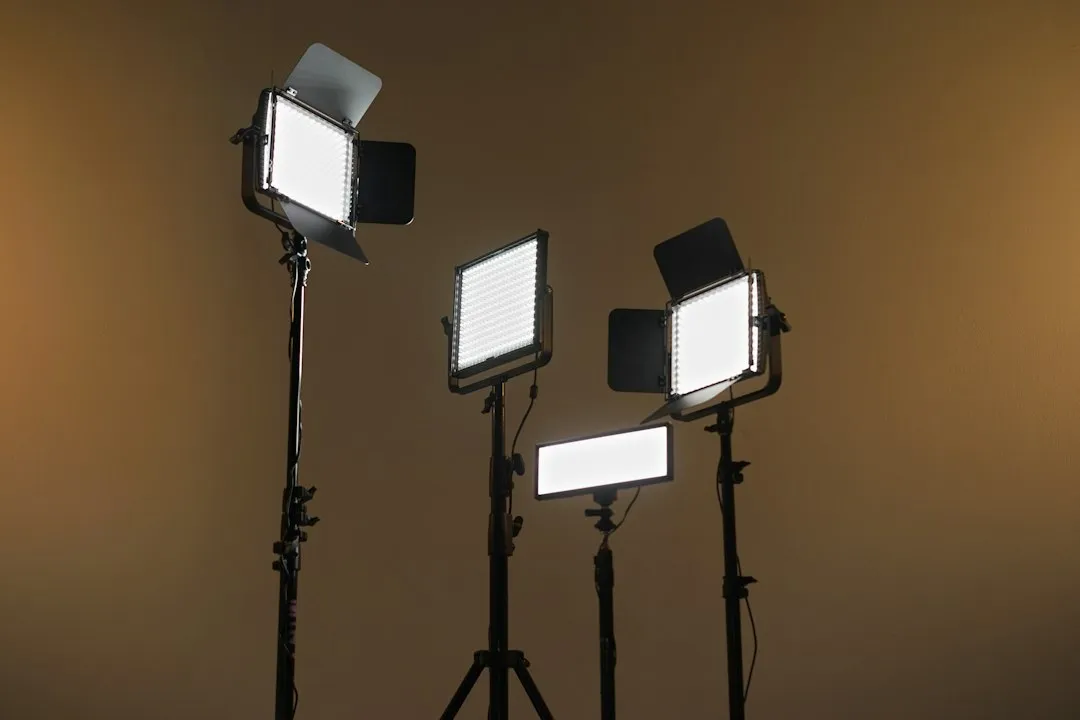
The gold standard for video lighting is the three-point setup borrowed from film and photography: a key light as your primary source, a fill light opposite it to soften the shadows the key creates, and a back light. It sounds technical, but the principle is simple enough to apply with household lamps.
Professional photographers often have sophisticated studio lights and reflectors to illuminate their subjects so that the true visual cues are expressed and captured. Similarly, tech-savvy users with modern desk setups employ a sophisticated combination of key and fill lights to give themselves control over their illumination and shadow characteristics.
You don’t need a studio. A bright lamp in front of you as the key, a secondary lamp or reflective surface on the other side as the fill, and a light or window behind you at low intensity as a back light gets you most of the way there. The difference on camera is genuinely noticeable.
Why Video Calls Aren’t Going Anywhere
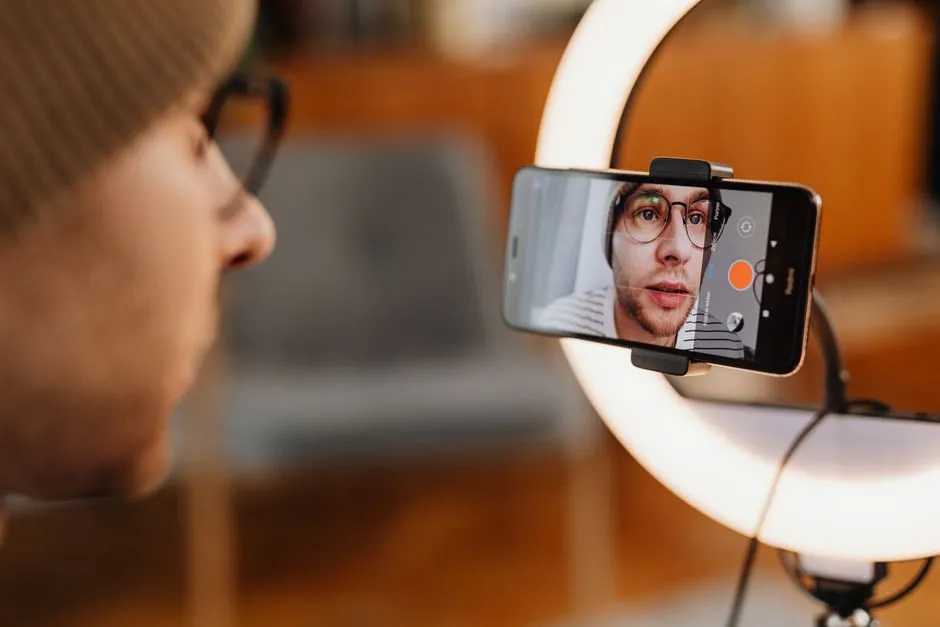
The average user now attends roughly five and a half video calls per week, up from fewer than four just two years ago. That’s a lot of screen time, and a lot of opportunities for lighting to either work in your favor or quietly undermine how you come across.
The global video conferencing market generated over fourteen billion dollars in revenue in 2024, with business platforms accounting for the majority of that total. The infrastructure around remote and hybrid work is not shrinking. If anything, the stakes around how you present yourself on camera are only increasing.
Good lighting accomplishes several key objectives: it allows your camera’s sensor to capture a clean, sharp image, making your facial expressions and non-verbal cues clearly visible. A well-lit appearance also conveys preparation and attention to detail, enhancing your professional authority.
Final Thoughts
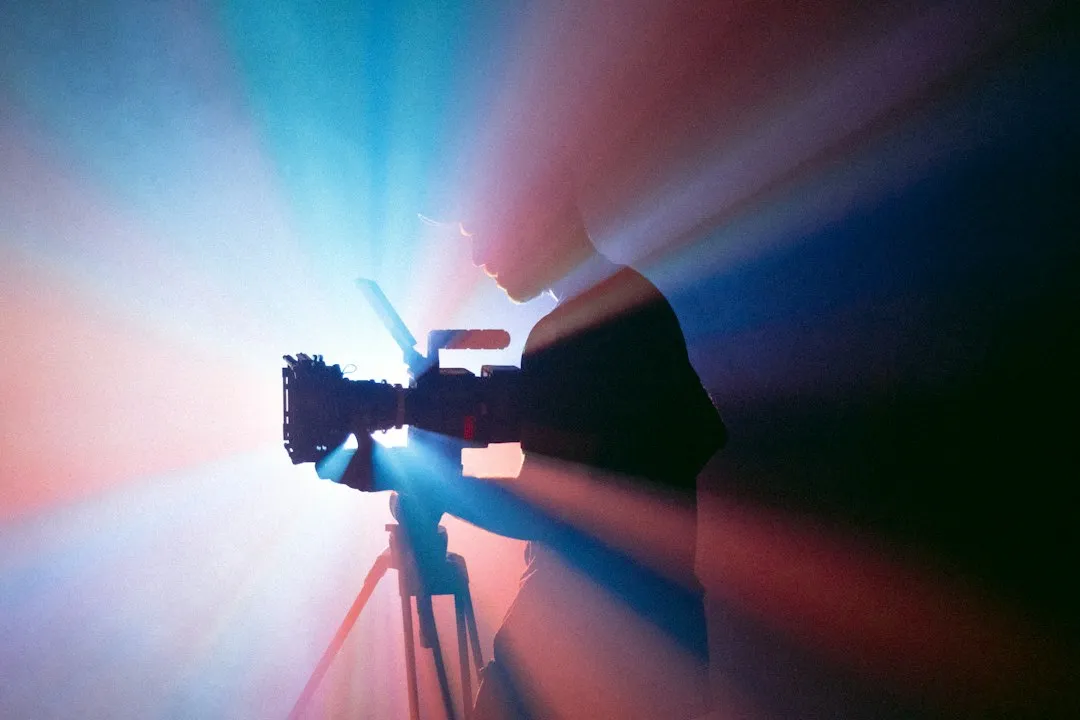
The irony of bad video call lighting is that it’s one of the easiest technical problems to fix, yet it consistently goes unaddressed. People upgrade their cameras, buy noise-canceling microphones, and invest in background blur software, while the actual culprit, the angle and quality of the light hitting their face, stays exactly where it was.
Most of the changes described here cost little or nothing. Moving a lamp, repositioning a desk, facing toward a window instead of away from one. The payoff in how you appear, and in how seriously you’re taken, is disproportionate to the effort involved.
Light is the first thing a camera sees. It shapes everything that follows. Getting it right is less about aesthetics and more about making sure the person on the other end can actually see you clearly enough to focus on what you’re saying.
AI Disclaimer: This article was created with the assistance of AI tools and reviewed by a human editor.