

The Scale of the Problem Is Bigger Than Most People Realize

Studies from 2025 and 2026 reveal that over four in five remote workers now experience some form of musculoskeletal discomfort, with forward head posture affecting nearly 83% of desk workers. These aren’t temporary aches that disappear over a weekend.
A UK-wide survey found that four in five desk workers who shifted to home-based work reported back, neck, or shoulder pain, with nearly a quarter saying the discomfort was almost constant. That’s not a minor inconvenience. That’s a public health pattern hiding in plain sight inside people’s spare bedrooms and kitchen offices.
The Global Burden of Disease study ranks low back pain as the single largest contributor to years lived with disability worldwide, affecting 619 million people in 2020, with around 22% of that burden attributed to occupational ergonomic factors.
Why Chair Height Is the Silent Culprit
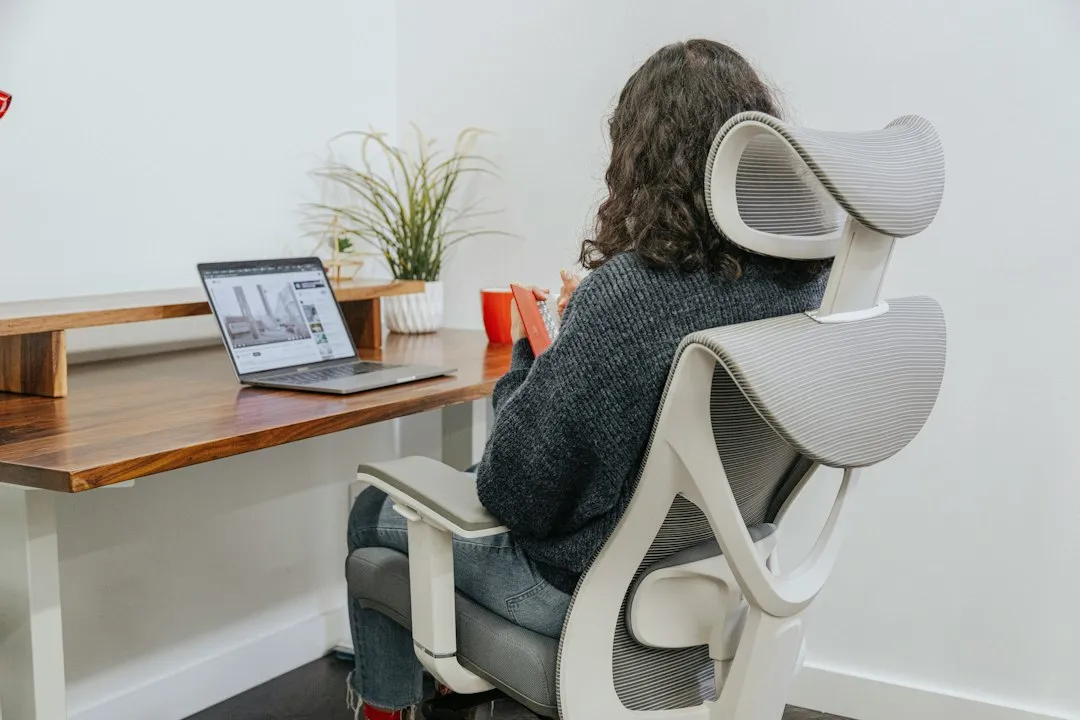
Chair height directly affects pelvic orientation, which in turn determines the curve of the spine. When the seat sits too low, the pelvis tends to tilt backward and flatten the lumbar region. That flattening removes the spine’s natural protective curve.
Too low a chair and your knees rise above your hips, which rotates the pelvis and puts pressure straight onto the lumbar discs, which is where a lot of lower back pain originates. Too high and you end up perching on the front of the seat, losing back support entirely.
Prolonged static sitting is a primary risk factor for musculoskeletal disorders. As detailed in the ISO 9241-5:2024 standard for workstation layout, improper posture leads to increased intradiscal pressure in the lumbar region and sustained contraction of the trapezius and levator scapulae muscles.
Incorrect Chair Height Was Among the Most Common Home Office Problems Found in Research
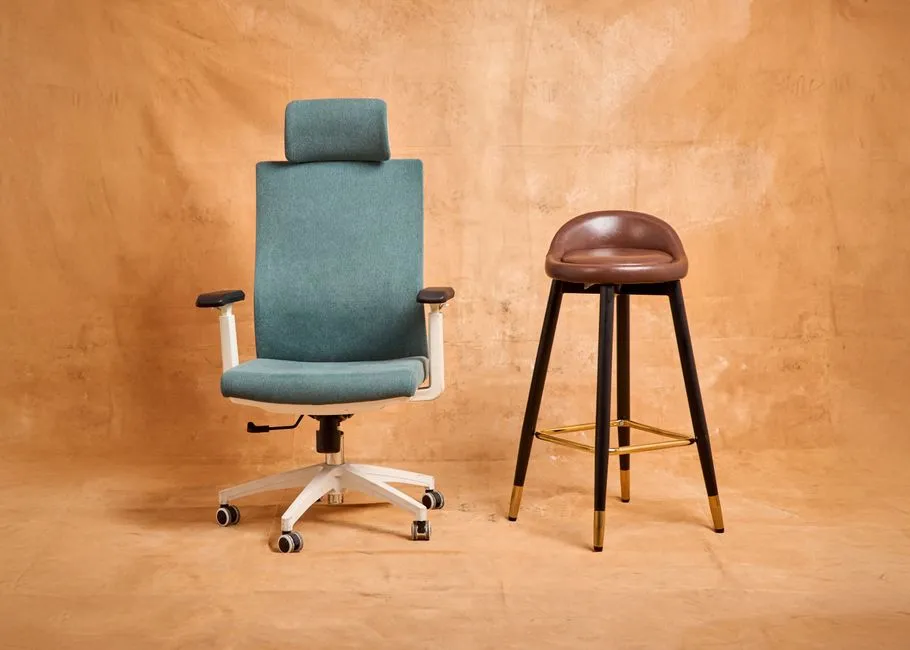
After the COVID-19 pandemic increased the remote office worker population, studies found that remote workspaces were often not ergonomic, with common issues including poor lighting, hard edges on work surfaces, and incorrect chair height.
Of 1,064 participating computer workers surveyed, 968 were working from home. Working from home compared to office-only work showed a trend of increasing pain, and longer remote working hours combined with poorer workstation setups also increased the risks for new neck or upper back pain. The study, conducted between September 2023 and April 2024, confirms the pattern is ongoing, not a relic of early pandemic improvisation.
In most of the studies reviewed in one narrative literature review, ergonomically inadequate workplaces emerged with clear associations to teleworkers’ musculoskeletal pain. Chair height ranked consistently among the correctable issues.
How to Actually Find Your Correct Chair Height

The correct office chair height is when your feet are flat on the floor, your knees are slightly below the level of your hips, and your elbows are bent at approximately 90 degrees and can rest comfortably on the arm pads. That combination creates alignment from the ground up.
The ideal seat height equals your popliteal height, measured from the floor to the back of your knee, plus one to two inches. That measurement is body-specific and far more reliable than any generic “medium” setting on a chair’s adjustment lever.
A quicker field check is to stand in front of the chair and adjust the height until the top of the seat sits just below your kneecap. From there, you fine-tune once seated, confirming your feet are flat and your knees drop slightly below hip level.
The 90-90-90 Rule and Why Research Has Refined It
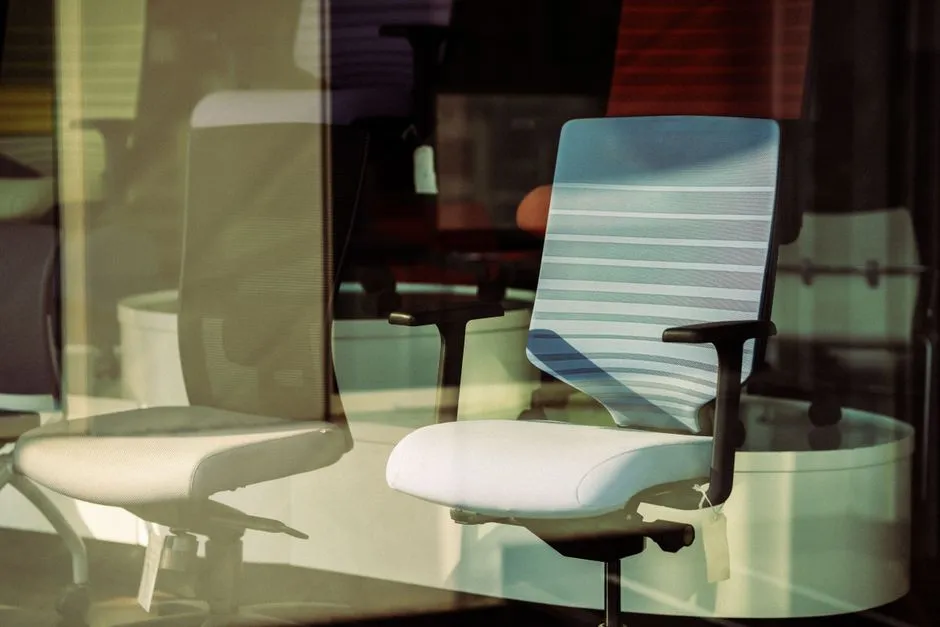
The 90-90-90 rule remains the gold standard for seated posture: hips at 90 degrees, knees at 90 degrees, and ankles at 90 degrees. However, 2026 research has refined this understanding. A Boyne Ergonomics forecast report emphasizes that these angles should be “dynamic targets” rather than rigid requirements, and that small variations throughout the day are actually beneficial.
Height positioning influences spinal posture, muscle engagement, circulation, and long-term comfort. When height is optimized, the body maintains a neutral seated position where joints stack naturally and muscle tension is distributed more evenly.
Rigid perfection, in other words, isn’t the goal. A well-calibrated starting point that you adjust slightly through the day is more protective than a locked position you never move from.
Your Chair Height Cannot Be Separated From Your Desk Height
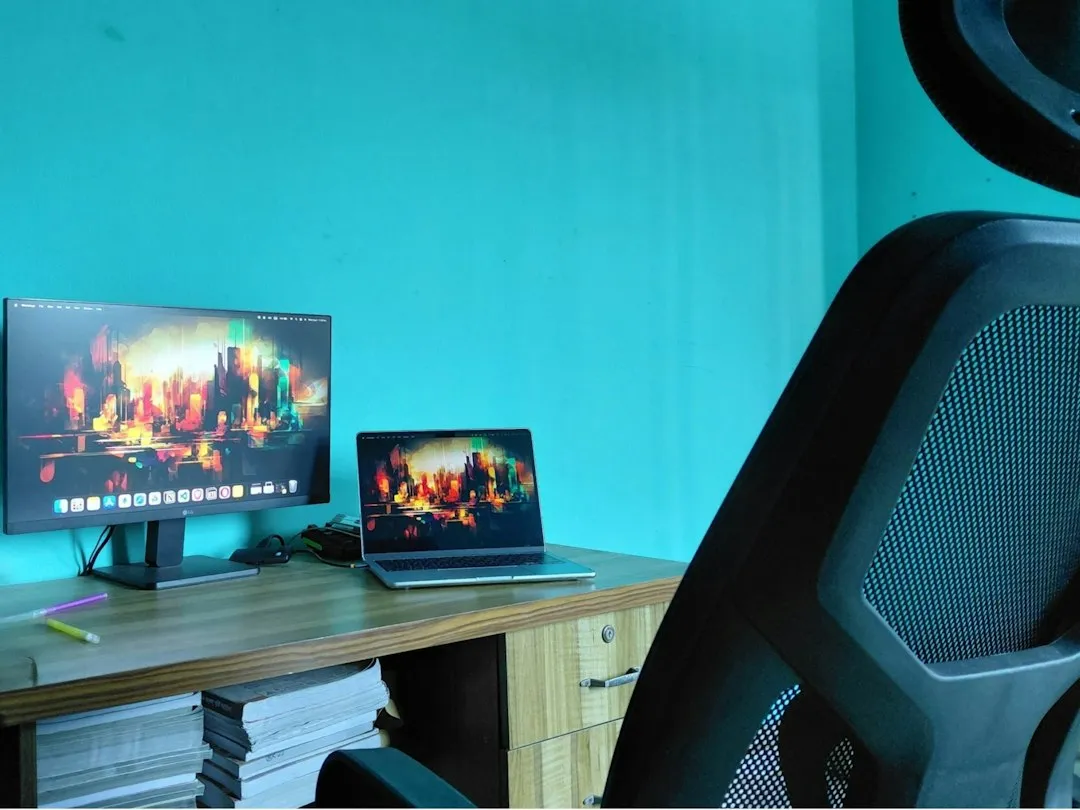
If your chair is adjusted to the correct height for your legs but your desk is too high, you will inevitably hunch your shoulders to type, negating the benefits of the chair’s backrest. The two have to work together or neither does much good.
Effective ergonomic design requires proper coordination between desk height, chair height, keyboard placement, and monitor positioning. Fixing one element in isolation is like aligning one wheel on a car and calling it balanced.
Once your chair has been correctly adjusted, raise or lower your desk so that the desk surface is level with the top of the armrests. That sequence matters. Chair first, desk second, monitor last.
What Happens to Your Body When Chair Height Is Wrong Over Time
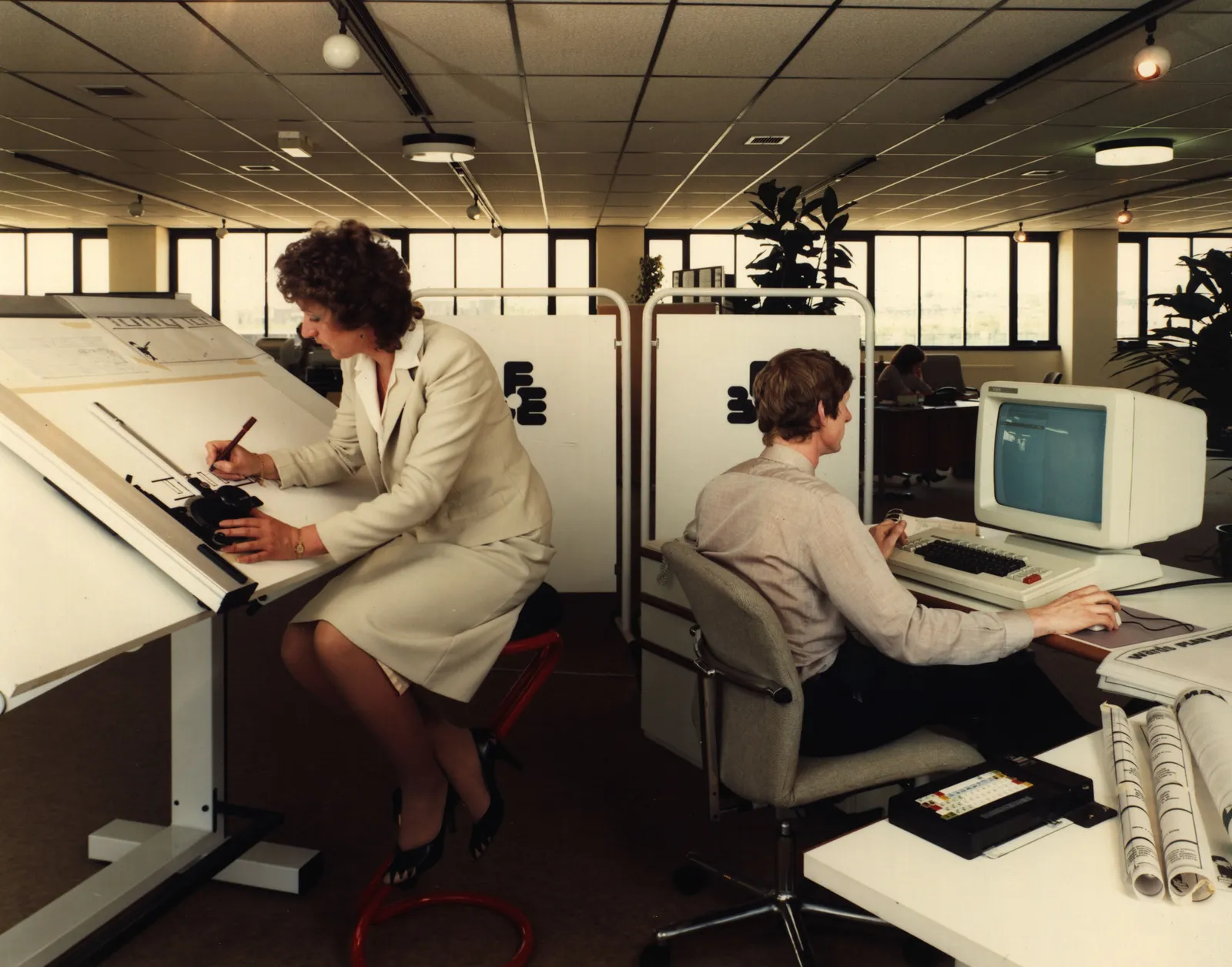
Musculoskeletal pain is linked to inadequately ergonomically designed equipment, including desks and chairs, commonly used in home offices not designed for extended work hours. Over time, the structural loads accumulate into recognizable patterns of injury.
A 2025 study published in the Journal of Physical Therapy Science found that more than four in five office workers exhibit forward head posture, with remote workers showing 15% higher prevalence. This condition, where the head juts forward relative to the shoulders, places enormous stress on the cervical spine, with each inch of forward displacement adding approximately 10 pounds of force on neck muscles.
Poor ergonomics can lead to serious health problems over time, including musculoskeletal disorders that affect the neck, back, and wrists. Many of those disorders trace back to a chair that was simply set at the wrong height from the start.
Remote Workers Move Far Less Than They Think

A 2025 accelerometer study found home-based desk workers took about 1,257 steps during the working day, compared to roughly 2,800 in the office, and were sedentary about 27 minutes longer. They changed position slightly more often, but travelled far less.
Less movement means the body stays loaded in whatever position the chair height enforces for longer. A badly set chair in an office, where you’d get up for meetings or walk to a colleague’s desk, is one thing. The same badly set chair at home, where you might not leave the room for hours, compounds the damage faster.
According to a 2024 study, poor workstation ergonomics are directly linked to musculoskeletal disorders, including chronic back and neck pain. Reduced daily movement makes that link even more direct.
The Monitor Connection Most People Miss

Even if desk height is adjusted correctly, a monitor that sits too low can still contribute to poor posture and discomfort. Chair height sets up the rest of the chain, but it doesn’t complete it.
Position your monitor so that your eye level is aligned with the top third of the screen. You should be able to look at the center of the screen with a slight downward gaze of around 15 to 20 degrees. That angle keeps the cervical spine in a relatively neutral position.
Ergonomic guidelines generally recommend positioning the top of the screen at or slightly below eye level. When your chair is set too low, your monitor effectively rises relative to your eyes, pulling your gaze upward and straining the neck. The chair height error travels all the way up the spine.
The Footrest Is Not Optional for Shorter Workers
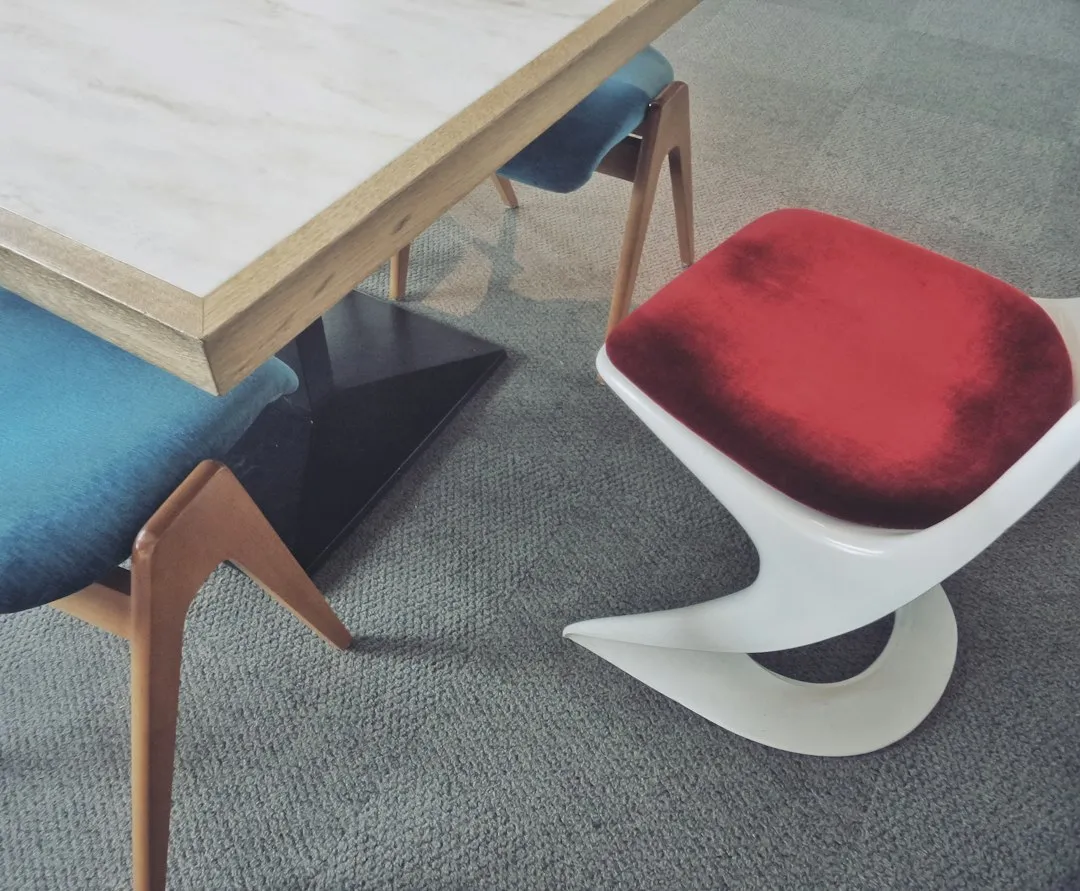
Adjust the height of the chair so that your feet rest flat on the floor, or use a footrest so your thighs are parallel to the floor. The Mayo Clinic makes this recommendation plainly, yet footrests remain one of the most overlooked ergonomic accessories in home offices.
For standing or adjustable desks, if your feet do not reach the floor at your ideal seat height, add a footrest rather than dropping the seat. Dropping the seat to reach the floor often means trading foot support for thigh pressure and a flattened lumbar curve.
Letting your feet dangle is damaging because foot positioning is crucial for good posture. Keeping your feet flat on the ground, or using an ergonomic footrest, encourages better posture and reduces pressure on the lower back. A footrest can cost very little and solve a problem that no expensive chair upgrade can fix on its own.
A Simple Checklist to Reset Your Setup Today
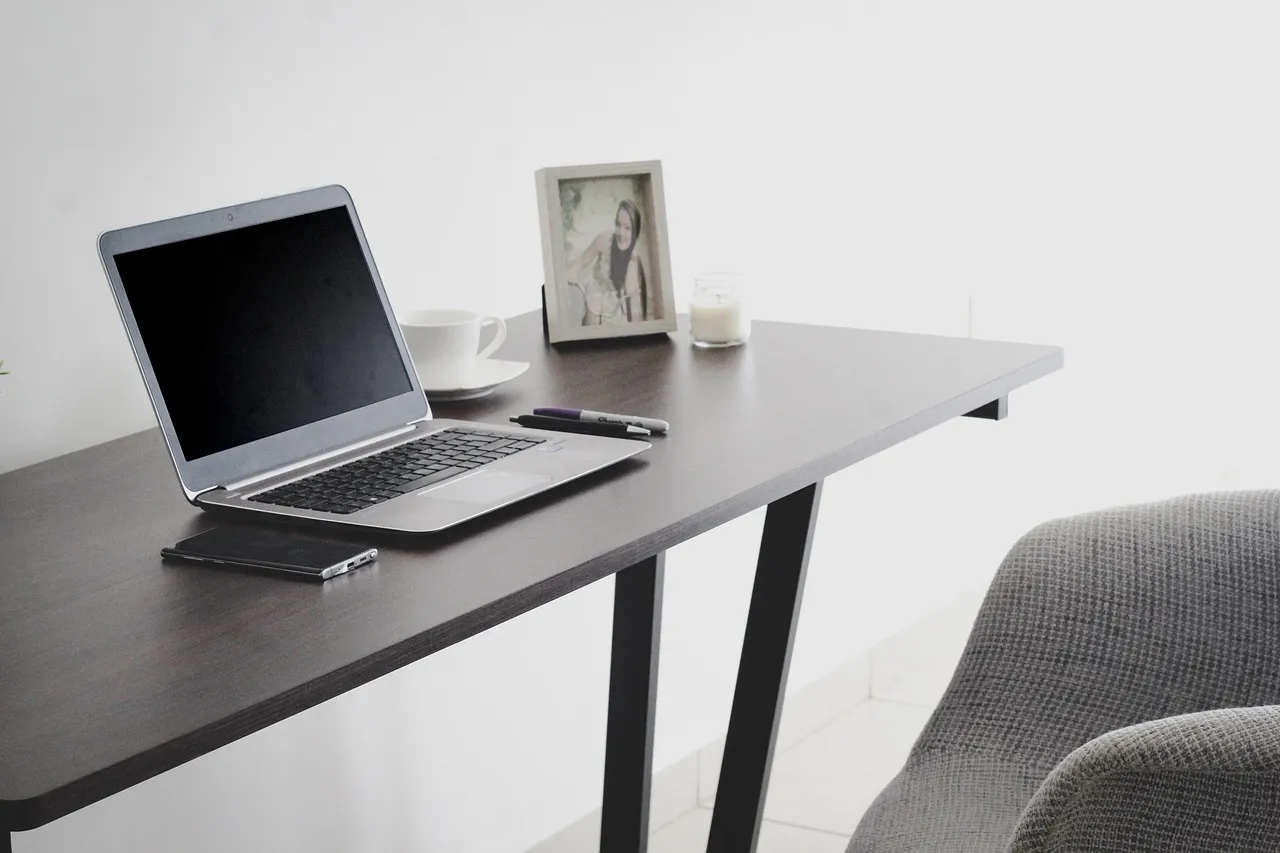
The most effective method for workstation setup is to adjust your chair relative to the floor, not the desk. Sit as far back in the chair as possible so your spine is supported by the backrest. From there, raise or lower the seat until your feet rest flat and your knees drop just below your hips.
According to the BIFMA G1-2013 Ergonomics Guideline, a properly fitted chair should allow for approximately 2 to 3 inches of clearance between the front of the seat and the back of the user’s knees. That clearance ensures no compression on the blood vessels behind the knee.
The objective of an ergonomic intervention is to achieve a spinal neutral position, which involves maintaining the natural S-curve of the spine, where the lumbar region is supported, the shoulders are relaxed, and the head is balanced over the torso. That neutral position is reachable by almost anyone with an adjustable chair. It just requires a deliberate five minutes, not a new piece of furniture.
The Takeaway
Chair height is not a setup detail. It’s a structural decision that shapes every hour you spend at your desk. The numbers from 2024 to 2026 are consistent and worth taking seriously: the majority of remote workers are in discomfort, and much of that discomfort connects directly to workstation setup failures that are entirely fixable.
The good news is that unlike many chronic health risks, this one has a practical and low-cost solution. A proper height adjustment takes minutes and costs nothing. The back pain it prevents could otherwise take months of physical therapy to undo.
Take the five minutes. Measure, adjust, and check again. Your spine is doing quiet, unglamorous work every day to keep you upright. The least you can do is give it the geometry it needs.
AI Disclaimer: This article was created with the assistance of AI tools and reviewed by a human editor.