

Every day, hundreds of millions of people tap “Allow” on their phones without reading a single word of what they’ve just agreed to. It happens fast, almost reflexively, like clicking through a traffic light. The prompt appears, the finger moves, and the app gets what it wants.
This pattern is not accidental. App designers know how people behave, and permission screens are built for speed, not deliberation. The question worth asking is what exactly gets handed over in those two thoughtless seconds.
The Scale of the Problem: Billions of Decisions Made on Autopilot

App statistics in 2025 indicate that nearly nine million mobile apps are available worldwide. Each one can request permissions, and the sheer number of those requests has made ignoring them a kind of survival strategy. According to a May 2023 survey of internet users in the United States, more than half of respondents reported that they always or almost always accepted online privacy policies without reading them.
Like with terms and conditions, many people skim the app’s permission requests and agree to everything the app asks for. Some apps have questionable privacy practices, so this becomes a security and privacy-threatening choice. The math simply doesn’t work in the user’s favor when you’re asked to process legal implications in under three seconds.
What “Dangerous Permissions” Actually Means

Since Android 6.0, permissions fall into two categories: normal permissions, such as internet access, which are granted silently at install time with no user prompt, and dangerous permissions, such as location, microphone, or contacts, which must be explicitly approved by the user at runtime.
The dangerous permissions – which include camera, location, contacts, calendar, microphone, phone, and storage – are the ones requiring your attention. The label “dangerous” is not alarmist. It’s the official classification used by Google to signal that these permissions can genuinely compromise your privacy if misused. Normal permissions are for low-risk actions, like accessing the internet or changing your device’s volume, and the system grants them automatically without prompting you.
Location Permission: The One Everyone Approves
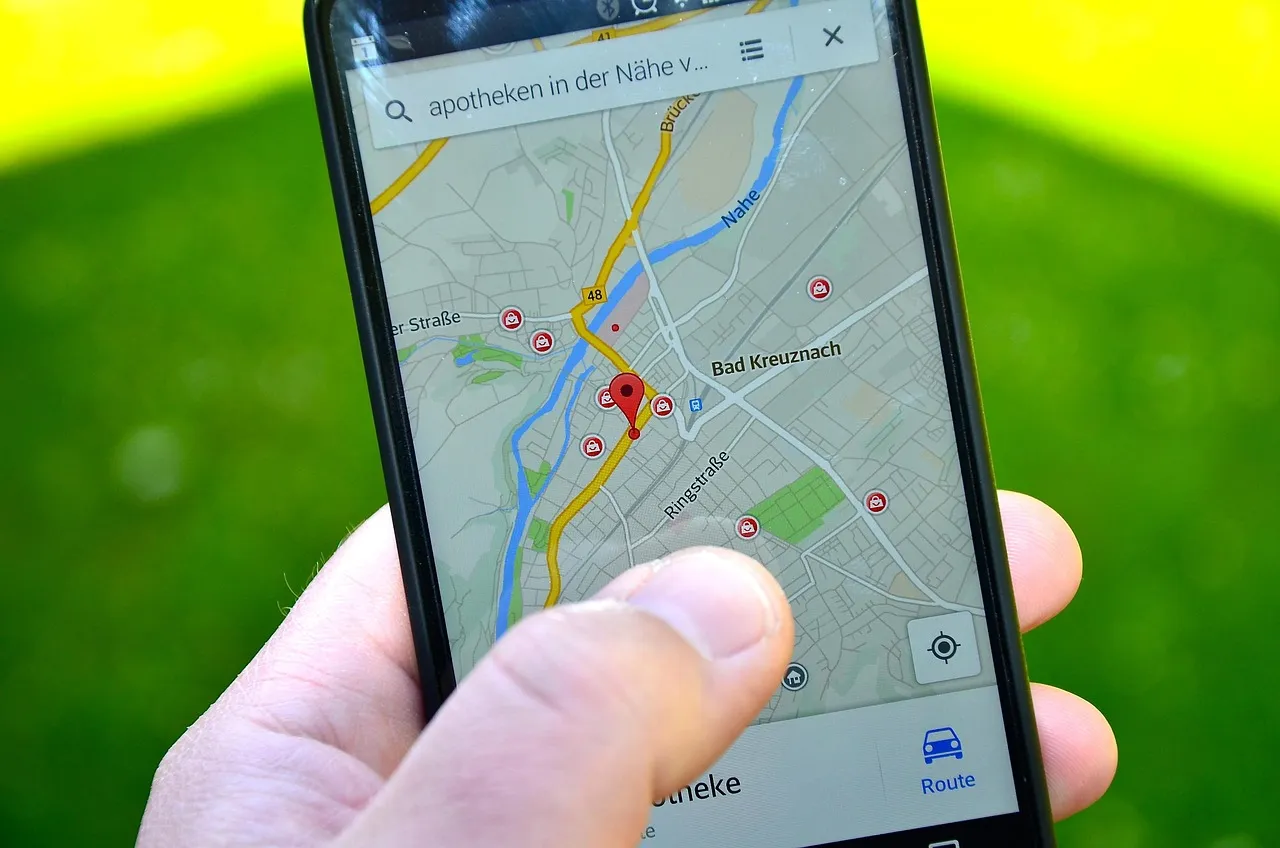
Location permission stands apart from many other permissions because it bridges the digital and physical worlds. It does not just expose data – it exposes people’s movements, routines, and real-world presence.
Location is a very powerful piece of data, and when granted to malicious apps, this permission can reveal your home address, where your kids go to school, daily habits, and routes. All this information can be sold to third parties, abused to steal your identity, and used to plan criminal acts. Yet most users grant it without hesitation because the prompt typically appears the first time they open a map or food delivery app – a moment when the logic of granting access feels perfectly reasonable.
Location and camera permissions are among the most abused. When granted persistently rather than only during active use, they enable continuous surveillance without any visible indicator to the user. That little detail, “always” versus “only while using,” is one of the most consequential choices on a smartphone, and most people never notice it.
How Many Apps Are Asking for Too Much
According to a CyberNews analysis of the top 50 apps in Google Play, Android apps require an average of 11 dangerous permissions listed in their manifests, with communication and shopping apps being the most data hungry.
NowSecure’s assessments of more than 378,000 Android apps found that roughly three in five requested one or more dangerous permissions. On iOS, nearly 31,000 apps out of 335,000 assessments used dangerous entitlements. Across both platforms, more than a third of all assessments found risky permissions.
According to Apple’s 2025 App Store transparency data, over 40% of apps request more permissions than their core function requires. That’s a significant share of the apps sitting on your phone right now.
The Specific Categories That Ask the Most
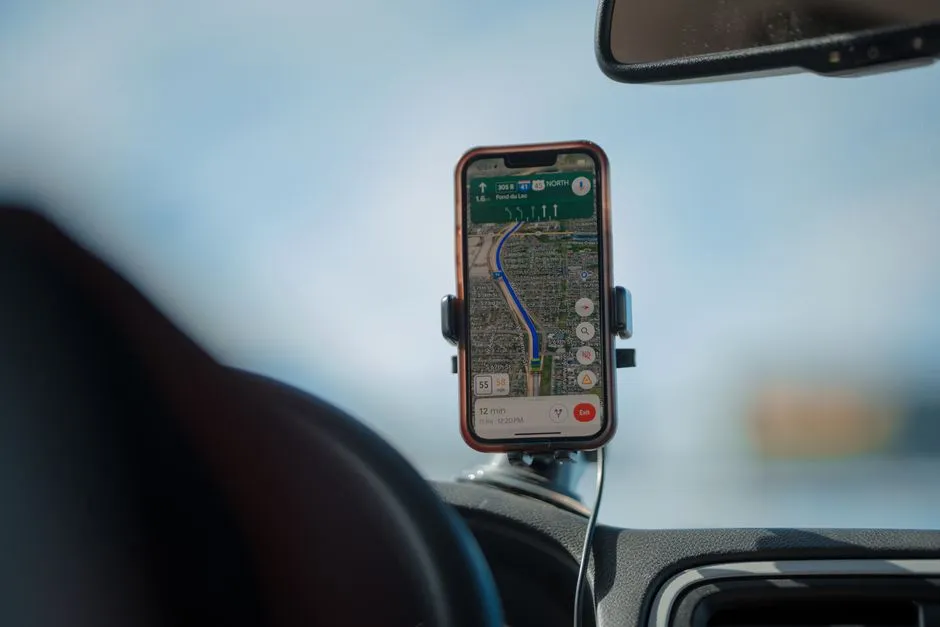
Apps from the communication, lifestyle, and maps and navigation categories had the highest percentages of unique dangerous permission requests compared to apps in other categories. These are also the categories most people use every single day, which is part of why the exposure is so widespread.
All communication apps access cameras and files – most record audio, track location data, read contacts and phone state, and get accounts. The breadth of access a single messaging app holds over your device is genuinely striking when you lay it out plainly. Analysis of 50 popular apps found that fully four out of five requested permissions beyond those required for their primary functionality, with location access being the most prevalent unnecessary request.
Malicious Apps Are Getting Smarter About It

Benign apps are increasingly requesting more permissions across all rating levels, while malicious apps are trending toward fewer permissions – likely to reduce detection. This is a meaningful shift. The old assumption that a suspicious app would be obvious because it asked for everything no longer holds.
Malicious apps regularly bypass review by requesting benign-sounding permissions at submission, then enabling dangerous functionality through post-approval updates. Sideloading on Android dramatically worsens this problem, removing store protections entirely. By the time an app has been updated to do something harmful, the user has already granted the access it needs.
What Happens When the Wrong App Gets Access

By approving permissions without taking time to think, you might enable malicious developers to access sensitive smartphone data including calendar, messaging apps, SMS, files, storage, contacts, call logs, location, microphone, and camera. They could theoretically even read your screen as you type, and with this access could harvest passwords to your most sensitive accounts.
A GoodFirms survey identified the top data-security threats arising purely from granting app permissions, with data leakage cited by nearly all respondents, followed by malware attacks, insecure authentication, insecure data storage, and phishing attacks. These aren’t theoretical risks. They reflect patterns security researchers observe regularly across compromised devices.
Between half and three-fifths of iOS apps across all categories are vulnerable to leaking personally identifiable information, often due to inadequate permission controls. This finding shows that no mobile ecosystem is immune.
The Psychology Behind Reflexive Tapping

Research from 2024 and 2025 reveals that users frequently grant access reflexively, especially when prompts are contextually tied to ongoing tasks. When you’ve just opened a navigation app and it asks for location access, the request feels logical and the answer feels obvious. That context is exactly what makes users lower their guard.
Interestingly, nearly three quarters of business survey participants said it bothers them when mobile apps ask for data-collection permissions, yet the remaining quarter are entirely comfortable with those requests. Feeling bothered and actually pausing to read the fine print are two different things entirely.
What the Platforms Are Doing About It

Apps requesting fewer than five permissions see significantly higher install rates, and Google’s policy of removing apps with unnecessary permission requests has resulted in over 1,400 removals per month in 2024. Platform-level enforcement is real, but it doesn’t eliminate the problem – it shapes around it.
In 2024 and 2025, mobile operating systems introduced stronger privacy controls. Both Android and iOS platforms now offer clearer permission management tools, allowing users to see exactly which apps access certain features, and users can review which apps accessed specific data within the past 24 hours. These are genuine improvements, though some apps continue to rely on background data collection for analytics and advertising despite these safeguards.
What You Can Actually Do Right Now
Permissions for the camera, microphone, location, contacts, and files should be granted cautiously because they can allow apps to record, track, or collect personal information, sometimes without your awareness. The practical fix is simpler than most people realize: choose “only while using” instead of “always” for any permission tied to location, and deny access entirely when you can’t see why the app needs it.
Users can revoke dangerous permissions from any app at any time, if they know how to do it. Most people don’t realize this is an option, or they assume revoking a permission will break the app. Usually it doesn’t. You can always grant permissions later if you need a specific feature. Starting from a position of denial costs you almost nothing and gains you considerable control.
Maintaining good app hygiene through regular updates, permission reviews, and informed decisions can significantly reduce the likelihood of privacy violations or security breaches. Checking your permission settings every few months takes about five minutes and is one of the more underrated privacy habits a person can build.
The Takeaway

The most dangerous app permission isn’t the one that sounds alarming. It’s the one that sounds perfectly reasonable at exactly the right moment, when you’re focused on using an app and not on what you’re giving away to use it. Location access granted “always” to an app you opened once is still running quietly in the background right now.
The fix isn’t paranoia. It’s a slower finger and a habit of asking one simple question before tapping: does this app actually need this to do what I opened it for? More often than you’d expect, the honest answer is no.
AI Disclaimer: This article was created with the assistance of AI tools and reviewed by a human editor.